SEATS
Seats are a part of the Occupant Restraint system of the vehicle.
MANUAL ADJUSTMENT (FRONT SEATS) — IF EQUIPPED
Manual Front Seat Forward/Rearward Adjustment
Some models may be equipped with a manual front passenger seat. The seat can be adjusted forward or rearward by using a bar located by the front of the seat cushion, near the floor.
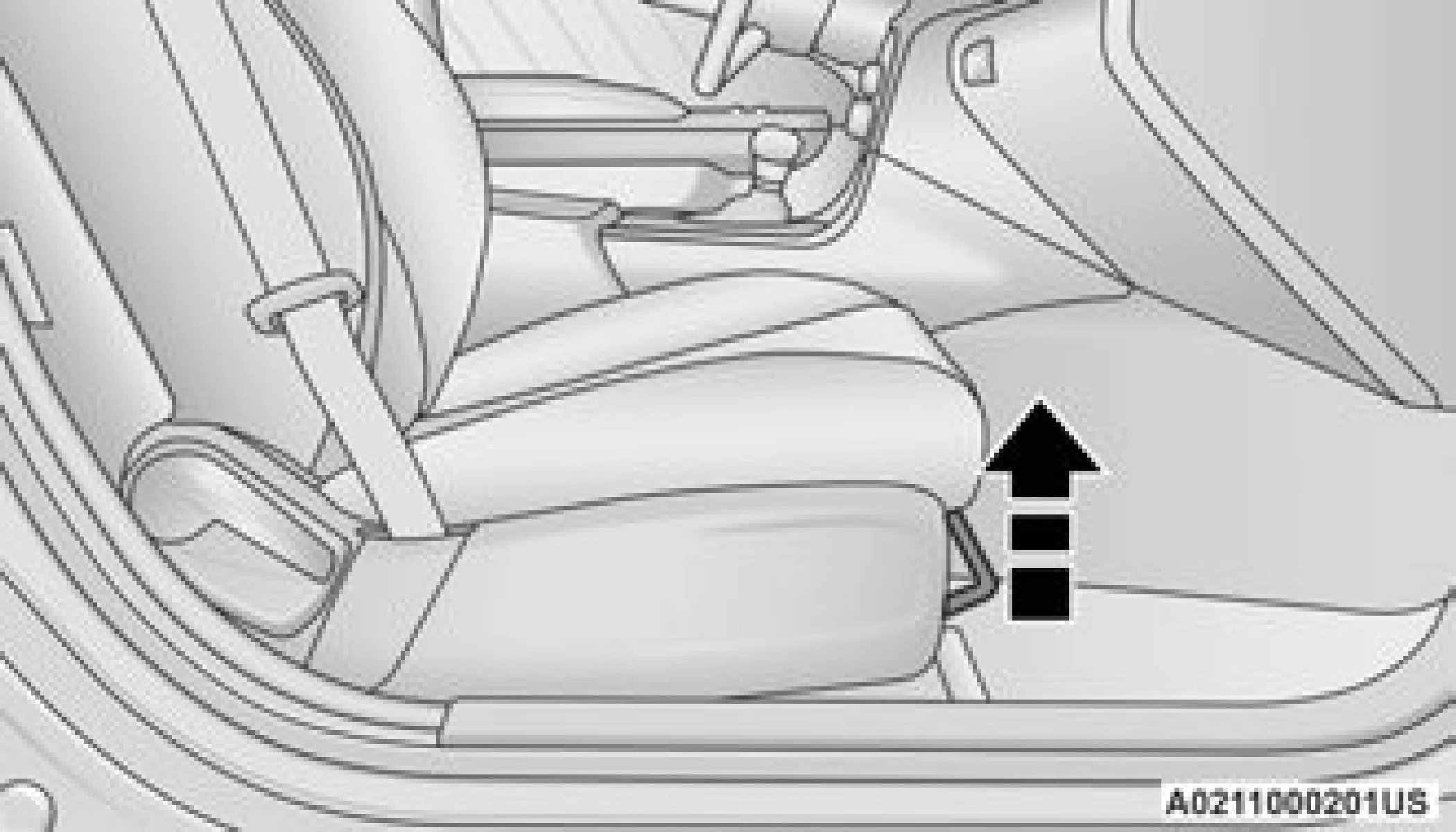
Manual Seat Adjusting Bar
While sitting in the seat, lift up on the bar located under the seat cushion and move the seat forward or rearward. Release the bar once you have reached the desired position. Then, using body pressure, move forward and rearward on the seat to be sure that the seat adjusters have latched.
Manual Front Seat Recline
To adjust the seatback, lift the lever located on the outboard side of the seat, lean back to the desired position and release the lever. To return the seatback, lift the lever, lean forward and release the lever.
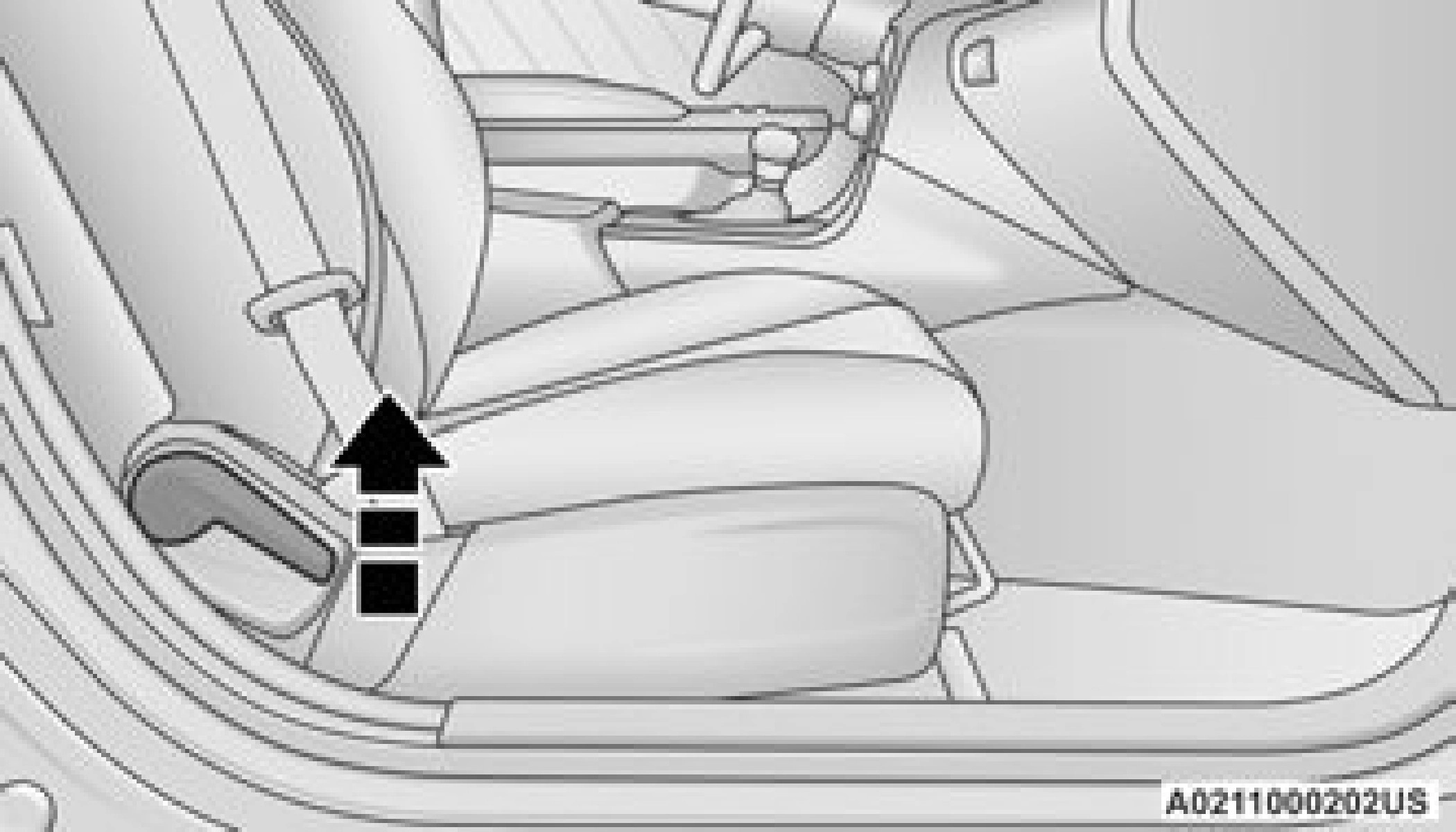 Manual Recline Lever
Folding Rear Seat
MANUAL ADJUSTMENT (REAR SEATS)
Folding Rear Seat
The rear seatbacks can be folded forward to provide an additional storage area. To fold the rear seatback, pull on the loops located on the upper seatback.
NOTE:
These loops can be tucked away when not in use.
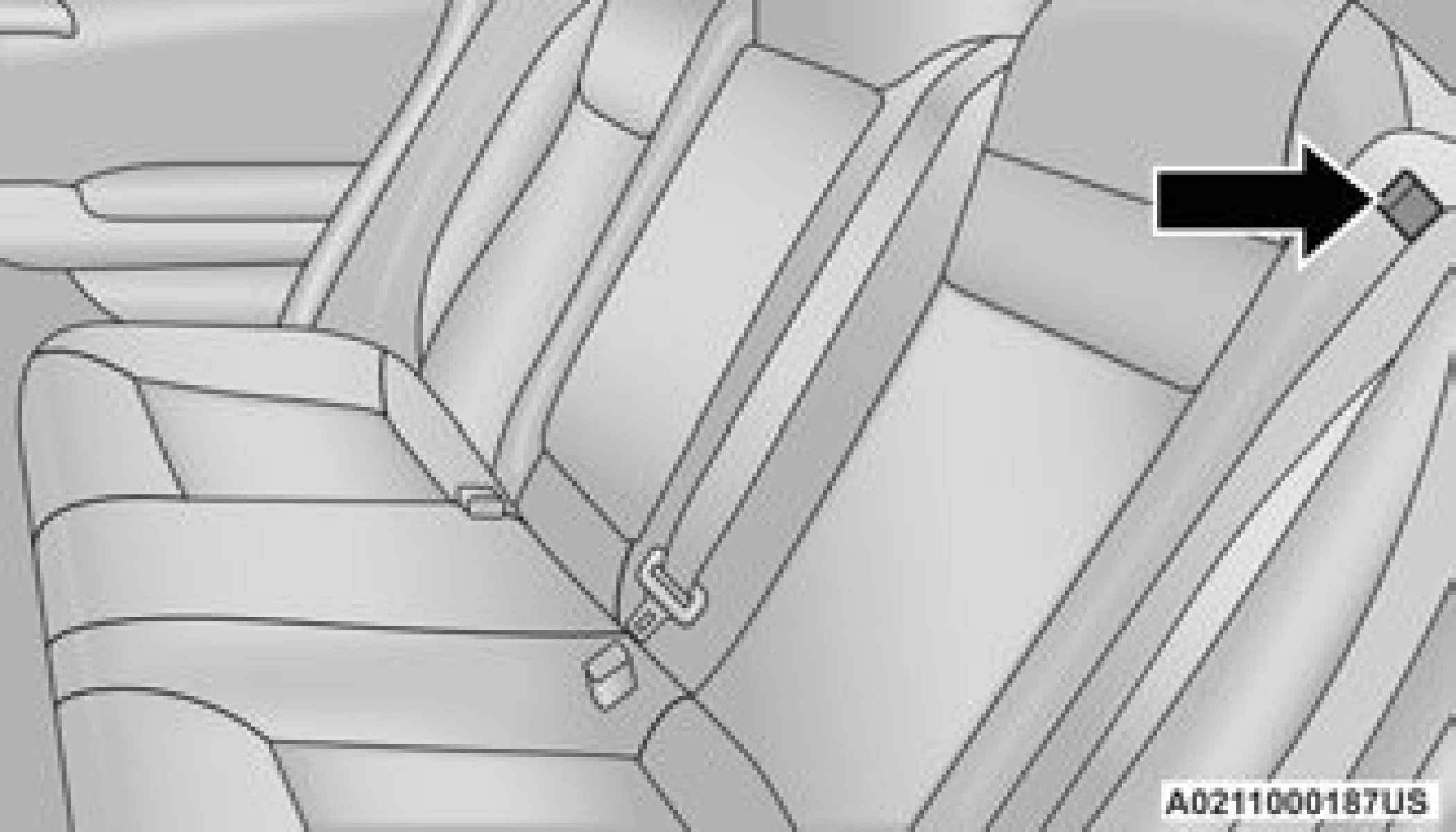
Folded Rear Seatback
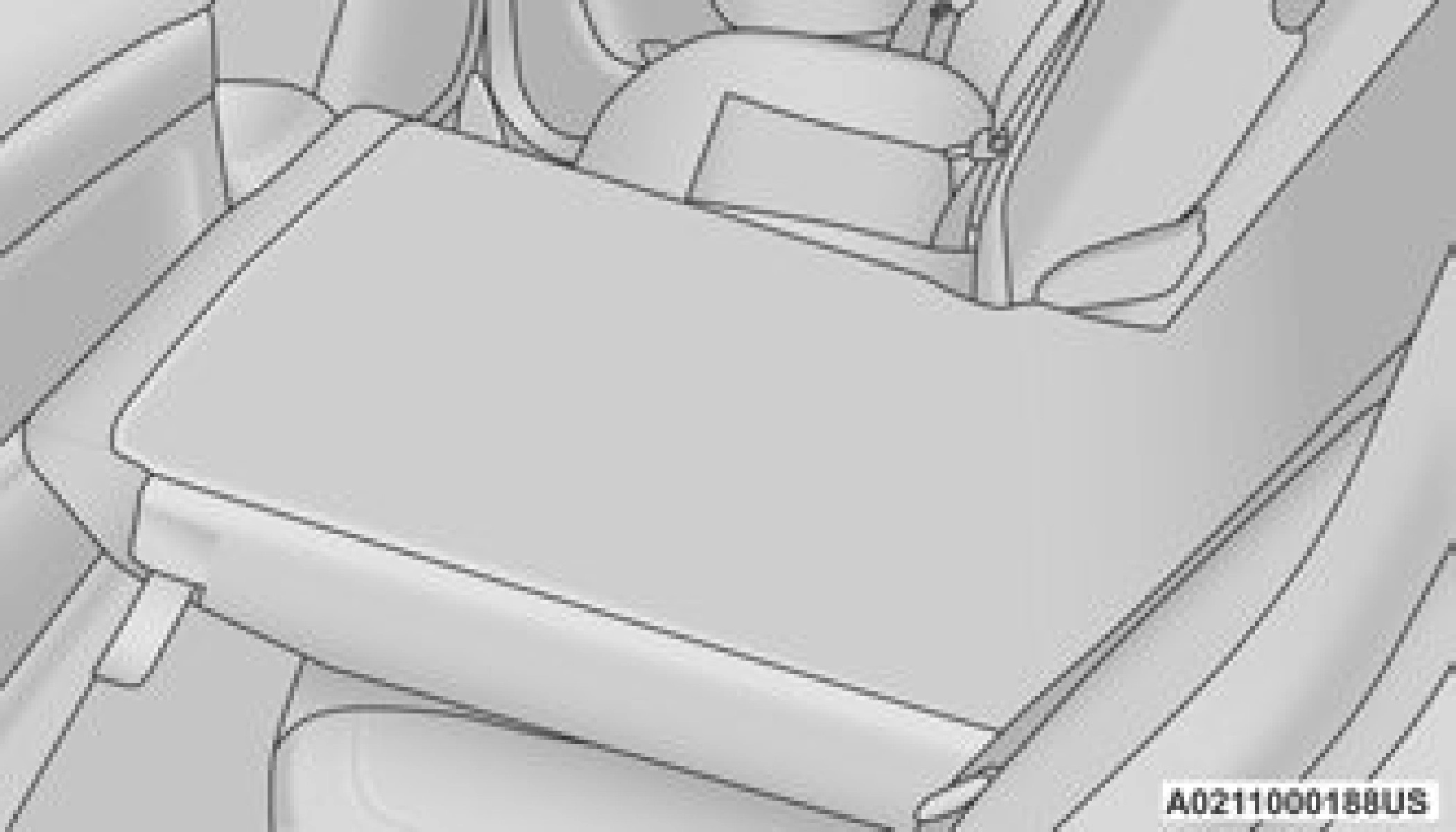 Folded Rear Seatback
Rear Seatback Loop
After releasing the seatback, it can be folded forward.
NOTE:
You may experience deformation in the seat cushion from the seat belt buckles if the seats are left folded for an extended period of time. This is normal and by simply opening the seats to the open position, over time the seat cushion will return to its normal shape.
When the seatback is folded to the upright position, make sure it is latched by strongly pulling on the top of the seatback above the seat strap.
POWER ADJUSTMENT (FRONT SEATS) — IF EQUIPPED
Some models may be equipped with eight-way power driver and front passenger seats. The power seat switches are located on the outboard side of the seat. There are two switches that control the movement of the seat cushion and the seatback.
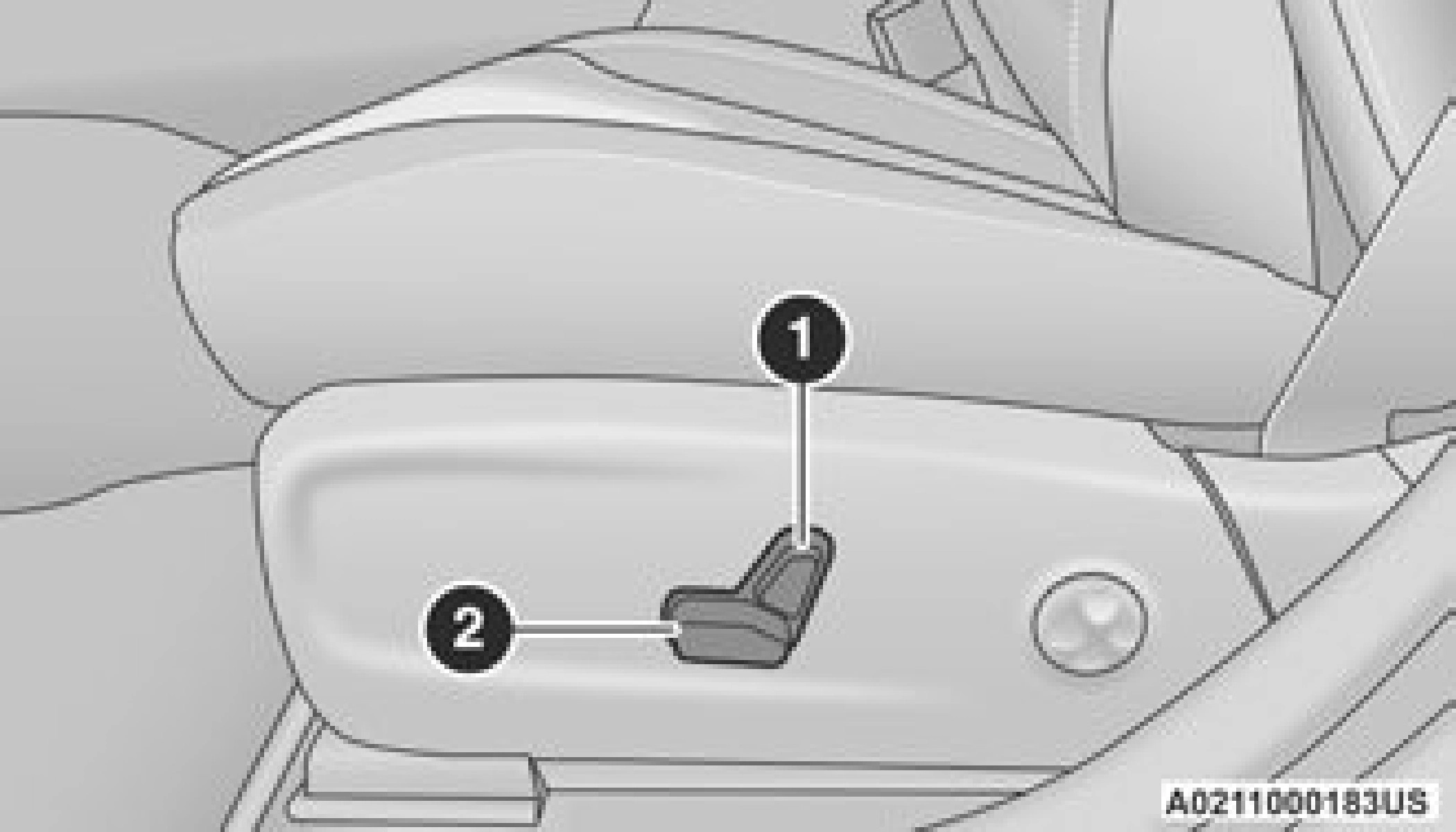
Power Seat Switches
- Seatback Control
- Seat Control
Adjusting The Seat Forward Or Rearward
The seat can be adjusted both forward and rearward by using the power seat switch. The seat will move in the direction of the switch.Release the switch when the desired position has been reached.
Adjusting The Seat Up Or Down
The height of the seats can be adjusted up or down by using the power seat switch. The seat will move in the direction of the switch. Release the switch when the desired position has been reached.
Tilting The Seat Up Or Down
The angle of the seat cushion can be adjusted up or down using the power seat switch. The front of the seat cushion will move in the direction of the switch. Release the switch when the desired position has been reached.
Reclining The Seatback
The angle of the seatback can be adjusted forward or rearward by using the power seat switch. The seat will move in the direction of the switch. Release the switch when the desired position is reached.
Power Lumbar — If Equipped
Vehicles equipped with power driver or passenger seats may also be equipped with power lumbar. The power lumbar switch is located on the outboard side of the power seat. Push the switch forward to increase the lumbar support. Push the switch rearward to decrease the lumbar support. Pushing upward or downward on the switch will raise and lower the position of the support.
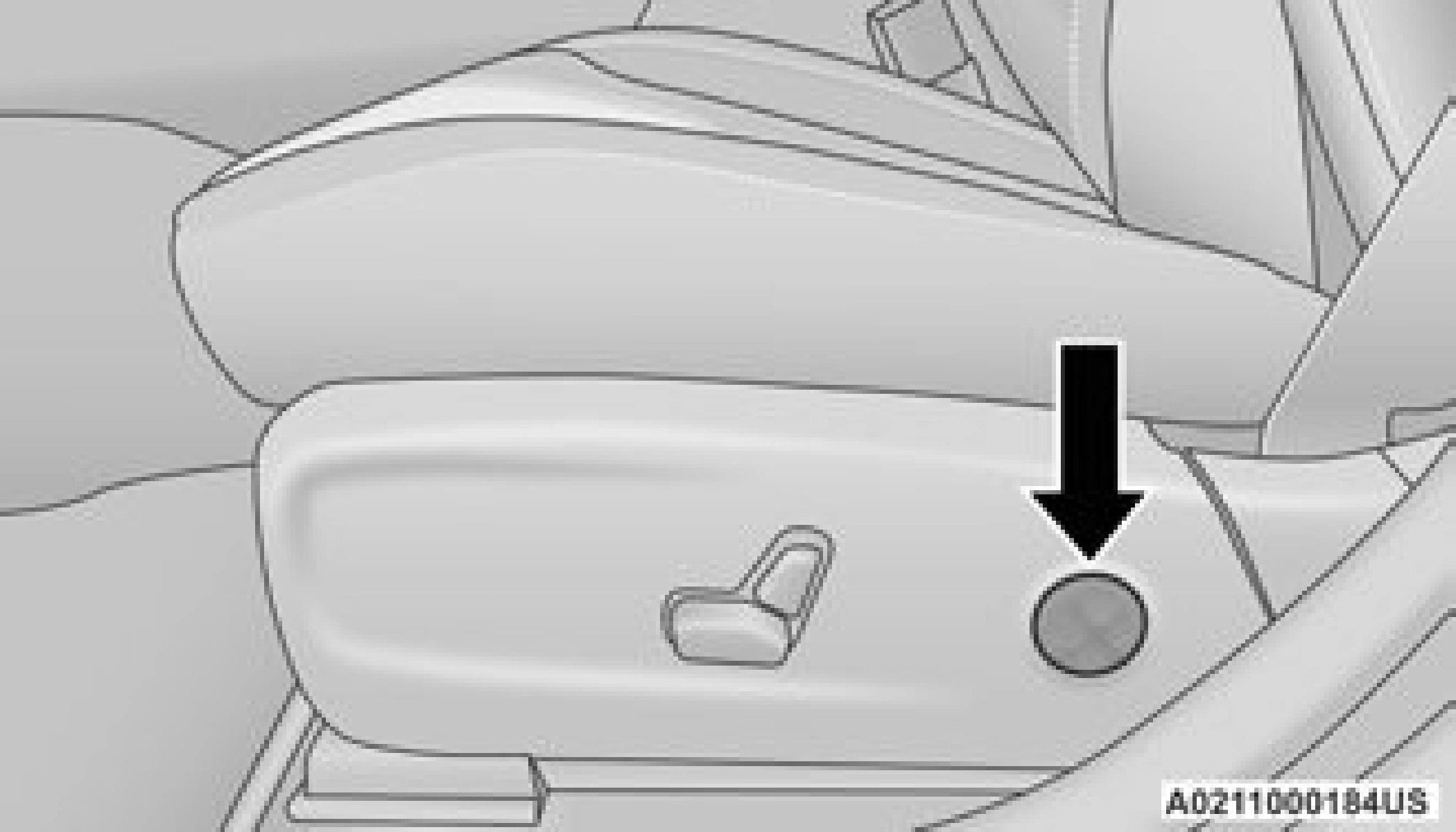
Power Lumbar Switch
Easy Entry/Exit Seat — If Equipped
This feature provides automatic driver seat positioning to enhance driver mobility when entering and exiting the vehicle.
The distance the driver seat moves depends on where you have the driver seat positioned when you place the vehicle’s ignition in the OFF position.
- When you place the vehicle’s ignition in the OFF position, the driver seat will move about 2.4 inches (60 mm) rearward if the driver seat position is greater than or equal to 2.7 inches (67.7 mm) forward of the rear stop. The seat will return to its previously set position when you place the vehicle’s ignition in the ACC or RUN position.
- The Easy Entry/Easy Exit feature is disabled when the driver seat position is less than 0.9 of an inch (22.7 mm) forward of the rear stop. At this position, there is no benefit to the driver by moving the seat for Easy Exit or Easy Entry.
When enabled in Uconnect Settings, Easy Entry and Easy Exit positions are stored in each memory setting profile.
The Easy Entry/Exit feature is enabled or disabled through the programmable features in the Uconnect system.
HEATED SEATS — IF EQUIPPED
The front heated seats control buttons are located within the Uconnect system. You can gain access to the control buttons through the climate screen and the controls screen.
You can choose from HI, LO, or OFF heat settings. The indicator arrows in the touchscreen buttons indicate the level of heat in use. Two indicator arrows will illuminate for HI, and one for LO. Turning the heating elements off will return the user to the radio screen.
- Press the heated seat button
 once to turn the HI setting on.
 - Press the heated seat button
 a second time to turn the LO setting on.
 - Press the heated seat button
 a third time to turn the heating elements off.
If the HI-level setting is selected, the system will automatically switch to LO-level after approximately 60 minutes of continuous operation. At that time, the display will change from HI to LO, indicating the change. The LO-level setting will turn off automatically after approximately 45 minutes.
- Once a heat setting is selected, heat will be felt within two to five minutes.
- The engine must be running for the heated seats to operate.
For information on use with the Remote Start system.
On some models, the two rear outboard seats may be equipped with heated seats. There are two heated seat switches that allow the rear
passengers to operate the seats independently. 2
The heated seat switches for each heater are
located on the rear of the center console.
You can choose from HI, LO, or OFF heat settings. The indicator lights in each switch indicate the level of heat in use. Two indicator lights will illuminate for HI, one for LO, and none for off.
- Push the switch
 once to turn the HI setting on.
- Push the switch
 a second time to turn the LO setting on.
- Push the switch
 a third time to turn the heating elements off.
If the HI-level setting is selected, the system will automatically switch to LO-level after approximately 60 minutes of continuous operation. At that time, the number of illuminated LEDs changes from two to one, indicating the change. The LO-level setting will turn off automatically after approximately
- Once a heat setting is selected, heat will be felt within two to five minutes.
- The engine must be running for the heated seats to operate.
The ventilated seats are equipped with fans that can be controlled through the climate and control screen in the Uconnect system. The fans operate at two speeds, HI and LO.
- Press the ventilated seat button
 once to choose HI.
- Press the ventilated seat button
 a second time to choose LO.
- Press the ventilated seat button
 a third time to turn the ventilated seat off.
The engine must be running for the ventilated seats to operate.
For information on use with the Remote Start system.
Head restraints are designed to reduce the risk of injury by restricting head movement in the event of a rear impact. Head restraints should be adjusted so that the top of the head restraint is located above the top of your ear.
Do not reverse the head restraints (making the rear of the head restraint face forward) in an attempt to gain additional clearance to the back of your head.
The front driver and passenger seats are equipped with Reactive Head Restraints (RHR). In the event of a rear impact, the RHR will automatically extend forward minimizing the gap between the back of the occupant’s head and the RHR.
The RHR will automatically return to their normal position following a rear impact. If the RHR do not return to their normal position, see an authorized dealer immediately.
To raise the head restraint, pull upward on the head restraint. To lower the head restraint, push the adjustment button located at the base of the head restraint and push downward on the head restraint.
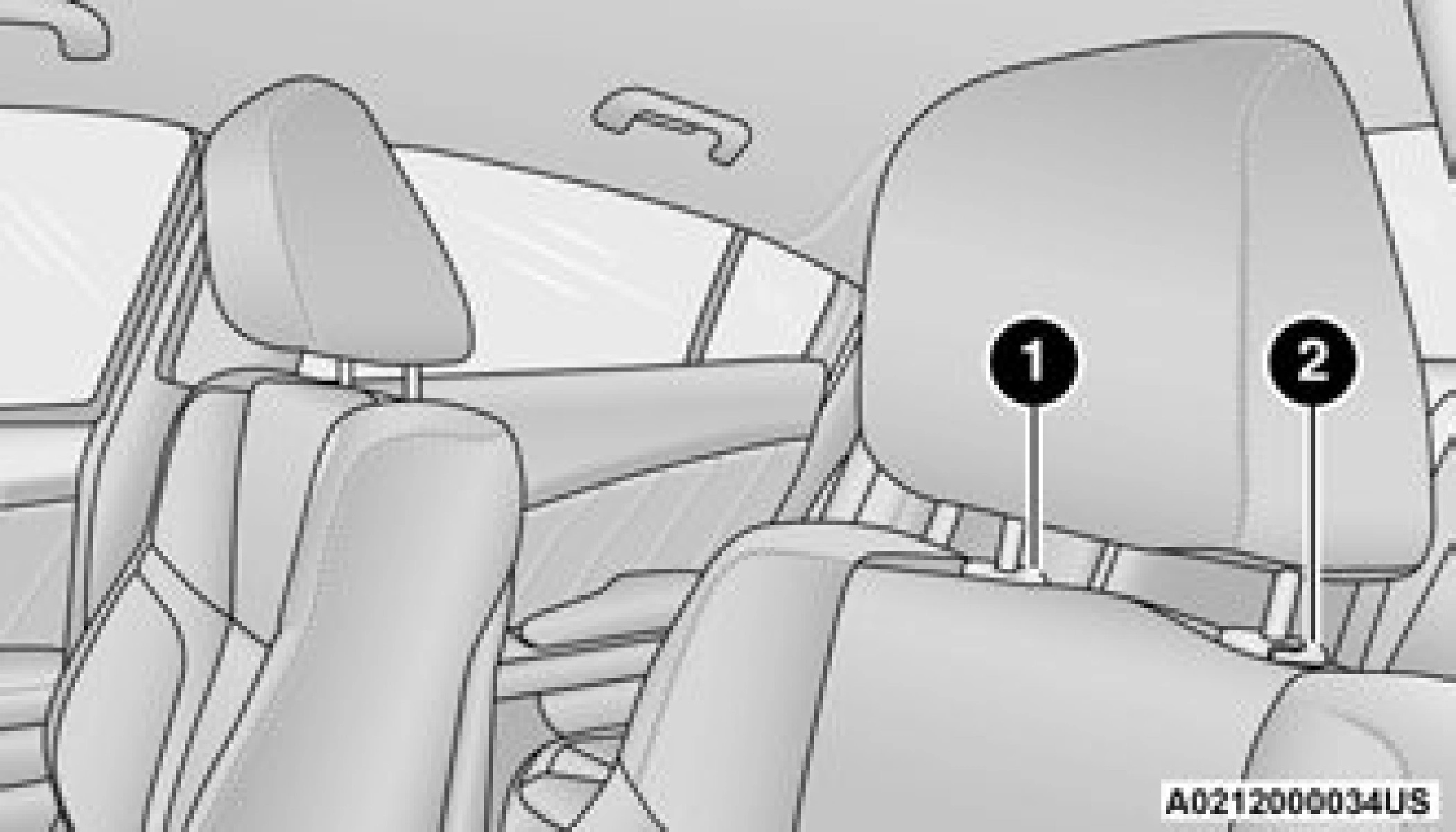 Adjustment Button Rear Head Restraints
 Adjustment Button
- Release Button
- Adjustment Button
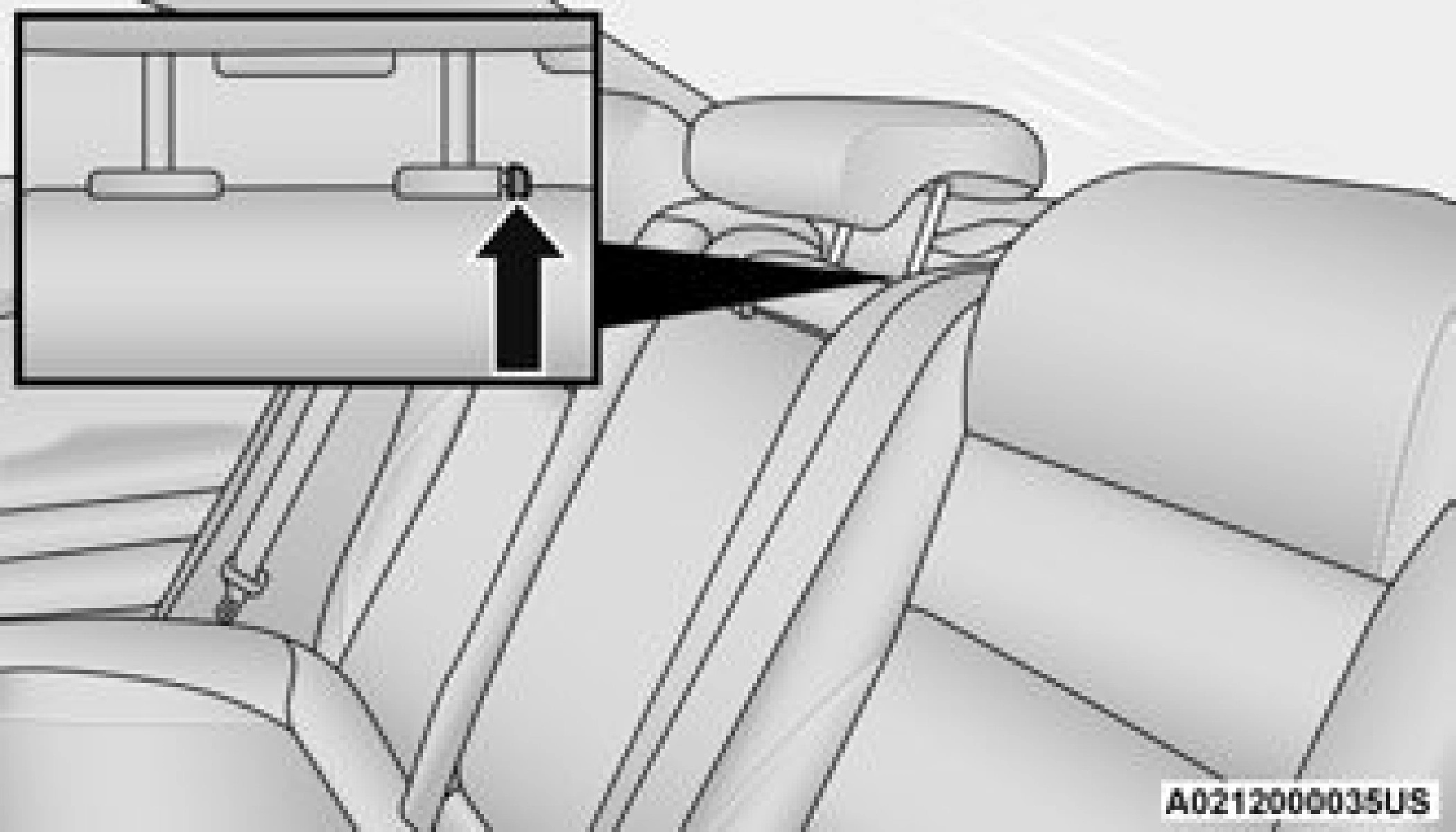
The center head restraint has two adjustable positions: up or down. When the center seat is being occupied, the head restraint should be in the raised position. When there are no occupants in the center seat, the head restraint can be lowered for maximum visibility for the driver.
To raise the head restraint, pull upward on the head restraint. To lower the head restraint, push the adjustment button located at the base of the head restraint and push downward on the head restraint.
- The head restraint should only be removed by qualified technicians, for service purposes only. If the center rear head restraint requires removal, see an authorized dealer.
- The outboard head restraints are not adjustable.
To remove the head restraint, raise it up as far as it can go. Then, push the adjustment button and the release button at the base of each post while pulling the head restraint up. To reinstall the head restraint, put the head restraint posts into the holes. Then, adjust it to the appropriate height.
Do not reposition the head restraint 180 degrees to the incorrect position in an attempt to gain additional clearance to the back of the head.
Download Manual