ECO mode switch
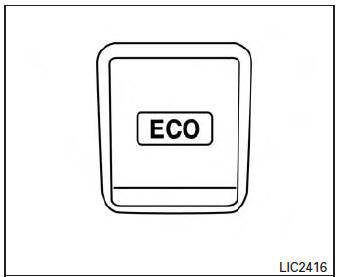
ECO mode switch
The ECO mode helps to enhance the fuel economy by controlling the throttle sensitivity and transmission points (CVT if so equipped).
To turn on the ECO mode, push the ECO mode switch. The ECO mode indicator light (on the speedometer) will remain lit while the mode is active.
To turn off the ECO mode, push the ECO mode switch again. The ECO mode indicator light (on the speedometer) will turn off.
The ECO mode cannot be turned off while the accelerator pedal is depressed, even if the ECO mode switch is pushed to OFF. Release the accelerator pedal to turn off the ECO mode.
The ECO mode will turn off automatically if a malfunction occurs in the system.
Turn off the ECO mode, or depress the accelerator pedal fully when:
- driving with a heavy load of passengers or cargo in the vehicle
- driving on a steep uphill slope
- ECO mode may affect air conditioner performance
NOTE:
Selecting this drive mode will not necessarily improve fuel economy as many driving factors influence its effectiveness.
Gear shift indicator (Manual transmission only) (if so equipped)
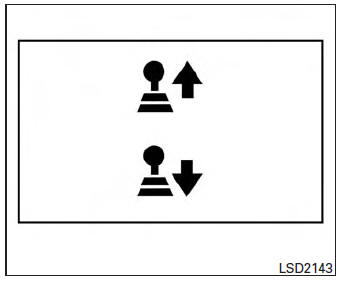
The Gear Shift Indicator (GSI) is used to support the suitable timing of gear change. It operates only when the ECO mode is in the “ON” state.
The shift indicator icon 2 and recommended gear position 3 are displayed.
The shift indicator icon indicates when to upshift or downshift for fuel economy.
NOTE:
- The shift indicator is a guide for fuel economy. Always pay attention to road conditions and other traffic.
- Downshift indicator icon to the “1” (1st) position is not displayed.
- If the downshifting icon is displayed when decreasing your vehicle speed, it indicates that the engine speed is low compared to the gear position.
Download Manual