Forward Collision Warning (FCW) with Pedestrian Detection
Forward Collision Warning (FCW) with Pedestrian Detection
Warns you if the system determines there is likelihood of a frontal collision when a vehicle is detected in front of you when your vehicle speed is 10 mph (15 km/h) or higher, or a pedestrian is detected in front of you when your vehicle speed is between 10-62 mph (15-100 km/h).
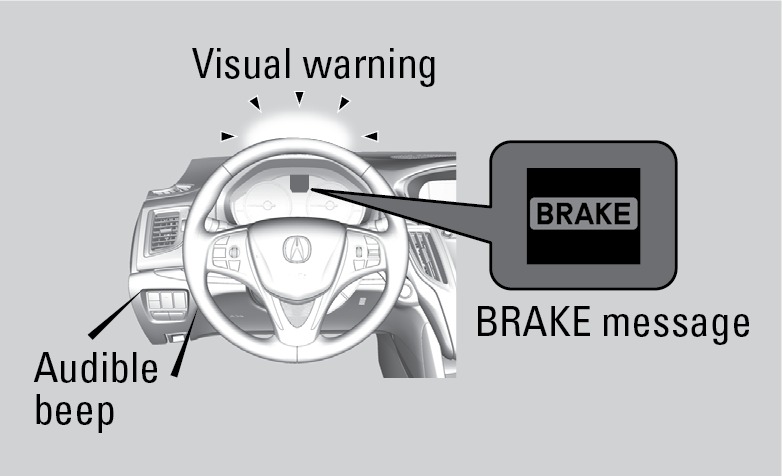
If you do not brake in time or take preventive action, a visual warning flashes, BRAKE flashes in the MID, and a beep sounds continuously.
Changing Settings
Determine the warning timing, or turn the system off. Use the interface dial to make selections.
Press the SETTINGS button.
Select Vehicle Settings. The vehicle must be in Park (P).
Select Forward Collision Warning Distance.
Select Long, Normal (default), Short, or Off.
Press BACK to exit the menu.
Important Safety Reminder
FCW cannot detect all pedestrians and vehicles ahead; accuracy of the system will vary based on weather, speed, extreme interior heat, and other factors. FCW does not include a braking function. It is always your responsibility to safely operate the vehicle and avoid collisions.
*if equipped
Download Manual