Vehicle Stability
Assist (VSA®)
Helps to stabilize the vehicle during cornering if the vehicle turns more or less than what was intended. It assists in maintaining traction on slippery surfaces by regulating engine output and selectively applying the brakes. VSA is also known as Electronic Stability Control (ESC).
Turning VSA On or Off
VSA is turned on every time you turn on the vehicle, even if you previously turned it off. If you turn VSA off, your vehicle has normal braking and cornering ability, but not VSA traction and stability enhancement.
Press and hold the VSA OFF button until you hear a beep to turn VSA on or off. The VSA OFF indicator appears when the system is off.
Traction control stops functioning, which may make it easier when trying to free your vehicle if it is stuck in mud or snow.
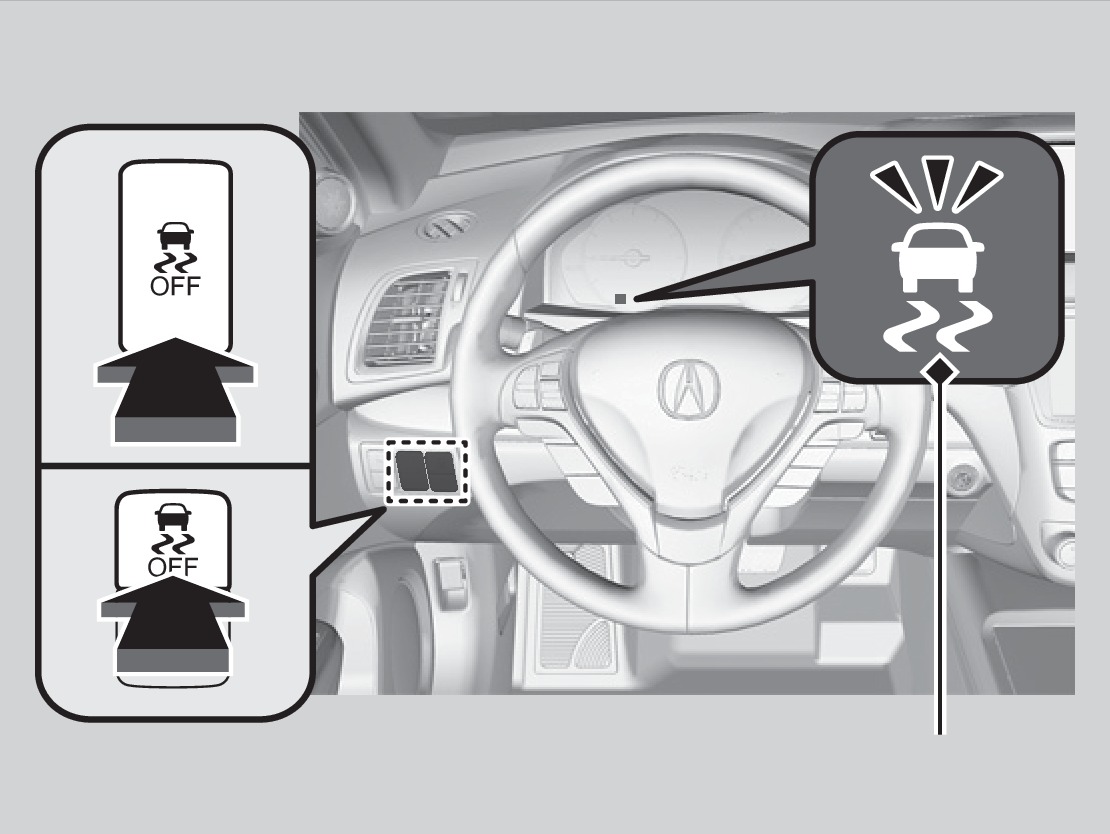
VSA OFF indicator
- On / Off Indicators
- Steering Wheel and Nearby Controls
Download Manual