Multi-Information
Display
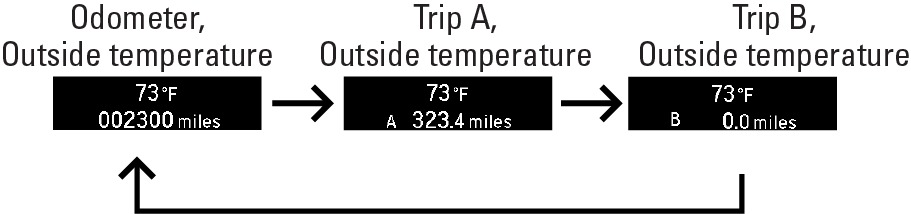
Consists of several displays that provide you with useful information.
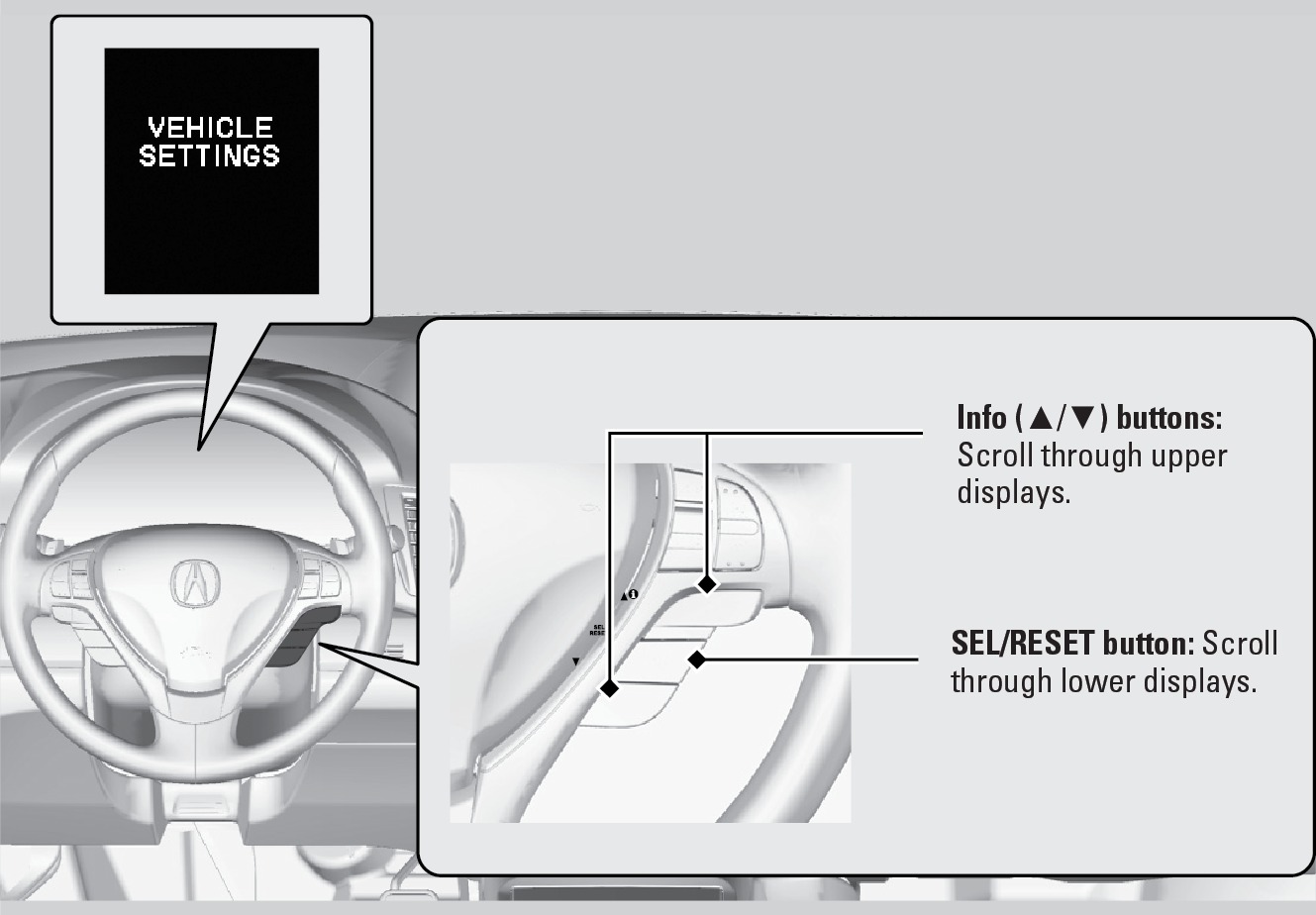
Main Displays
Models with black-and-white display
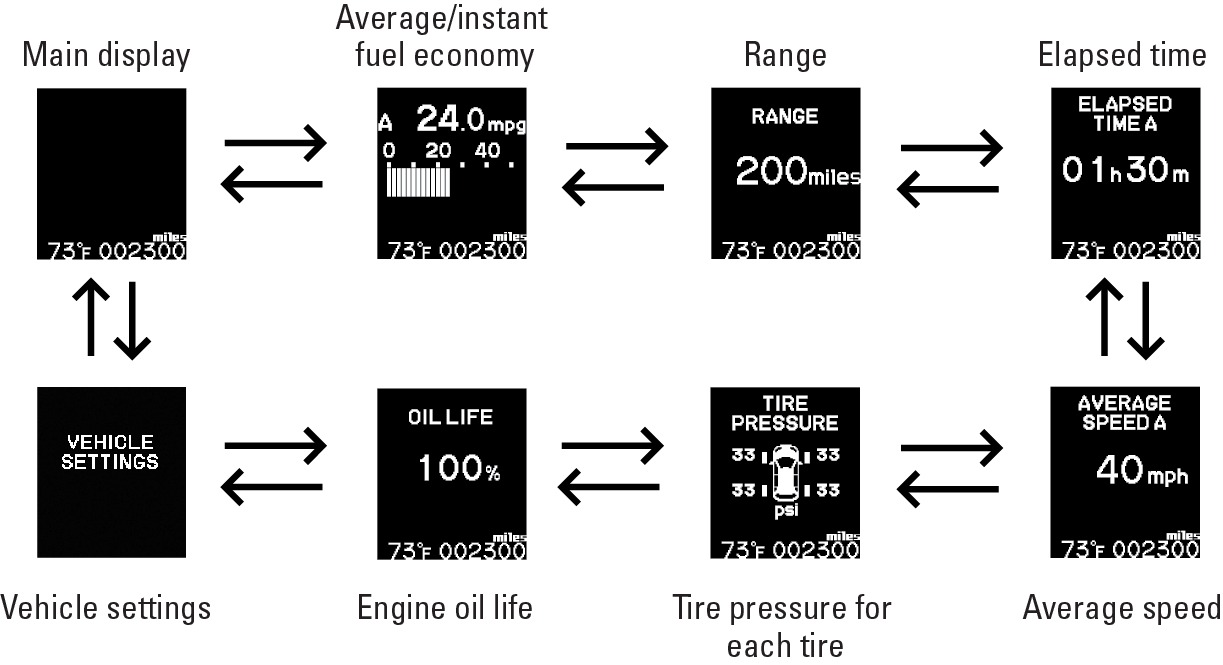
Lower Displays
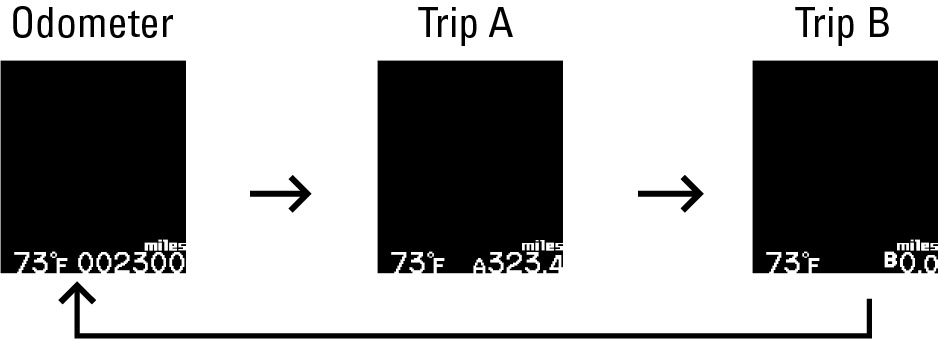
Main Displays
Models with color display
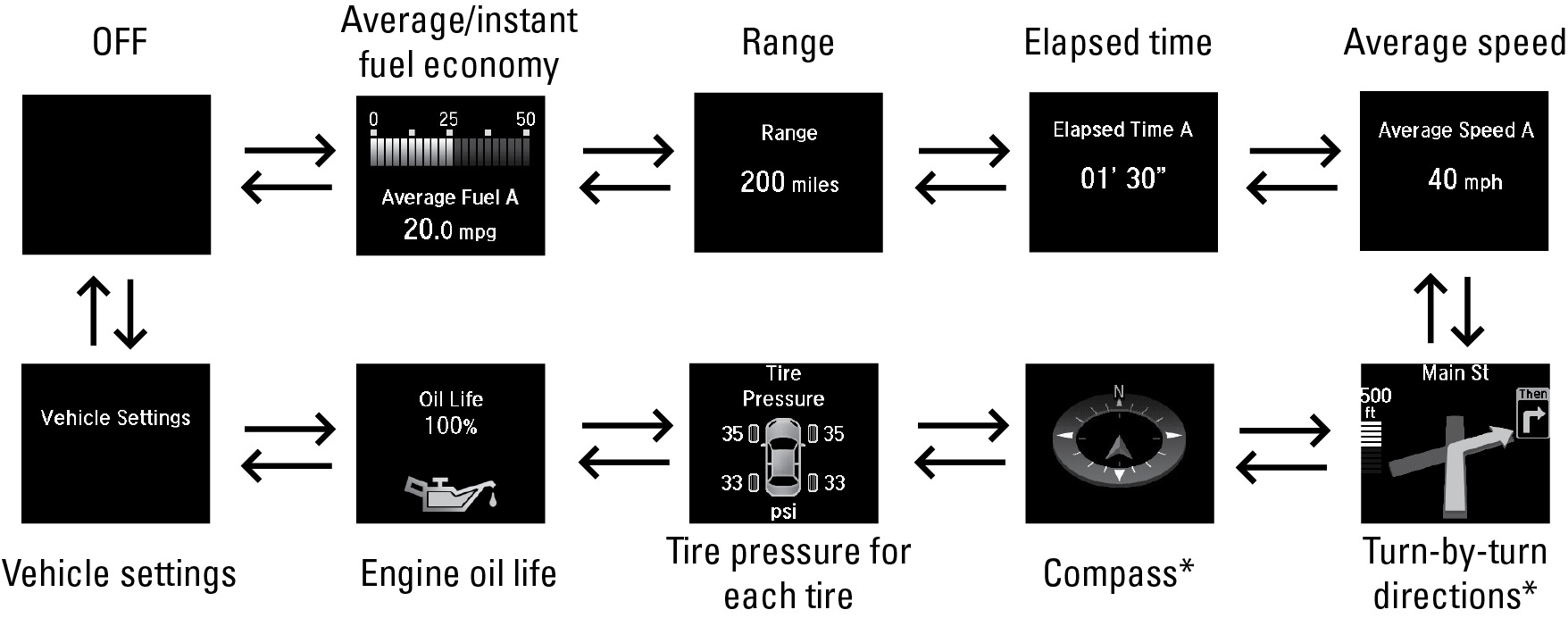
Lower Displays
Vehicle Settings
Use the MID to customize certain vehicle features when the vehicle is in Park (P). You can also use the SETTINGS button* (see "Customized Settings" section).
An example of how to change the Trip A reset timing setting is below. Use the Info and SEL/RESET buttons to make and enter selections.
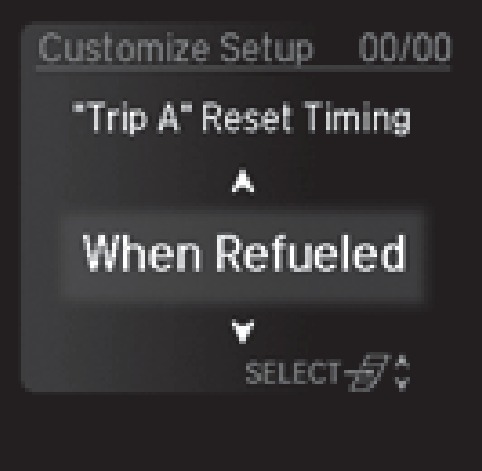
1. Scroll to the Vehicle Settings menu and select it.
2. Scroll to Meter Setup and select it.
3. Scroll to "Trip A" Reset Timing and select it.
4. Scroll through the options, and select the one you want.
5. Scroll to Exit, and select it to exit the menus.
*if equipped
Related topics:
- Engine Oil
- Tire Pressure Monitoring System (TPMS)
- Customized Settings*
Download Manual