Routing
After a destination is set, you can alter or cancel your route.
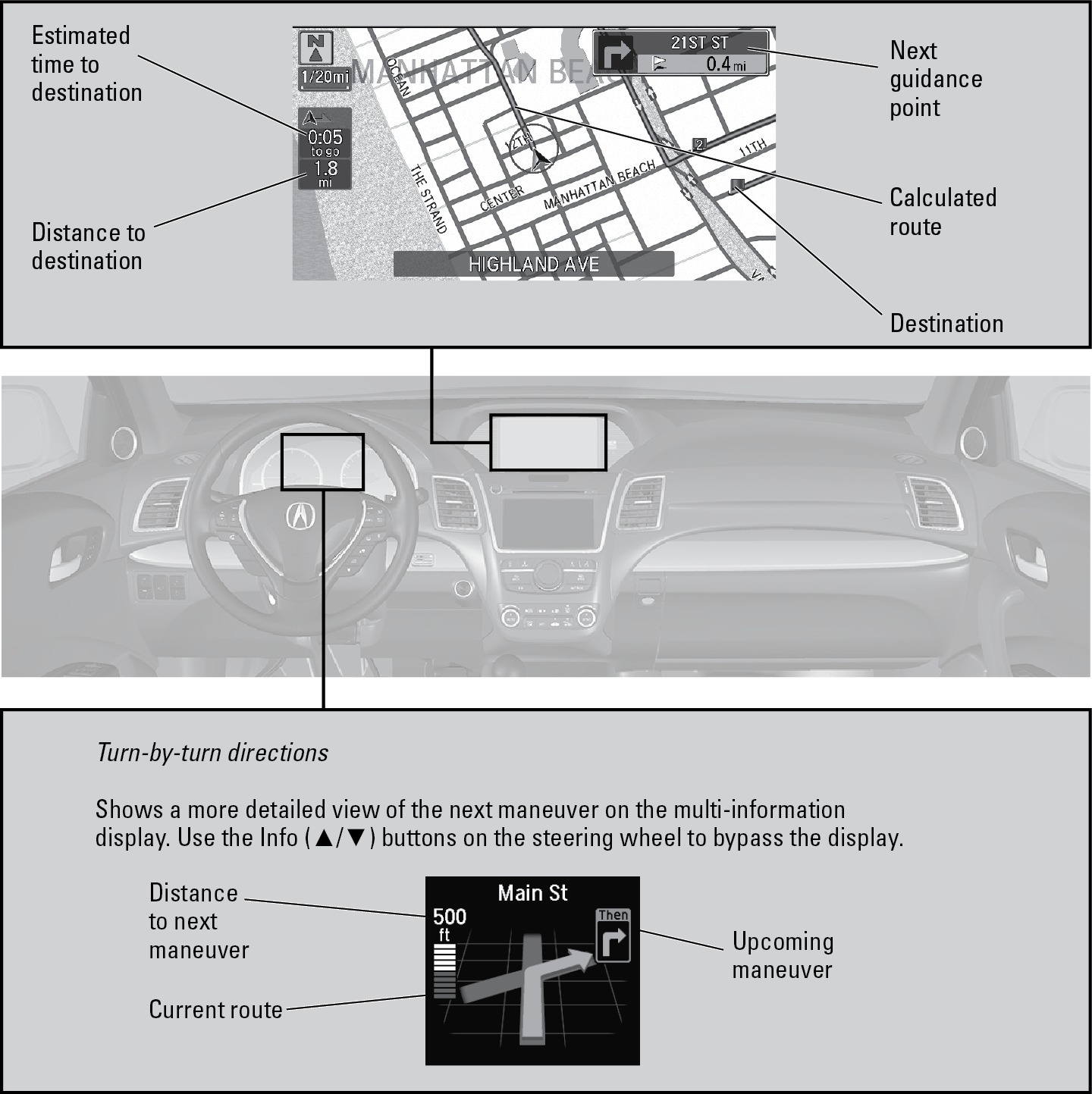
Map Legend
During route guidance
Taking a Detour
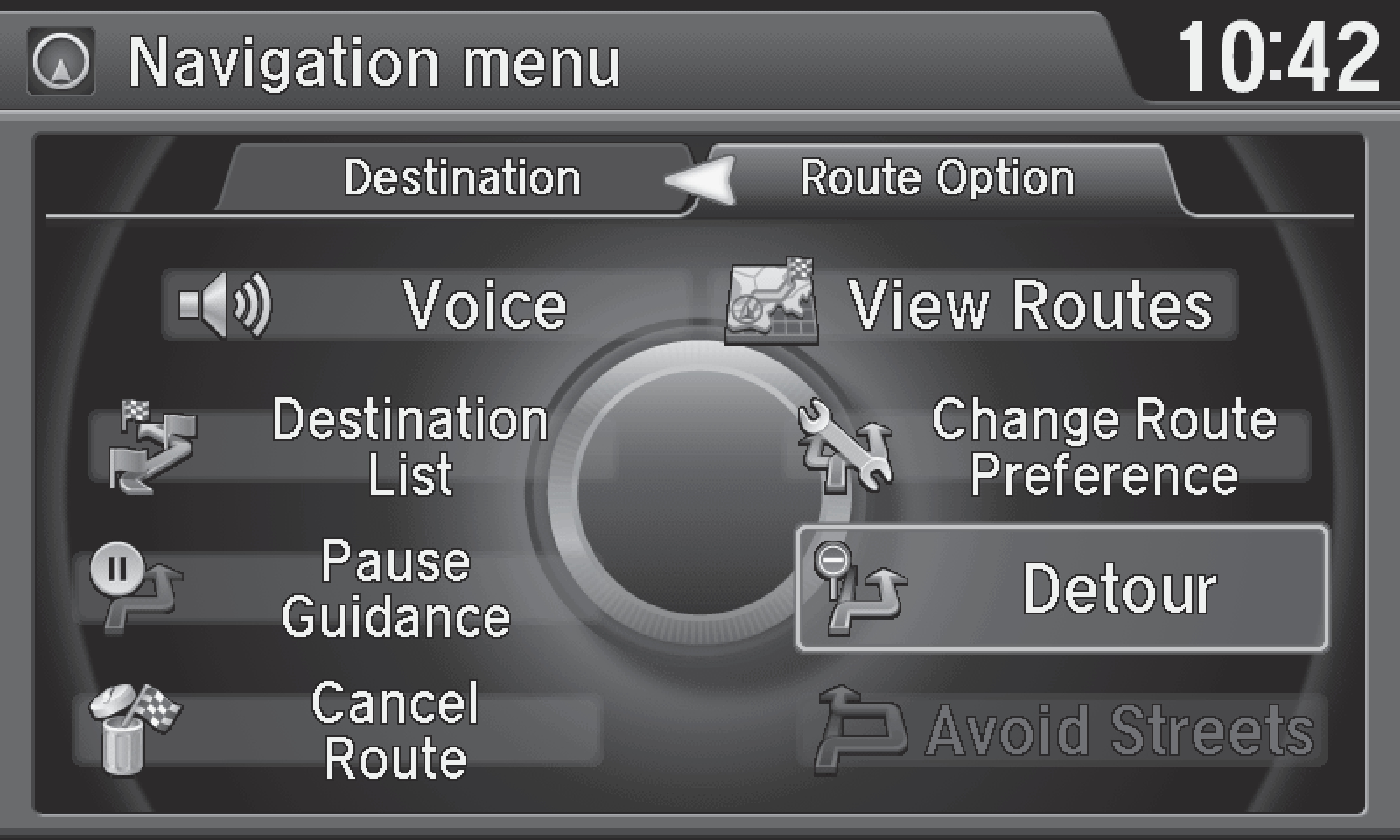
You can calculate a detour route manually if you encounter a road closure or other obstacle. Use the interface dial to make and enter selections.
- When en route, press MENU.
- Select Detour. The system attempts to calculate a new route by avoiding the next 5 miles (8 km) while on a freeway or 1 mile (1 km) while on a surface street.
AcuraLink Real-Time Traffic™*
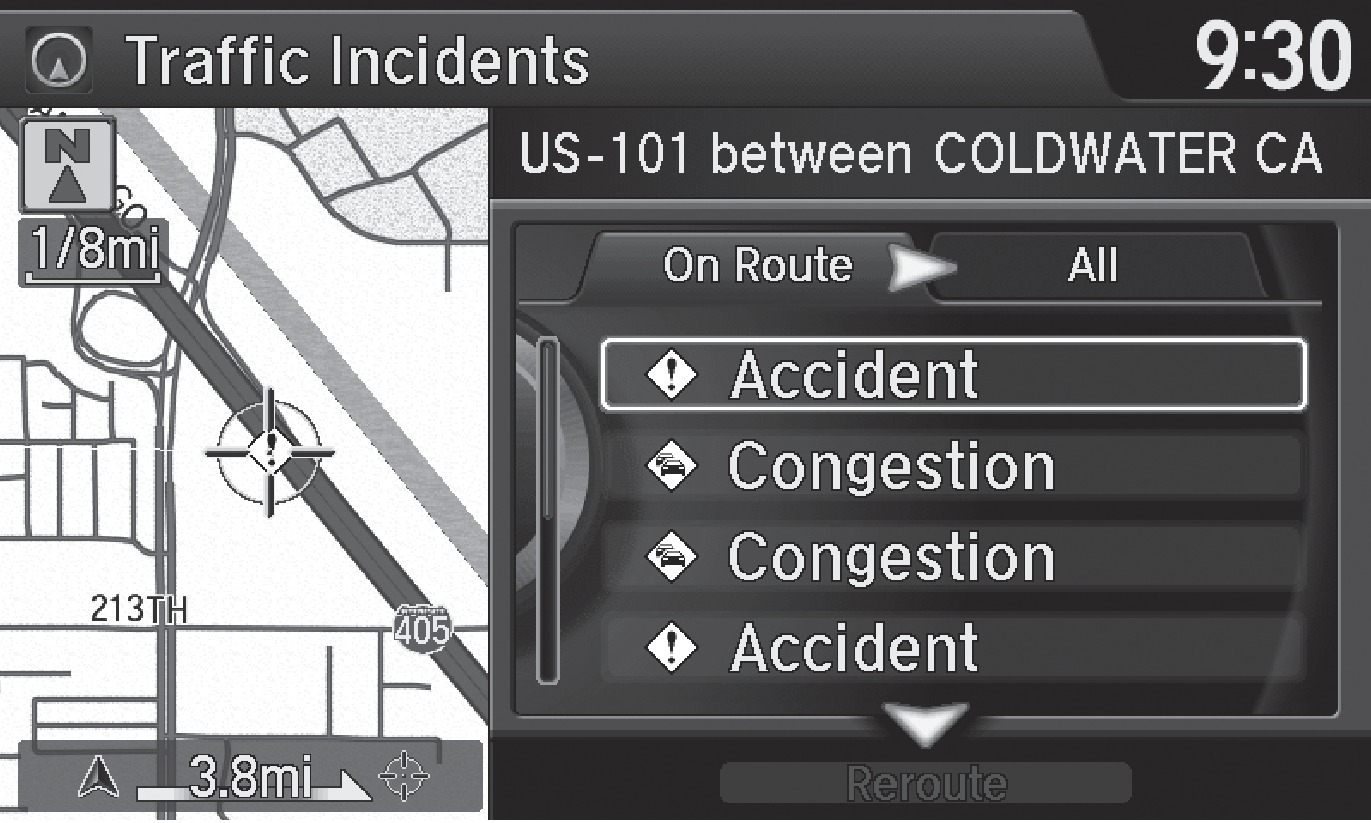
View traffic flow, incidents, and construction in major metro areas. You can also route around congestion or incidents when a destination is set. Use the interface dial to make and enter selections. Available in the U.S. only.
- From the map screen, press the interface dial to enter the map menu. Select Traffic Incidents.
- A list of incidents on your route appears. Select the incident you want to avoid.
- Select Avoid. Repeat as necessary to select other incidents.
- Select Recalculate the Route.
Canceling Your Route
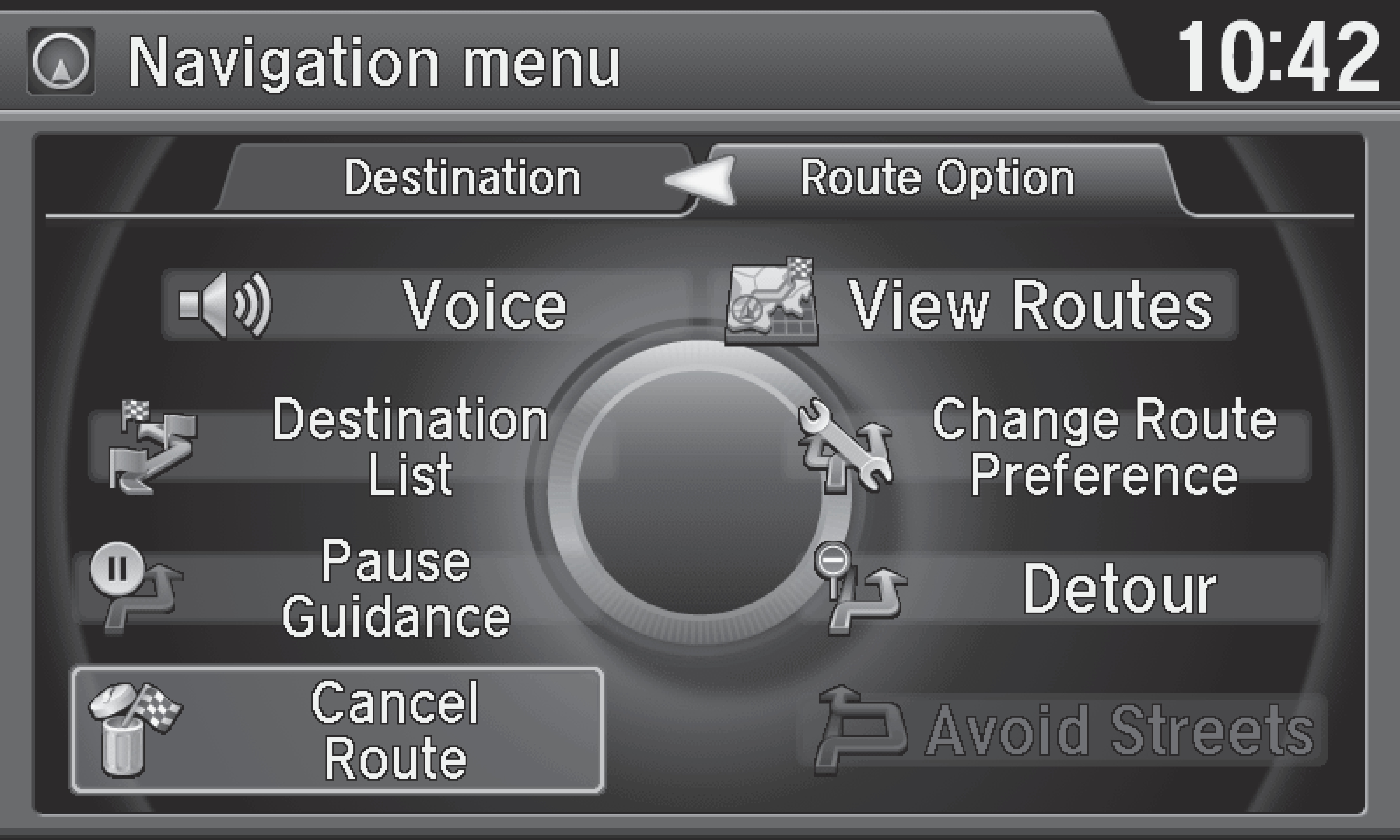
You can cancel your route at any time.
- When en route, press MENU.
- Select Cancel Route. The route is cleared and the map screen returns.
*Requires an AcuraLink subscription (see "AcuraLink Messages" section).
Related topics:
- Basic Navigation Operation
- Entering a Destination
- Voice Command Index
Download Manual