Setting the
Clock
Adjust the time in the clock display.
Models without navigation
Use the selector knob to make and enter selections.
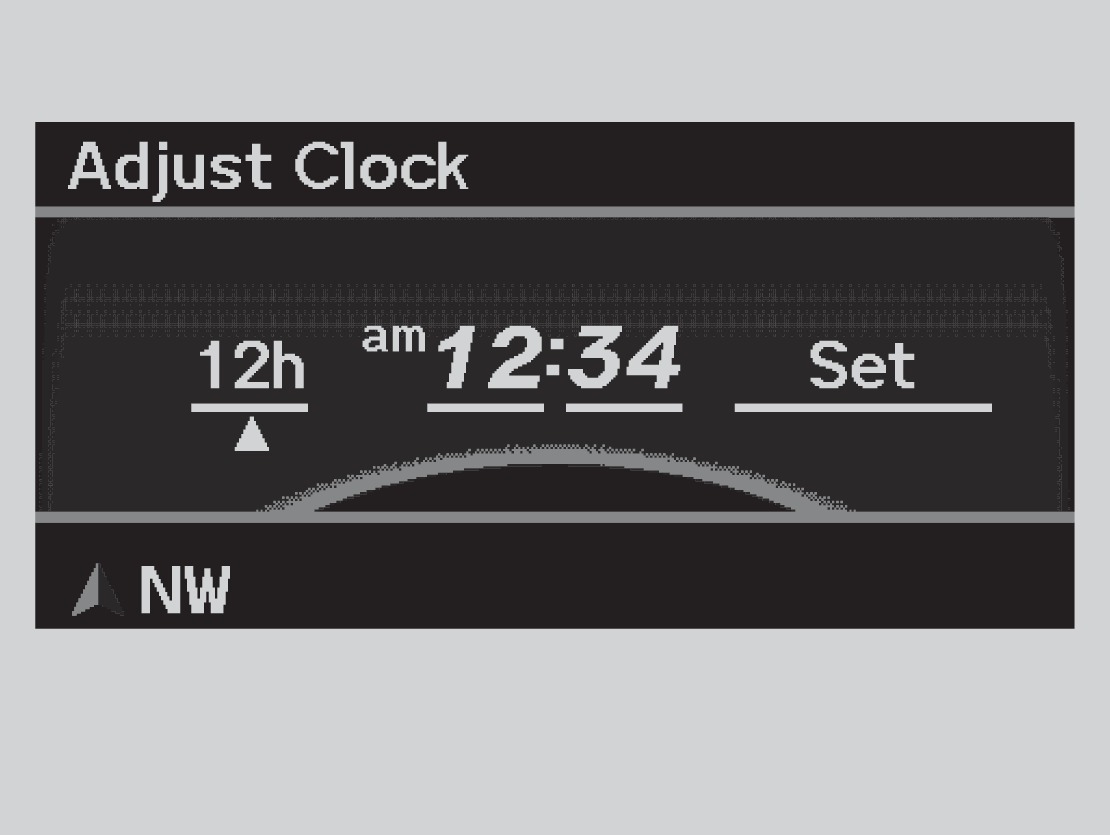
- Press the SETUP button.
- Select Adjust Clock.
- Select the item to change (12/24 hour mode, hour, or minute).
- Make the necessary changes for each item.
- Select Set to set the time.
- Press SETUP to return to the main display.
Models with navigation
The clock is set automatically through the navigation system's GPS.
Related topics:
- Basic Navigation Operation
- Basic Audio Operation
- Customized Settings*
Download Manual