Siri™ Eyes Free
Models with two displays
Activate Siri through your vehicle when an iPhone is paired to the system. Visit Open Web Page (U.S.) or Open Web Page (Canada) to check phone compatibility.
Back button: Exit Siri Eyes Free mode, or cancel a command.
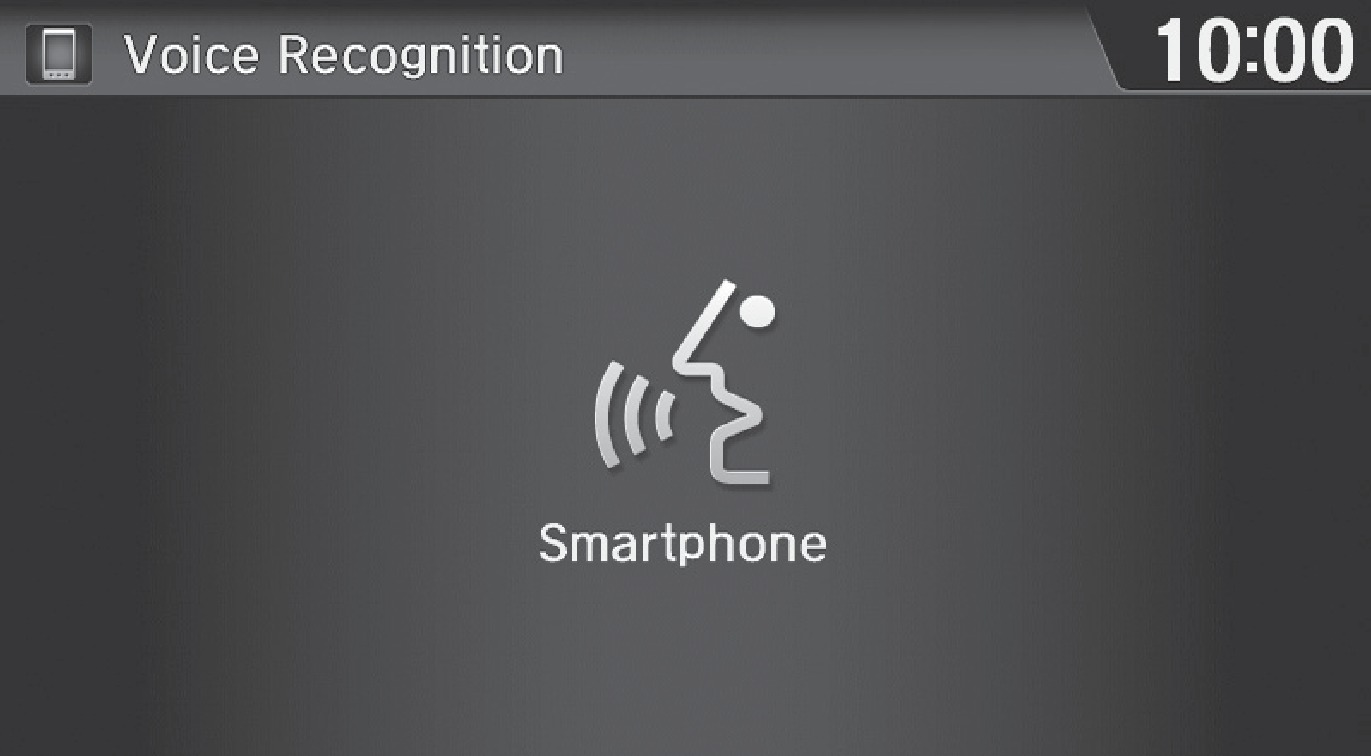
Talk button: Press and hold to activate Siri Eyes Free mode. The Smartphone screen appears. Say your command after you hear the Siri tone. If you only press and release the Talk button, the standard voice recognition system is activated.
Here are some examples of Siri commands:
|
"Call John Smith" |
"Remind me to pick up dinner" |
|
"Read my new text message" |
"Set up a meeting today at 3 p.m." |
|
"Find a nearby sushi restaurant" |
"Play song XYZ" |
Notes:
- Any requests that include visual feedback from Siri on your phone are not displayed in the vehicle.
- Some commands work only on specific phone features or apps.
- To hear turn-by-turn directions or songs through the vehicle, set the audio source to Bluetooth Audio.
Siri and iPhone are trademarks of Apple, Inc.
Related topics:
- Basic Audio Operation
Download Manual