Setting the
Clock
Adjust the clock time in the vehicle. On vehicles with navigation, the time is automatically set using GPS signals.
Models with one display
Use the selector knob to make and enter selections.
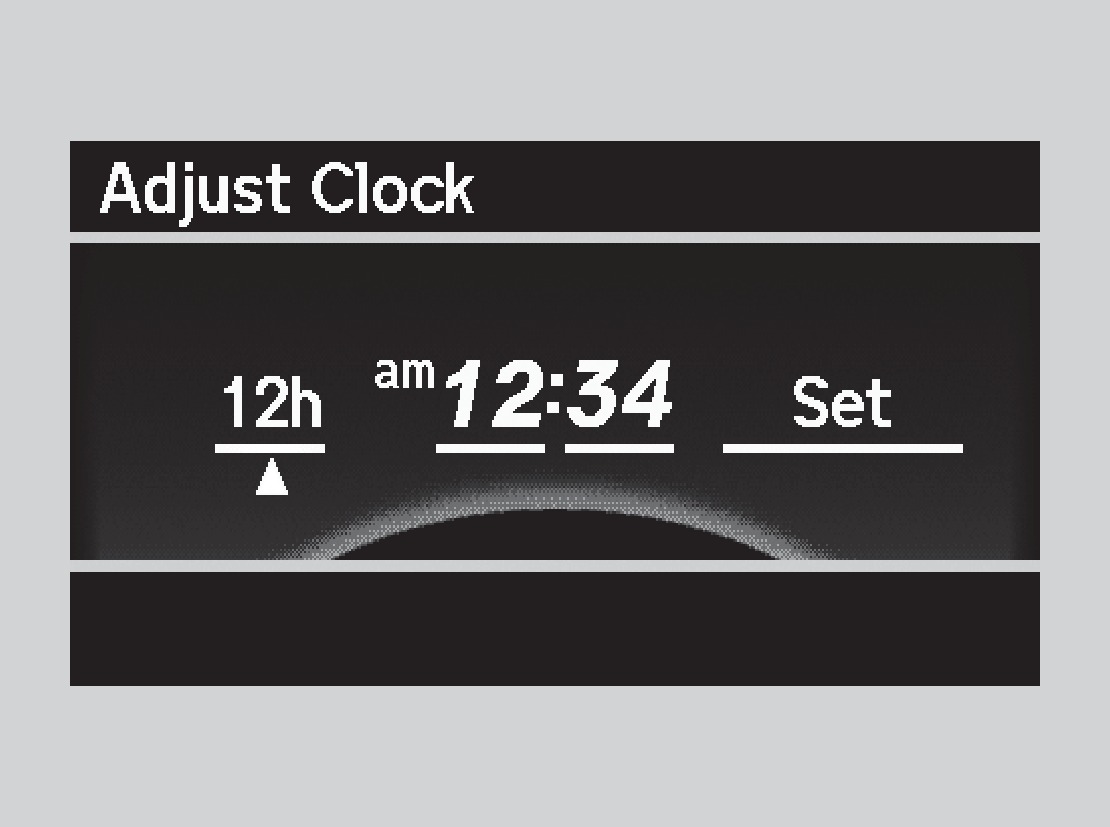
- Press the SETUP button.
- Select Adjust Clock.
- Select the item to change (12/24 hour mode, hour, or minute).
- Make the necessary changes for each item.
- Select Set to set the time.
- Select BACK button to exit out of the menu.
*if equipped
Models with two displays
On vehicles without navigation, use the interface dial to adjust the time in the clock display. On vehicles with navigation, the time is automatically set using GPS signals.
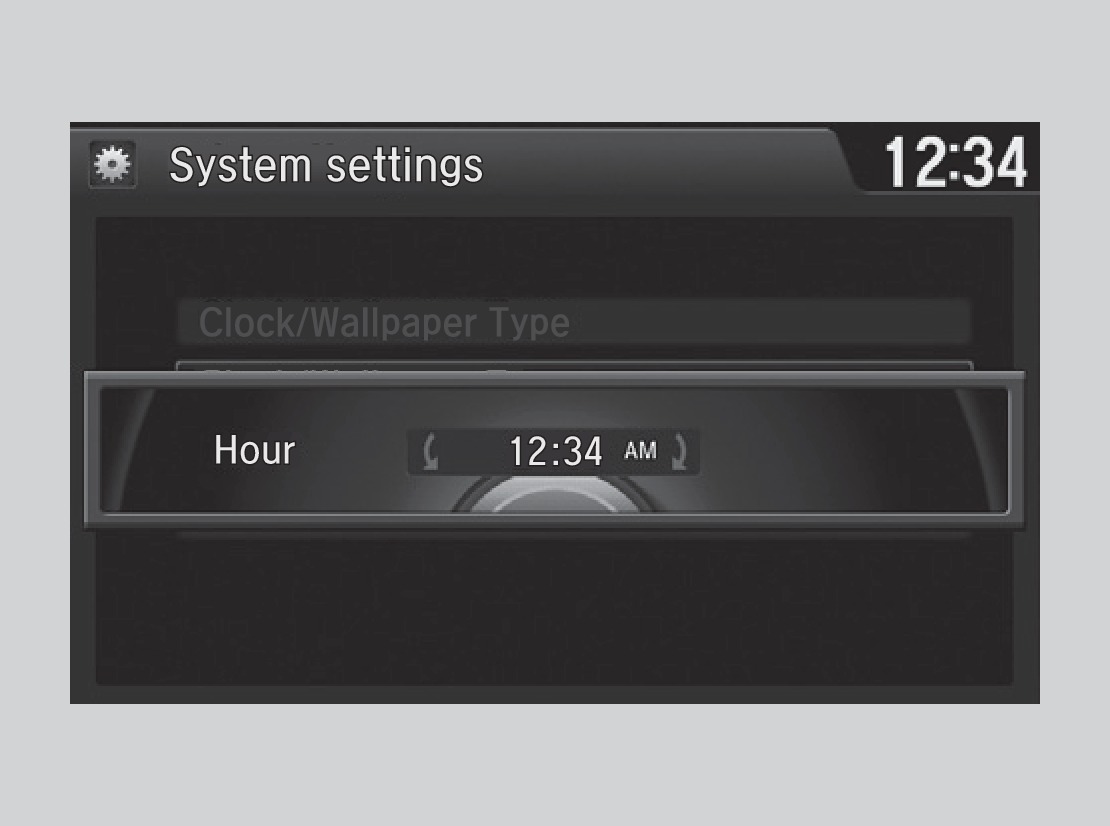
- Press the SETTINGS button.
- Select System Settings.
- Select Clock.
- Select Clock Adjustment.
- Rotate the interface dial to change the hour value. Press the interface dial to select minutes, and rotate to change the value. Press the interface dial to exit the screen.
- Press BACK to exit out of the menus.
*if equipped
Related topics:
- Basic Navigation Operation
- Basic Audio Operation
Download Manual