Lane Keeping
Assist System (LKAS)*
Provides steering input to help keep the vehicle in the middle of a detected lane and audible and visual alerts if the vehicle is detected drifting out of its lane while driving between 45-90 mph (72-145 km/h).
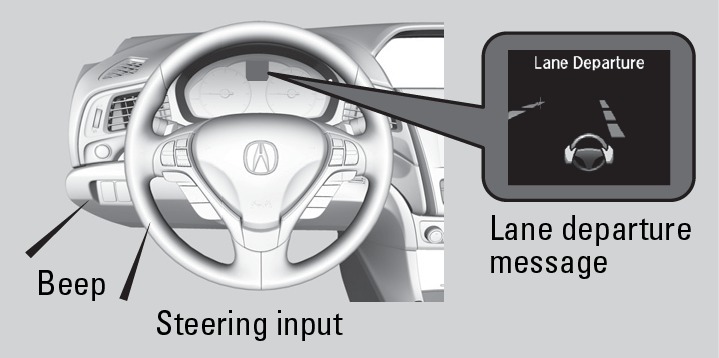
If you cross a detected lane line without using your turn signal:
- Road Departure Mitigation setting is Warning Only: The system beeps and a message appears in the MID.
- Road Departure Mitigation setting is Normal or Wide: The steering wheel vibrates and a message appears in the MID.
See "Road Departure Mitigation (RDM)" for information on Road Departure Mitigation.
*if equipped
Turning LKAS On or Off
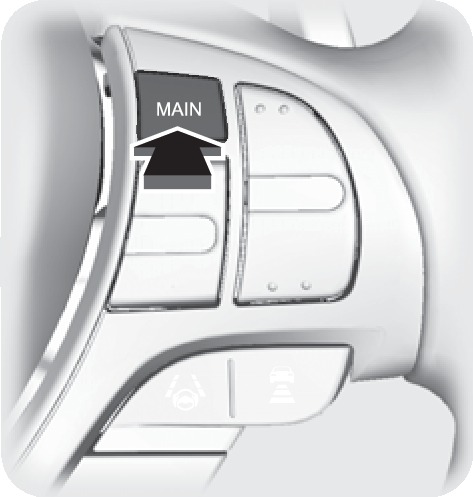
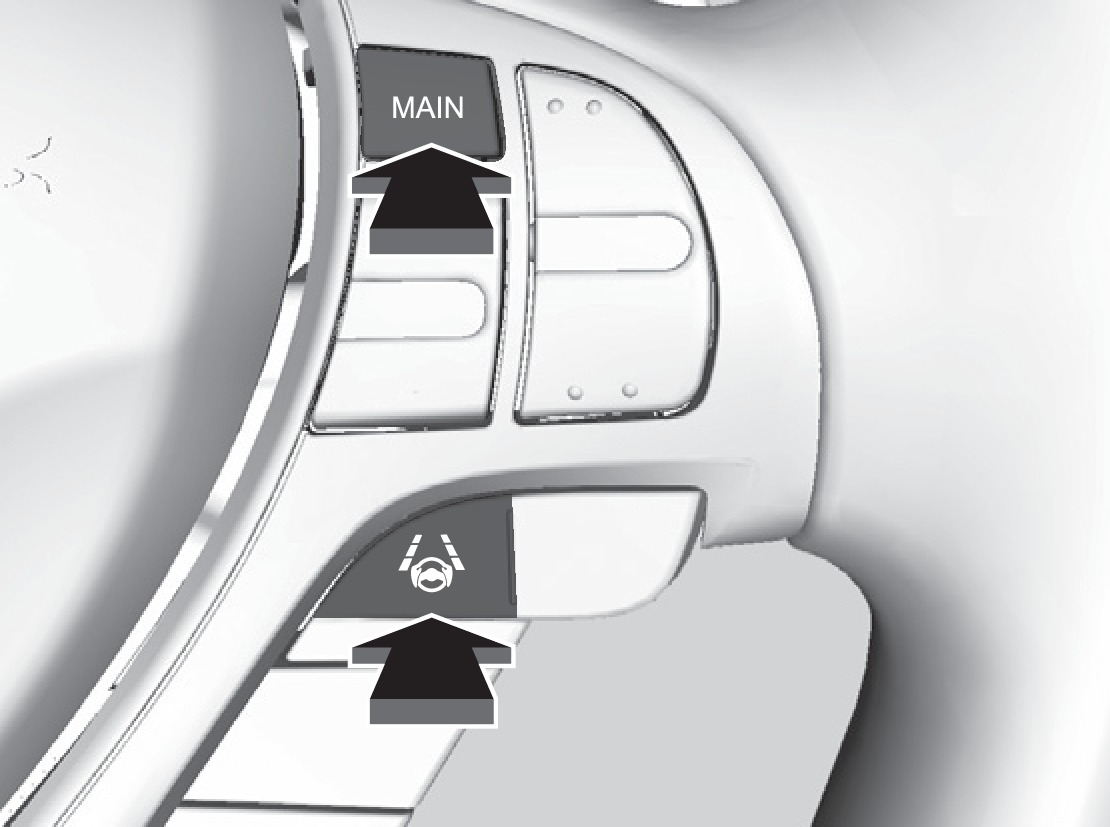
- Press MAIN. LKAS appears in the MID.
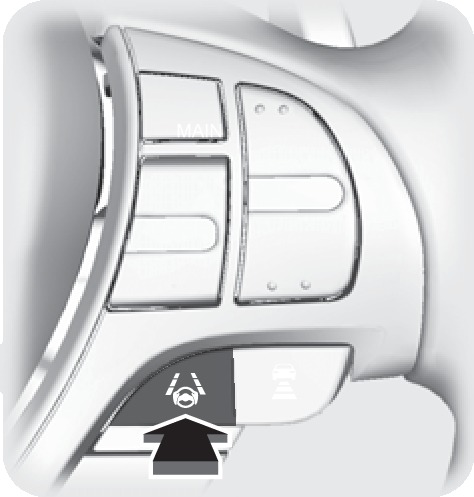
- Press the LKAS button. Lane outlines appear in the MID. Dotted lane lines turn solid when the system operates.
- Press MAIN or the LKAS button to turn the system off.
Important Safety Reminder
The LKAS is for your convenience only. It is not a substitute for your vehicle control. The system does not work if you take your hands off the steering wheel or fail to steer the vehicle.
Do not place an object on the top of the instrument panel. It may reflect onto the windshield and prevent the system from detecting lane lines properly.
- On / Off Indicators
- Steering Wheel and Nearby Controls
Download Manual