Road Departure
Mitigation (RDM)*
Alerts and helps to assist you if the system determines a possibility of your vehicle unintentionally crossing over detected lane markings while driving between 45-90 mph (72-145 km/h).
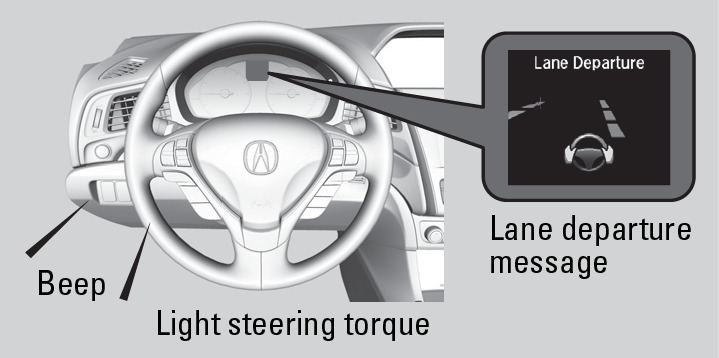
If your vehicle is getting too close to detected lane markings without a turn signal activated, a message appears in the MID.
Steering wheel torque is applied to help your vehicle stay in the lane, and the wheel may vibrate to alert you. Braking may also be applied if the lane lines are solid and continuous.
If the system operates several times without detecting driver response, the system beeps to alert you.
*if equipped
Turning the System On or Off
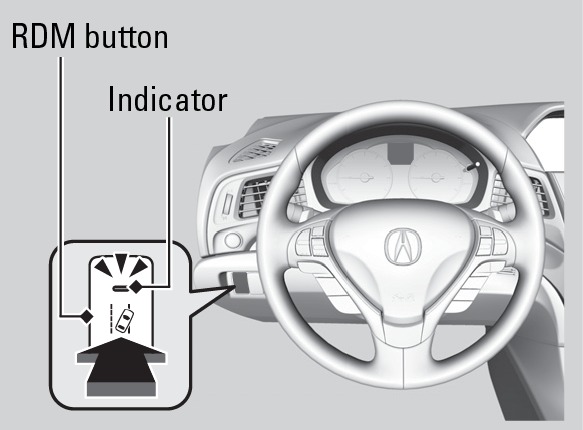
Press the RDM button to turn the system on or off. A green indicator appears on the button when the system is on.
Changing Settings
Determine the warning timing, or turn the system off. Use the interface dial to make selections.
- Press SETTINGS.
- Select Vehicle Settings. The vehicle must be in Park (P).
- Select Driver Assist System Setup.
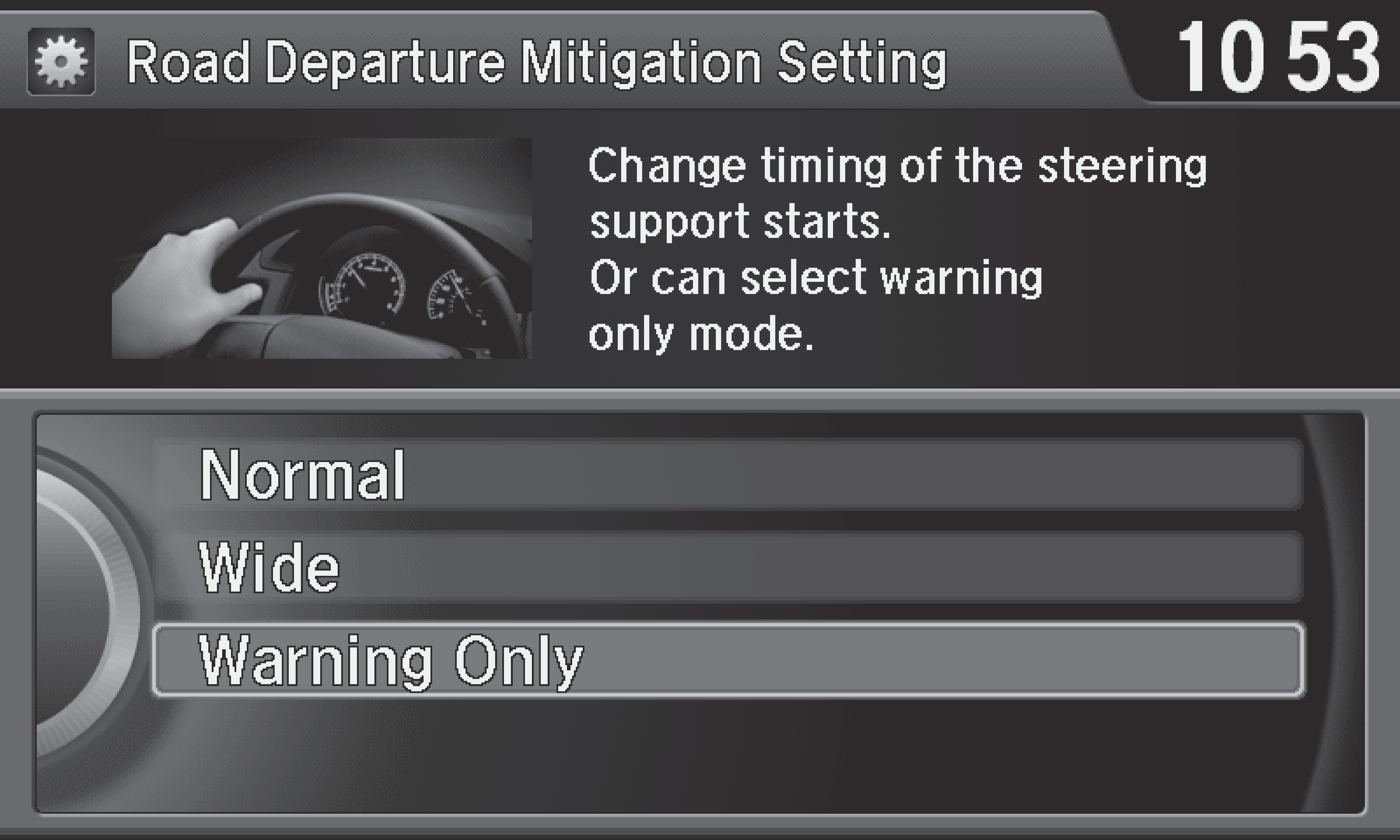
- Select Road Departure Mitigation Setting.
- Select from the options.
Normal (default): Steering control starts from inside the lane edge.
Wide: Steering control starts from outside the lane edge.
Warning Only: The system only provides an MID message, but does not apply steering or braking.
- Press BACK to exit the menu.
Important Safety Reminder
The system has limitations. Overreliance on it may result in a collision. It is always your responsibility to keep your vehicle within the driving lane.
- Multi-Information Display
Download Manual