Adaptive Cruise
Control (ACC)*
Helps maintain a constant vehicle speed and a set following interval behind a vehicle detected ahead of yours.
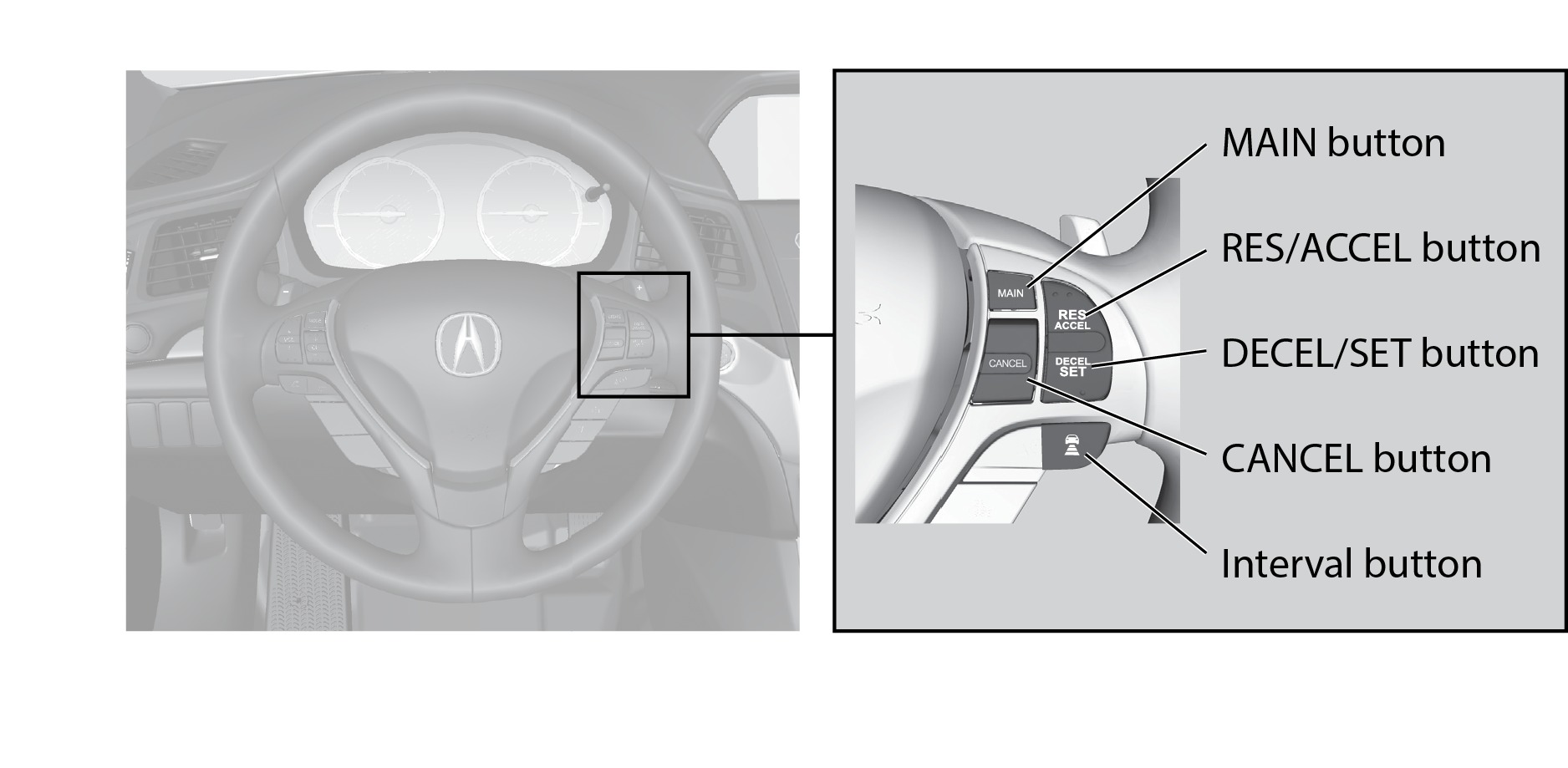
*if equipped
Activating and Setting the Vehicle Speed
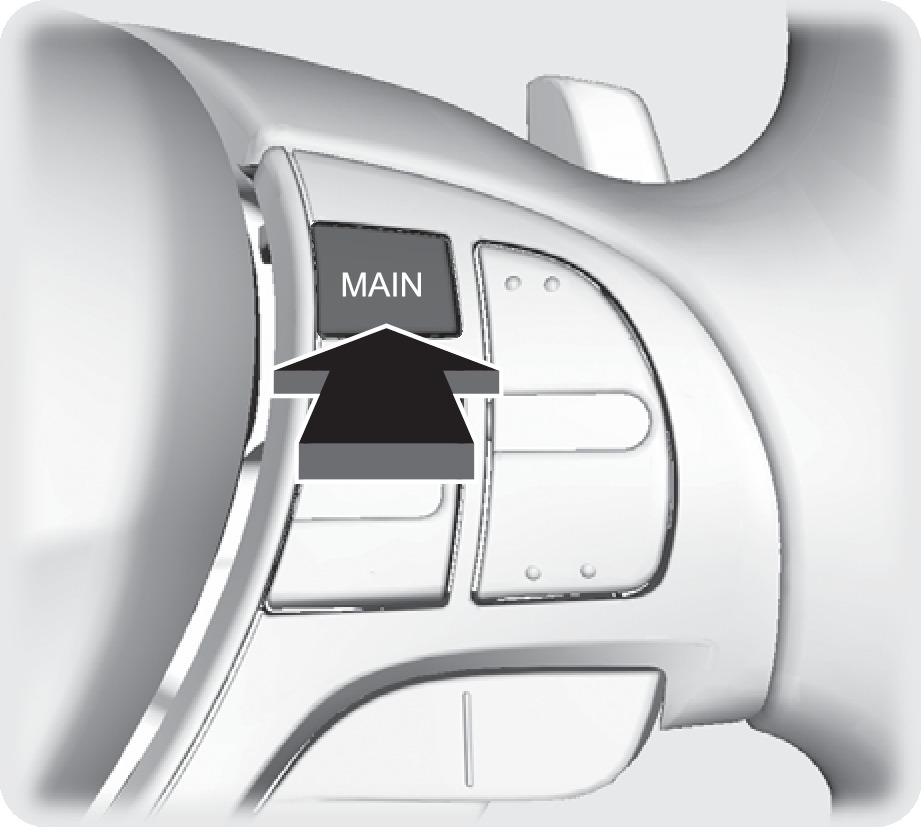
- Press MAIN. The ACC indicator appears.
- Accelerate to the desired speed above 25 mph (40 km/h). Press DECEL/SET and take your foot off the pedal to set the speed.
Adjusting the Vehicle Speed
Press RES/ACCEL to increase speed or DECEL/SET to decrease speed.
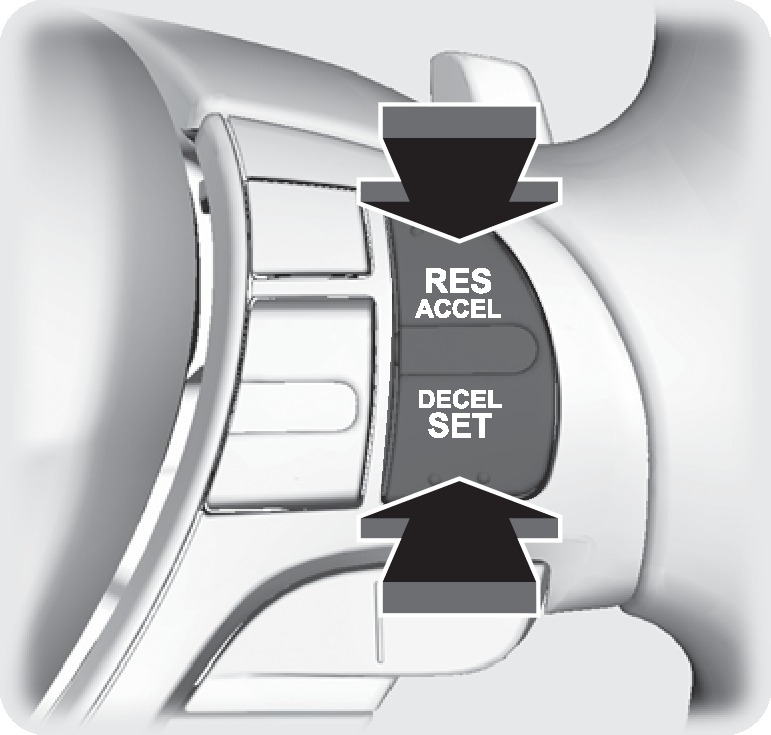
Each time you press the button, the vehicle speed is increased or decreased by about 1 mph (1 km/h). If you keep the button pressed, the vehicle speed increases or decreases by 5 mph (5 km/h) until you release it.
Adjusting the Vehicle Interval
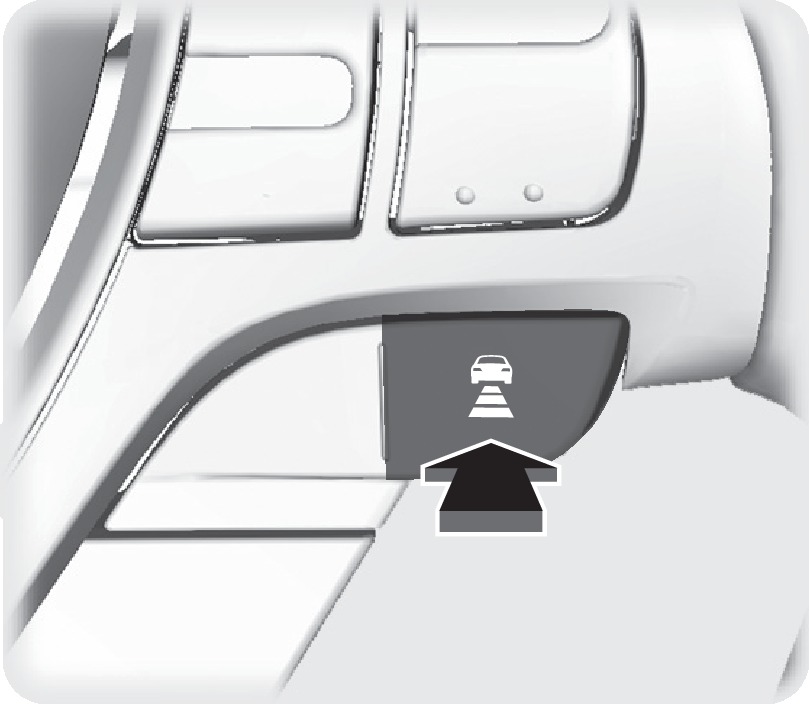
Press the Interval button to change the following interval. Each time you press the button, the following interval setting cycles through short, middle, long, and extra long.
|
Interval |
Short |
Middle |
Long |
Extra Long |
|---|---|---|---|---|
|
Approx. Gap (seconds) |
1.1 |
1.5 |
2.1 |
3.0 |
Switching to Standard Cruise Control
Press and hold the Interval button. Cruise Mode appears in the multi-information display. Press and hold the button again to switch back to ACC.
When in Operation
If a vehicle is detected ahead of you when ACC is turned on, the system maintains, accelerates, or decelerates your vehicle's set speed to keep the vehicle's set following interval from the vehicle ahead.
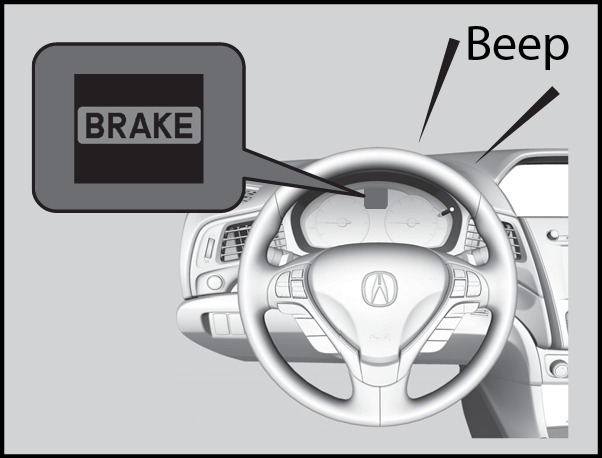
If a vehicle detected ahead of you slows down abruptly, or if another vehicle cuts in front of you, a beep sounds and BRAKE appears on the multi-information display to alert you.
ACC has limited braking capability.
When your vehicle speed drops below 22 mph, ACC will automatically cancel and no longer will apply your vehicle's brakes.
Always be prepared to apply the brake pedal when conditions require.
Canceling ACC
You can press CANCEL or MAIN, or press the brake pedal. The ACC indicator goes off.
Certain conditions may cause ACC to cancel automatically. When this happens, the amber ACC indicator appears on the multi-information display (see "Malfunction Indicators").
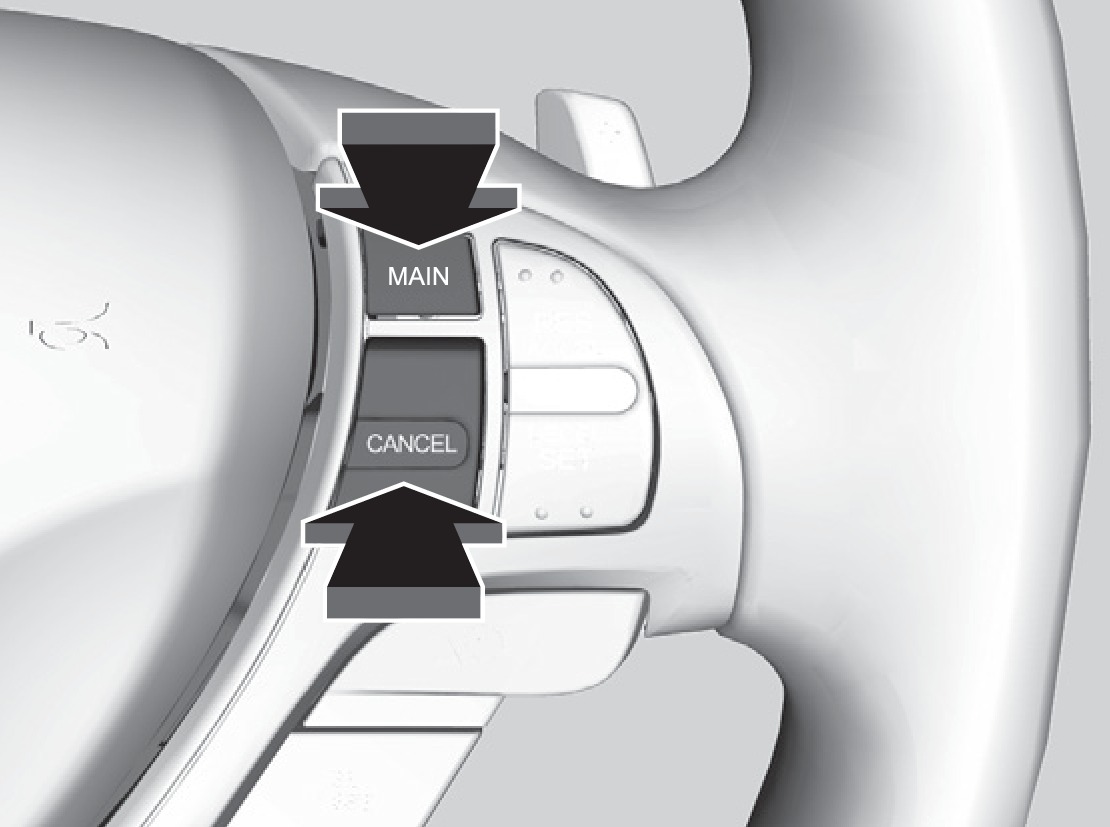
After cruise control has been canceled, you can still resume the prior set speed by pressing RES/ACCEL when your vehicle speed is over 25 mph (40 km/h).
Improper use of ACC can lead to a crash.
Use ACC only when traveling on open highways in good weather.
- Braking
- On / Off Indicators
- Malfunction Indicator
Download Manual