USB power supply
5 V/2.1 A or DC 5 V/1 A. Before connecting a device, be sure to read the instruction manual of the device and check whether or not this specifi- cation of the output is supported by the device. If a device that requires power exceeding the maximum rating is con- nected, power supply or charging may not be possible. Even if charging could be completed, the time required for charging may be longer than when the genuine charger for that device is used.
6-10 Interior equipment/USB power supply
Use the USB terminal to use or charge an electronic device. When the ignition switch is in the “ACC” or “ON” position, the power can be supplied to the electronic device. Up to DC 5 V can be supplied from each to terminal.
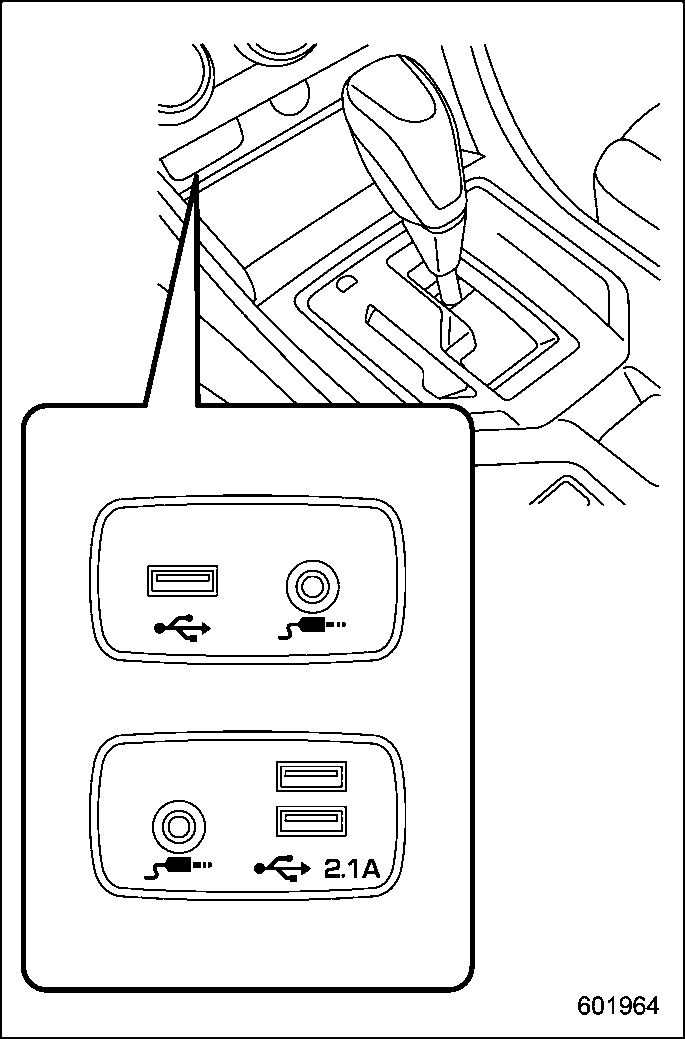
– DC 5 V/2.1 A*
*: The available electricity of the two USB terminals is a maximum of 4.2 A.
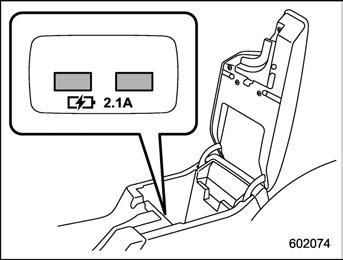
– DC 5 V/2.1 A*
*: The available electricity of the two USB terminals is a maximum of 4.2 A.
Interior equipment/Ashtray (dealer option) 6-11
Download Manual