Multi-function display (black and white) (models with automatic climate control)
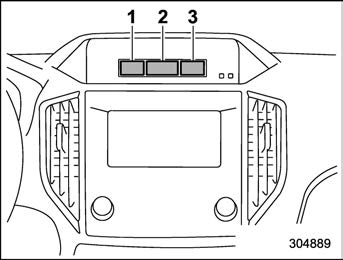
Multi-function display (black and white) (models without automatic climate con- trol)
With the ignition switch in the “ACC” position, the clock appears on the display.
With the ignition switch in the “ON” posi- tion, the outside temperature indicator, driving information display and clock all appear on the display.
treated only as a guide.
You can set the units for both the multi-
function display (black and white) and the combination meter at the same time. For details about setting the language and units, refer to “Type A combination meter” 3-11 or “Menu screens” 3-39.
! How to change the information dis- play
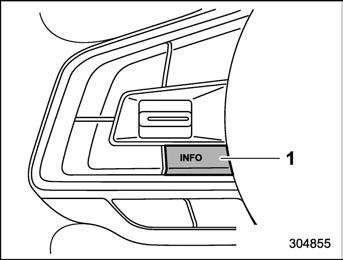
Pressing the INFO button on the steering wheel switches the display in the following sequence.
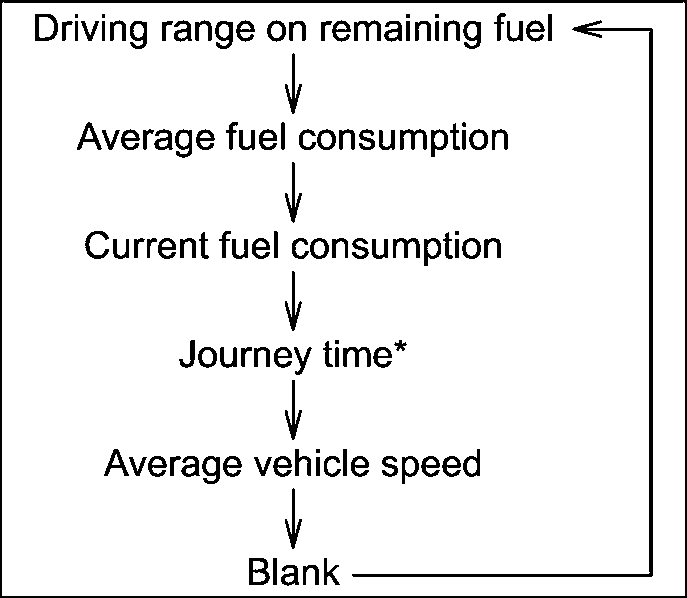
*: Models without combination meter dis- play (color LCD)
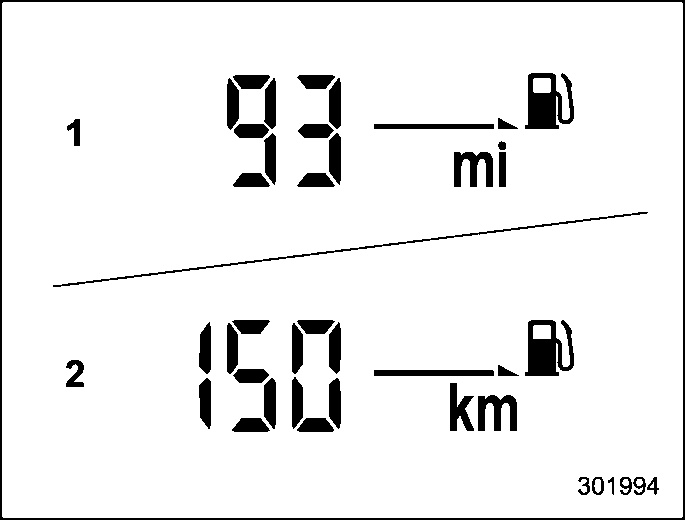
The driving range indicates the distance that can be driven taking into account the amount of fuel remaining in the tank and the average rate of fuel consumption.
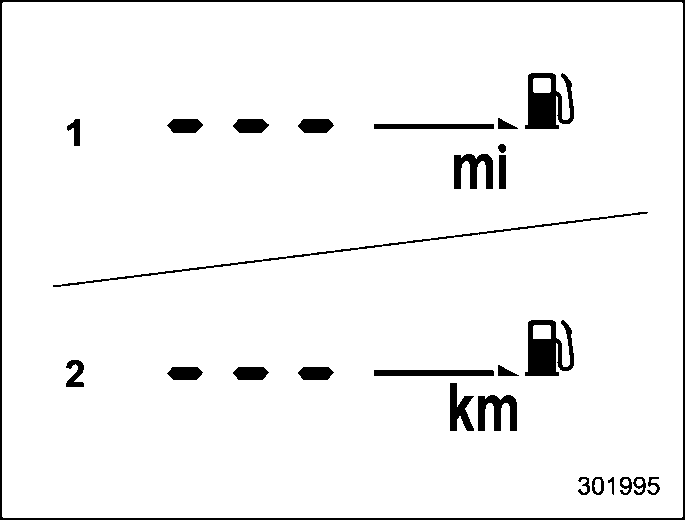
 If the driving range is shown as “ ”, there is only a tiny amount of fuel left in the tank.
! Average fuel consumption
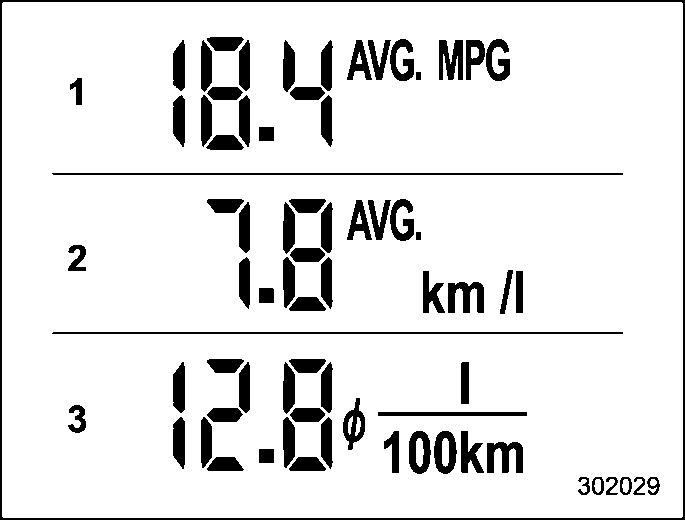
This display shows the average rate of fuel consumption since the trip meter was last reset.
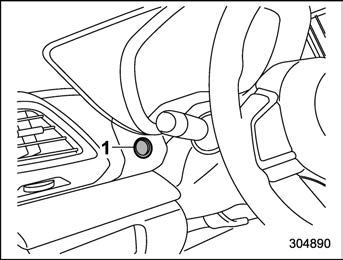
1) TRIP RESET switch
Press the TRIP RESET switch to switch between the displays for the average fuel consumption that corresponds to the A trip meter mileage and the average fuel con- sumption that corresponds to the B trip meter mileage.
When the trip meter displays is reset, the corresponding average fuel consumption value is also reset.
! Current fuel consumption
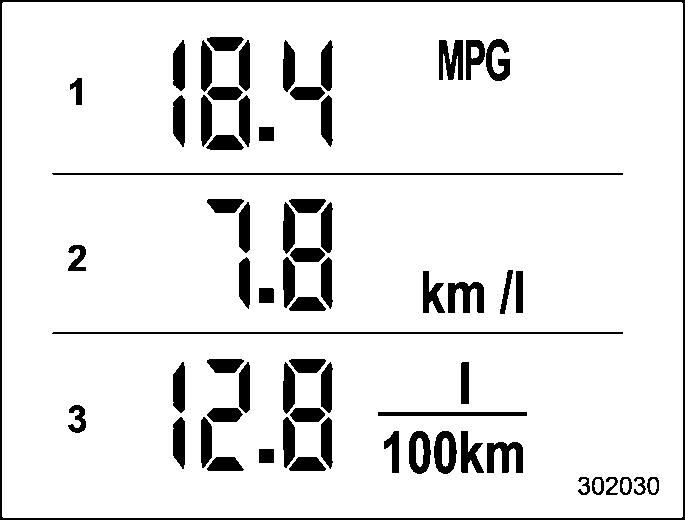
This indication shows the rate of fuel consumption at the present moment.
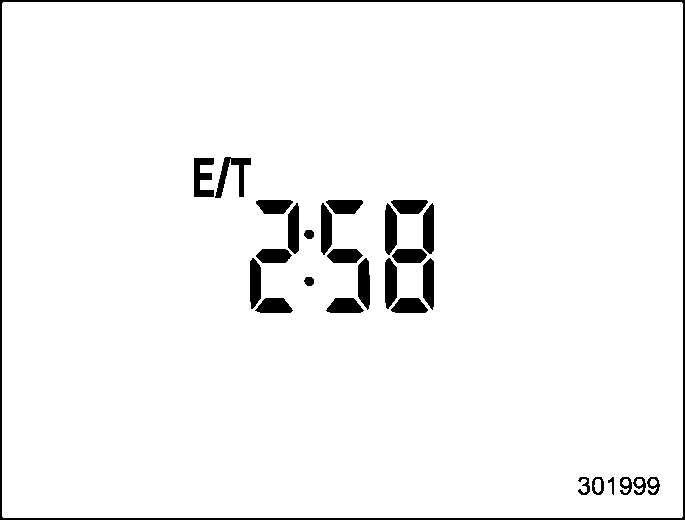
The journey time shows the time that has elapsed since the ignition switch was turned to the “ON” position.
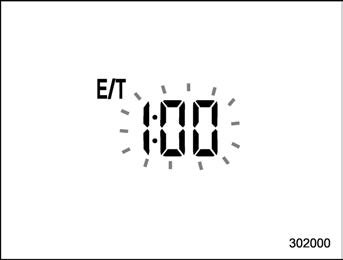
The journey time indication flashes each time a complete hour has elapsed. If the display is giving a reading other than the journey time, the display switches to the journey time, flashes for 5 seconds, and returns to its original reading each time a complete hour has elapsed.
! Average vehicle speed
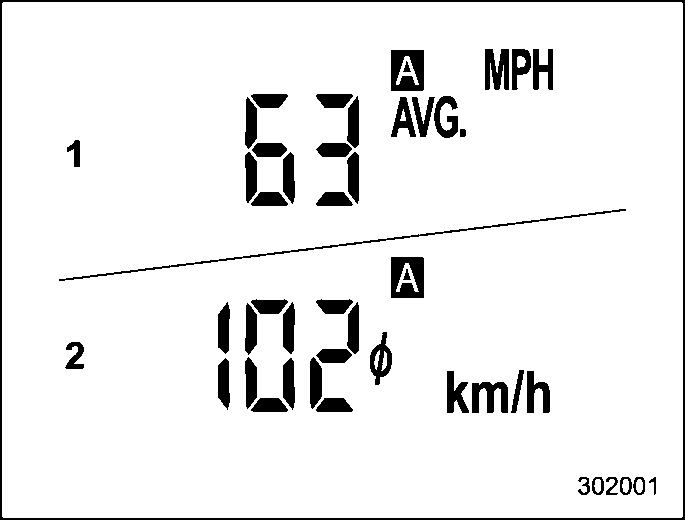
This display shows the average vehicle speed since the trip meter was last reset. Pressing the TRIP RESET switch toggles the display between the average vehicle
speed corresponding to the A trip meter display and the average vehicle speed corresponding to the B trip meter display. When either of the trip meter displays is
reset, the corresponding average vehicle speed value is also reset.
quently covered a distance of 1 mile (or 1 km).
! Turn off display of driving informa- tion display
Select the blank space in the menu to exit the driving information display selection.
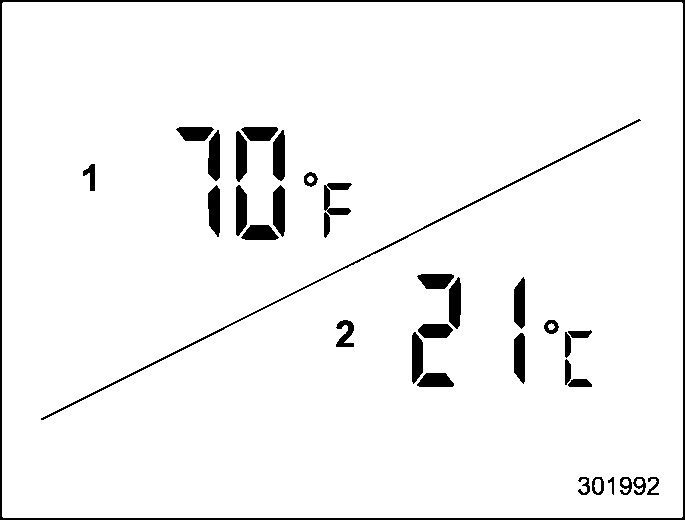
The outside temperature indicator shows.
parking area or when passing through a tunnel)
! Road surface freeze warning indi- cation
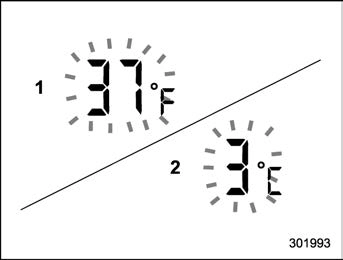
When the outside temperature drops to a certain temperature or lower, the tempera- ture indication flashes for 5 seconds to show that the road surface may be frozen.
If the display is already indicating that the outside temperature is low when the ignition switch is turned to the “ON”
position, the indication does not flash.
For details about clock setting, refer to “Clock” 3-62.
The climate control status is displayed on the multi-function display (black and white).
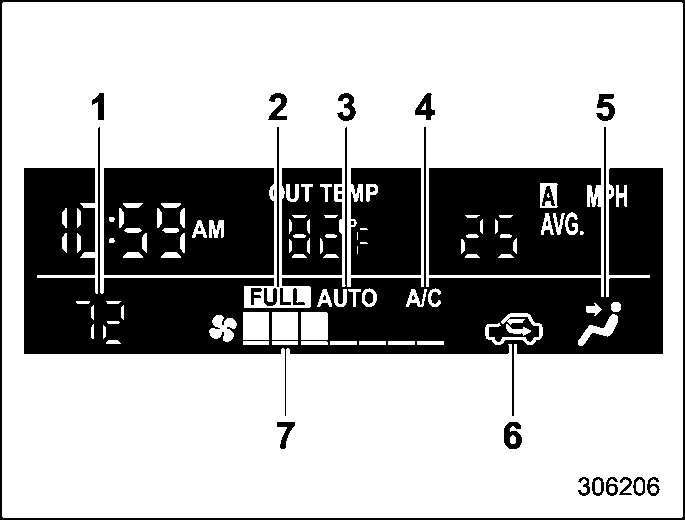
Climate control screen
When operating the climate control sys- tem, the basic screen switches to the climate control screen. For details about climate control operation, refer to “Climate control panel” 4-2.
Download Manual