AM/FM Radio - Vehicles Without: SYNC
Selecting a Radio Source

- Press the button to display the available radio sources.
- Repeatedly press the button to scroll to the desired radio source.
- Press the OK button.
Station Presets
To store a radio station, press and hold one of the numeric preset buttons.
Note: Six presets can be stored for each radio source.
Manually Changing Radio Stations
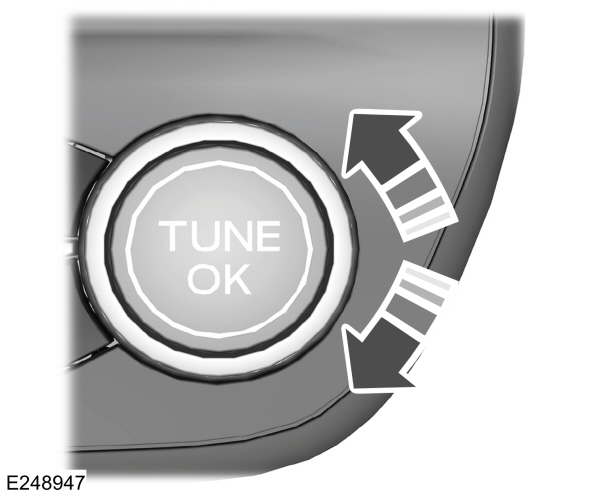
Rotate the control to change radio stations.
Note: You can change the radio frequency by using the seek buttons.
Automatically Changing Radio Stations
 Press to seek the next station up the frequency band. Press to seek the next station up the frequency band.
Press and hold to quickly seek up the frequency band. |
 Press to seek the next station down the frequency band. Press to seek the next station down the frequency band.
Press and hold to quickly seek down the frequency band. |
Selecting a Station from the List
Press the OK button to view available stations.
Download Manual