Seat Heaters*
Quickly warm the front seats when the vehicle is on. The appropriate indicator appears for each setting.
Front Seat Heaters*
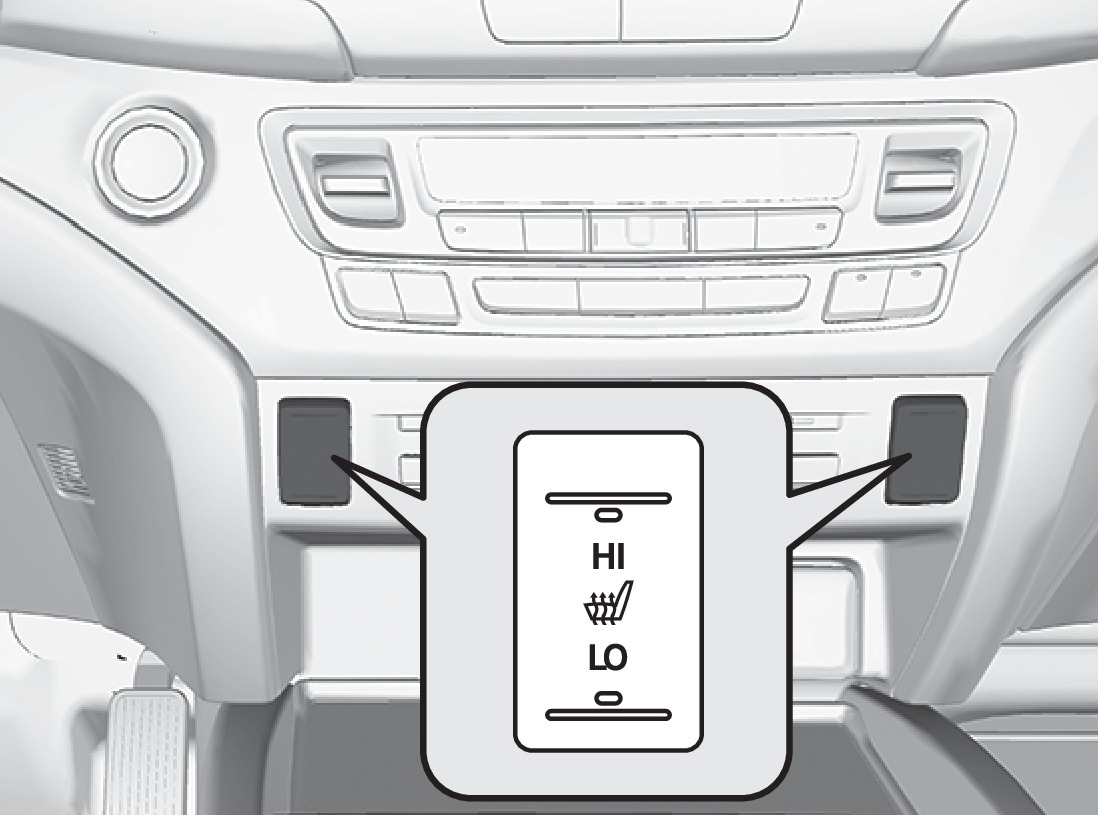
Press the LO or HI side of the switch to activate seat heat. Return the switch to the middle position to cancel seat heat.
Front Seat Heaters and Ventilation*
Press the seat heater or seat ventilation button to cycle through settings. The appropriate indicator (red for heat, blue for ventilation) appears for each setting.
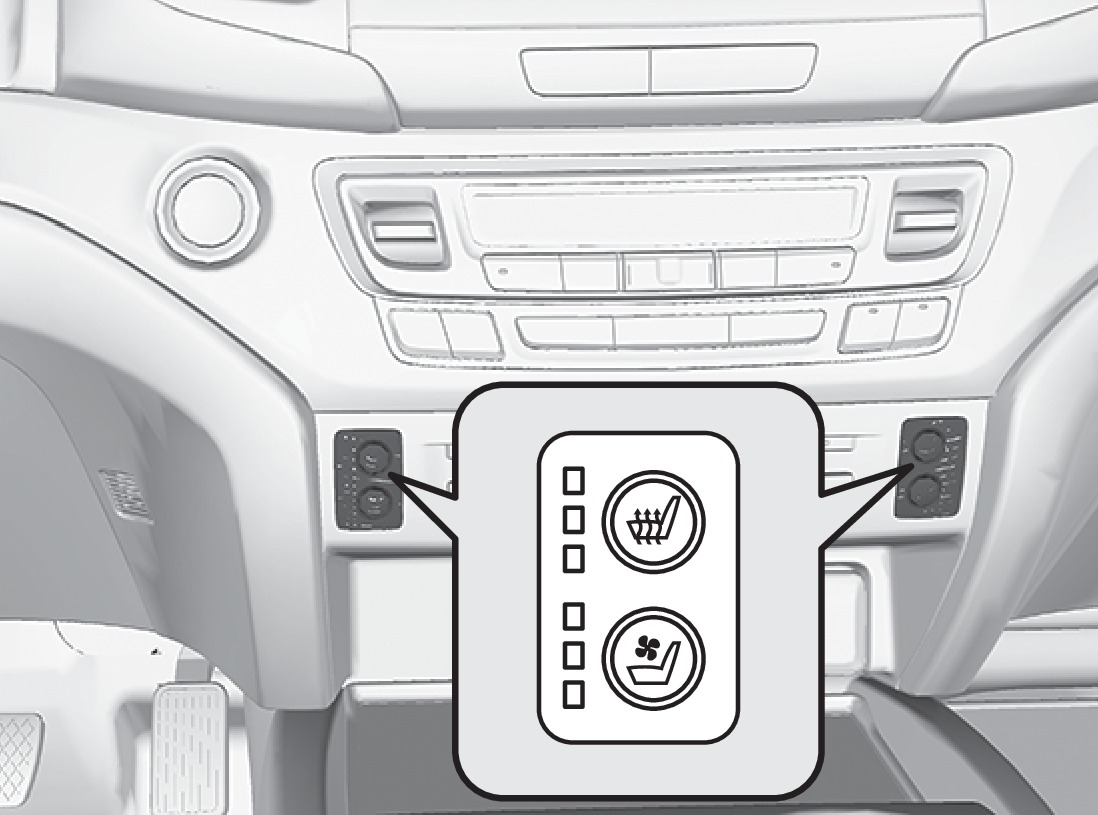
- Once - HI setting (three indicators)
- Twice - MID setting (two indicators)
- Three times - LO setting (one indicator)
- Four times - OFF (no indicators)
Rear Outer-Seat Heaters*
Press the rear seat heater button to cycle through settings. The appropriate indicator appears for each setting.
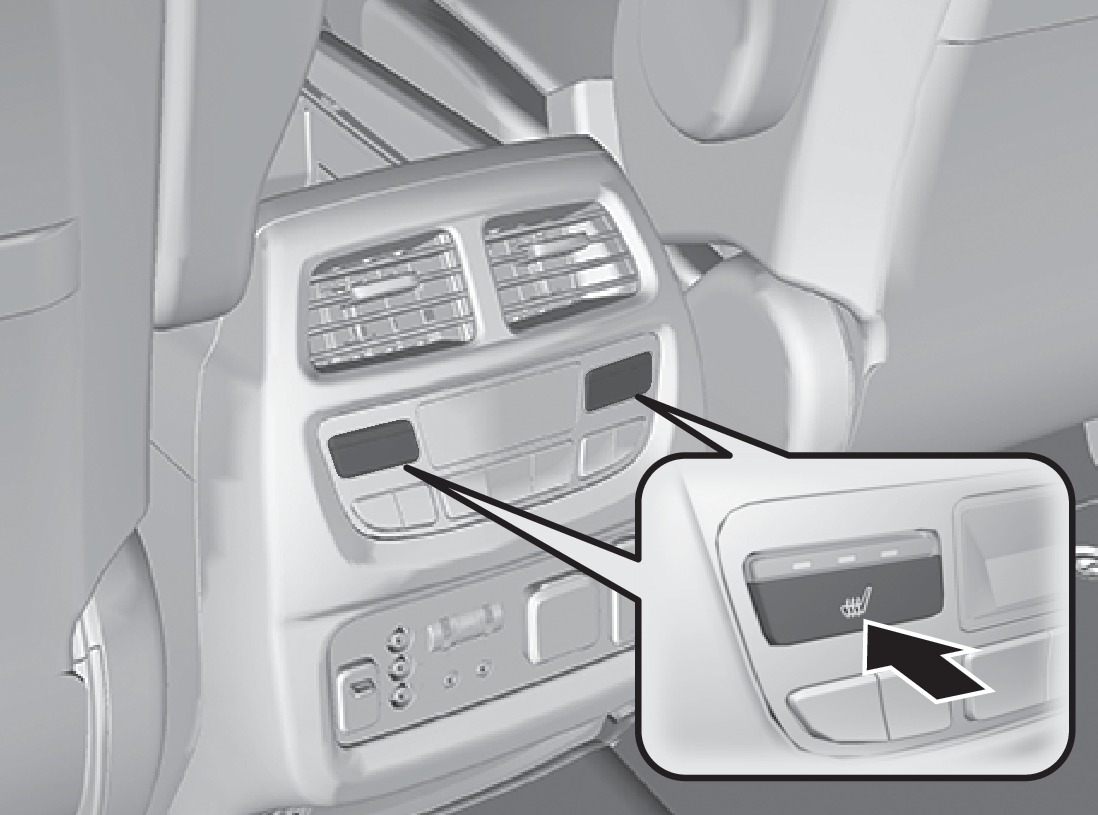
- Once - HI setting (three indicators)
- Twice - MID setting (two indicators)
- Three times - LO setting (one indicator)
- Four times - OFF (no indicators)
Heat-induced burns are possible when using seat heaters.
Persons with a diminished ability to sense temperature (e.g., persons with diabetes, lower-limb nerve damage, or paralysis) or with sensitive skin should not use the seat heaters.
*if equipped
- Adjusting the Seats
- Driving Position Memory System*
Download Manual