Customized Features
Use the Settings menu to customize certain features when the vehicle is stopped.
Using the Color Audio*
Use the selector knob to make and enter selections.
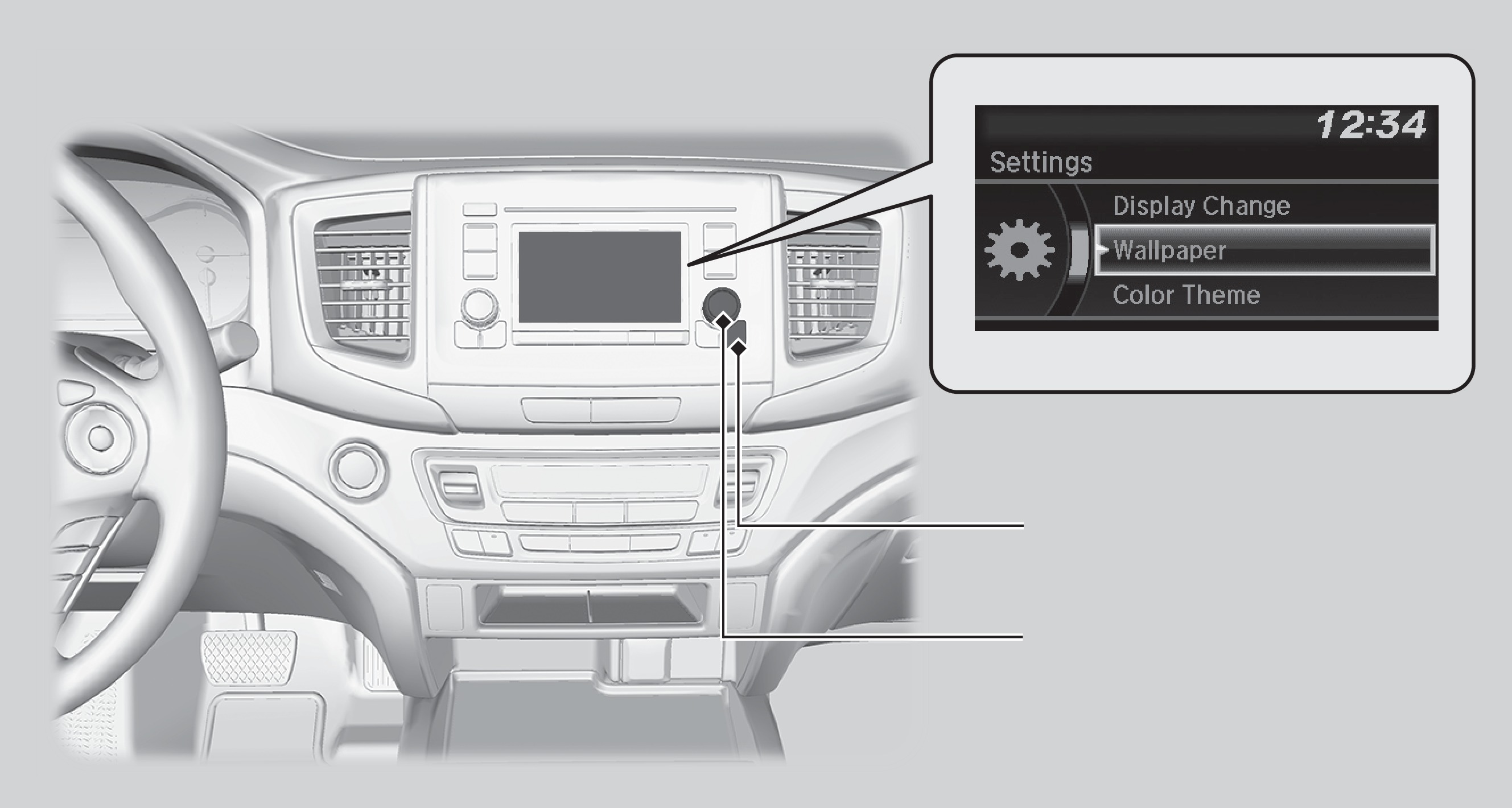
MENU/CLOCK button
Selector knob
- Press and hold the MENU/CLOCK button.
- Select Settings.
- Select a setting option, and make your preferred changes.
- Press the Back button to exit the menus.
Using the Display Audio*
Select items on the touchscreen to make selections.
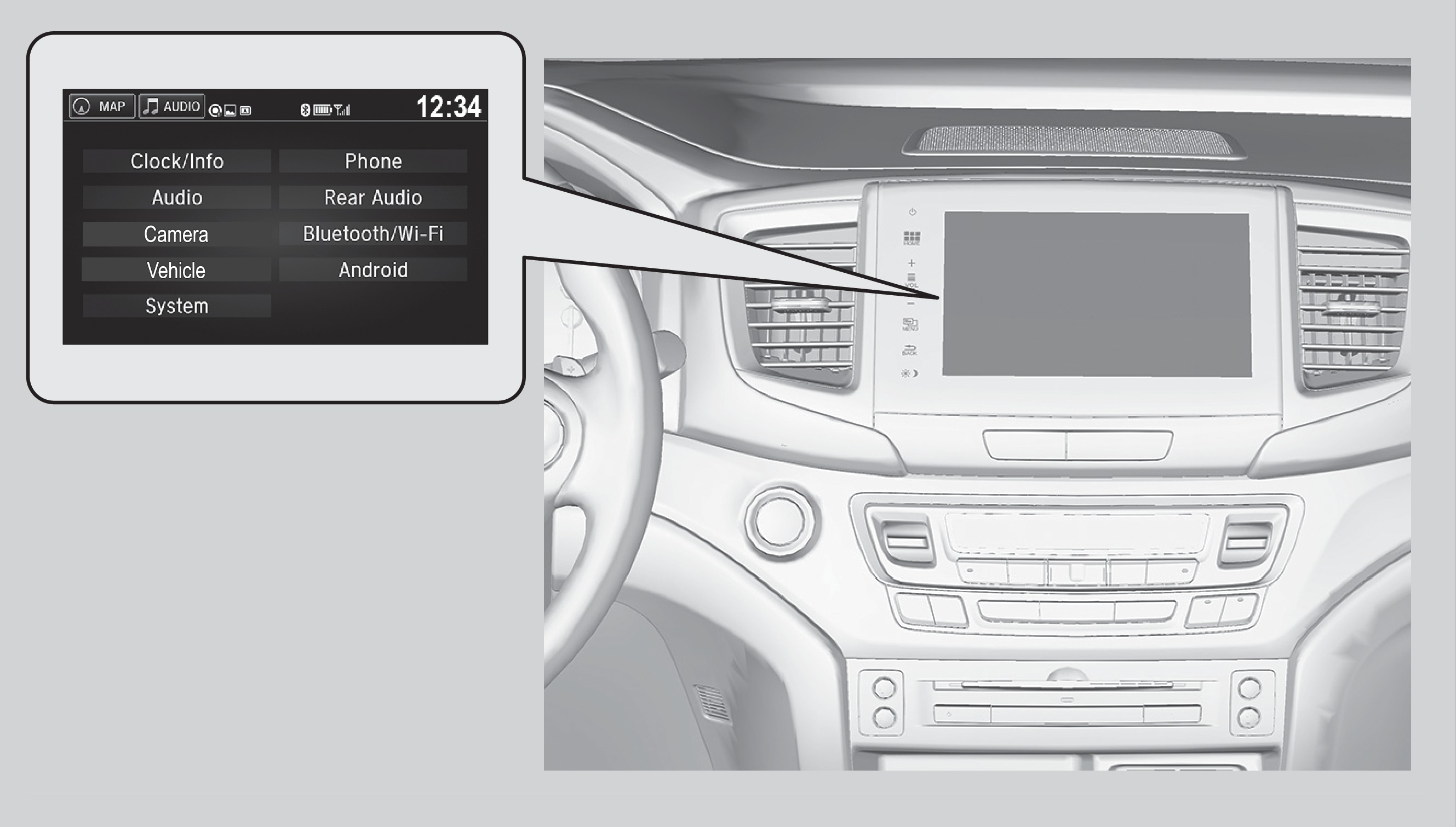
- From the HOME screen, select Settings.
- Select a setting option, and make your preferred changes.
- Press BACK to exit the menus.
*if equipped
Customization Example: Door Lock/Unlock Settings
Models with Display Audio
To customize the door lock/unlock settings, follow the steps below when the vehicle is stopped and the power mode is ON. Use the audio/information screen.
- Press HOME.
- Press Settings.
- Press Vehicle.
- Select Door Setup.
- To customize door lock settings, press Auto Door Lock
- To customize door unlock settings, press Auto Door Unlock
- Choose a setting.
- The default lock setting is With Vehicle Speed
- The default unlock setting is All Doors when Driver's Door Opens
- Select BACK or press the HOME button when you are done.
Models with color audio
See "Customizing Door Lock Settings".
Download Manual