Wi-Fi Connection
Models with Display Audio
You can connect the audio system to the internet using Wi-Fi. If your compatible phone has hotspot capabilities, the system can be tethered to the phone. Follow the steps below to set up Wi-Fi when the vehicle is stopped. Standard data rates apply with your phone service provider.
- From Home, select Settings.
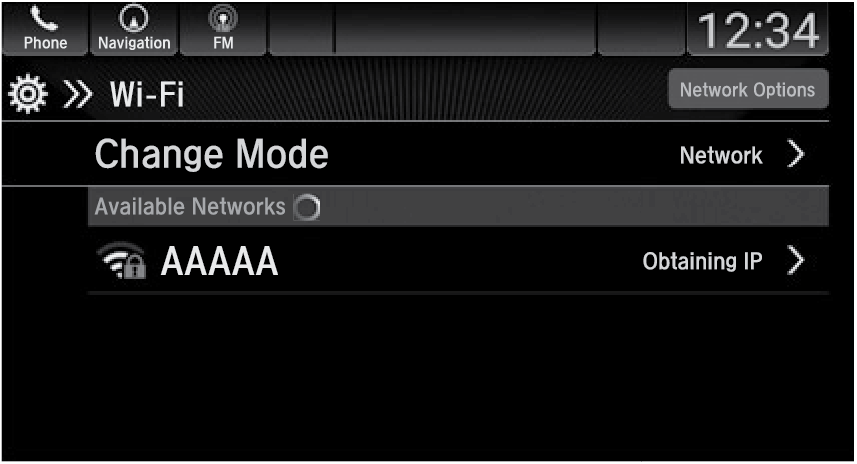
- Select Connections, then Wi-Fi.
- Select Change Mode.
- Select Network, then Save.
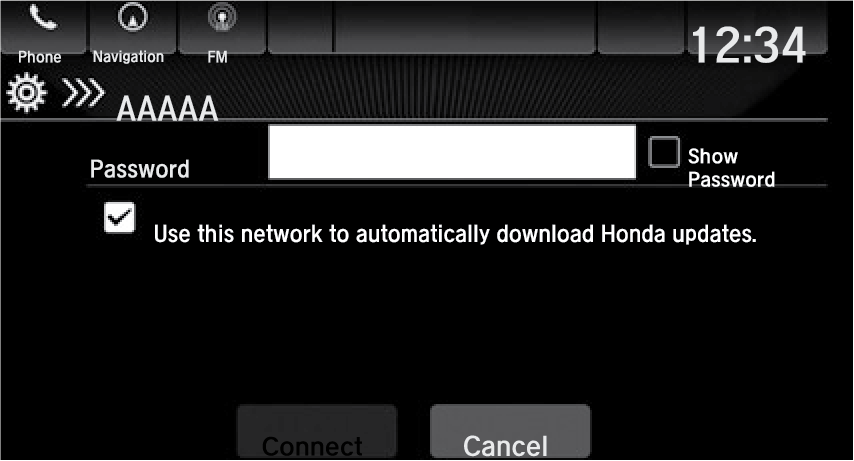
- Select Connect.
Enter a password for the access point, and select OK.
Parent topic: Audio and Connectivity
Download Manual