Entering Your Destination
There are several methods to enter a destination.
- Home Address
- Street Address
- Place Category
- Recent Places
- Saved Places
■Home Address
Store your home address in the system so you can easily route to it.
- Select Set Home Location.
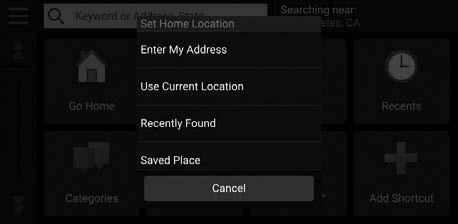
- Select an option.
Select Use Current Location to set home location.
If selecting Enter My Address, Recently Found or Saved Place, proceed to steps 3 and 4.
- Select the home location.
- Select Select.
When your home address is stored, you can press the Talk button and say "Navigation" and then "Go Home" at any time. You can also select Go home from the Where To? menu.
■Street Address
Enter a street address.
- From the map screen, select the Search icon.
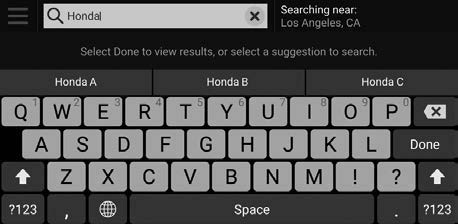
- Select Search Tools.
- Select Address.
- Enter the house number and street name.
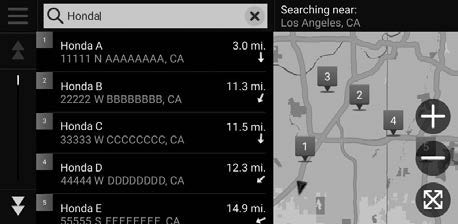
- Select Done or a suggestion.
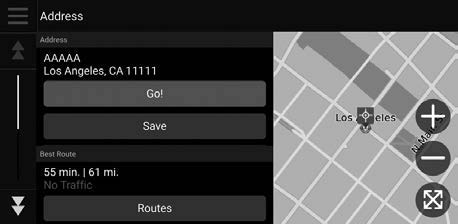
- Select the address from the list.
- Select Go!.
■Place Category
Enter a destination using a point of interest or landmark.
- From the map screen, select the Search icon.
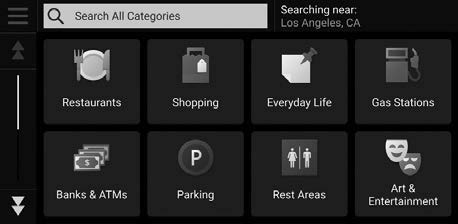
- Select a Category.
- Select a subcategory.
- Select a place from the list.
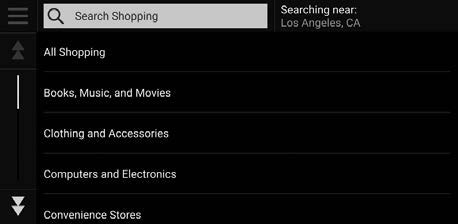
- Select Go!.
You can also enter a street address using voice commands. Press the Talk button and say “Navigation” and then “Find Place.” Follow the prompts.
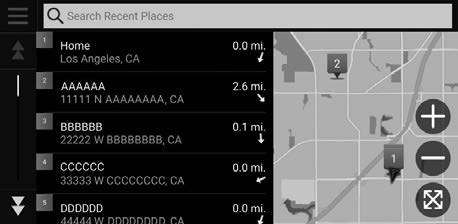
■Recent Places
Select an address from a list of your 50 most recent destinations.
- From the map screen, select the Search icon.
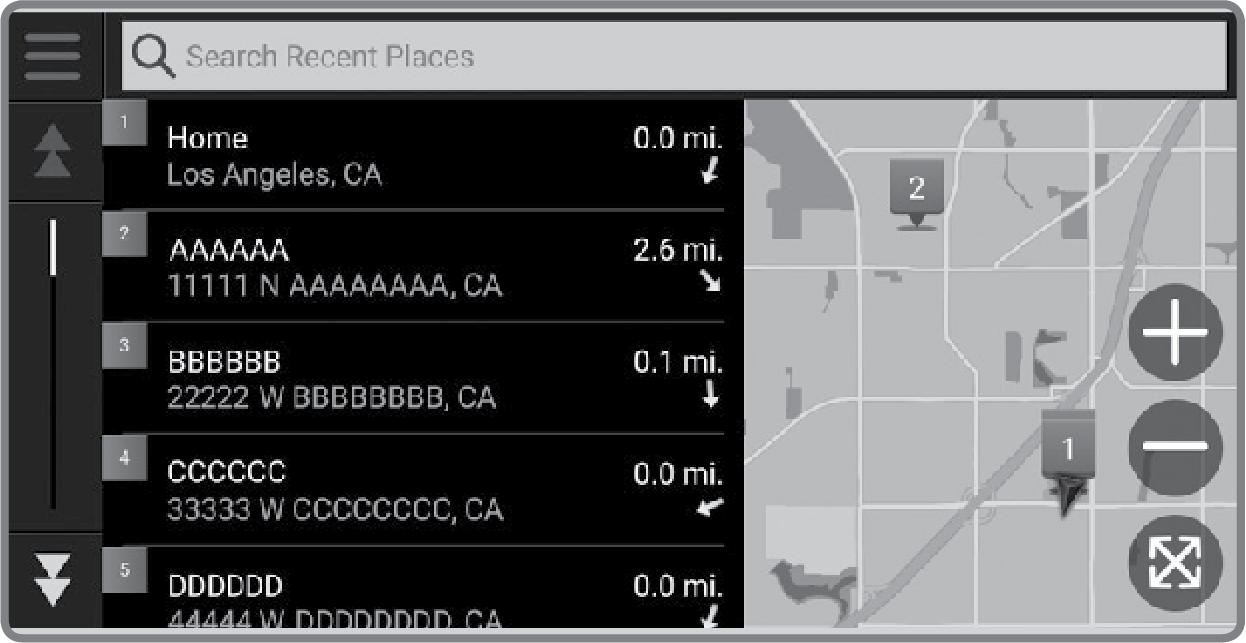
- Select Recent.
- Select a place from the list.
- Select Go!.
■Saved Places
Save locations so you can quickly route to them.
- Saving a Location
- Routing to a Saved Location
Saving a Location
- Select a destination from the map.
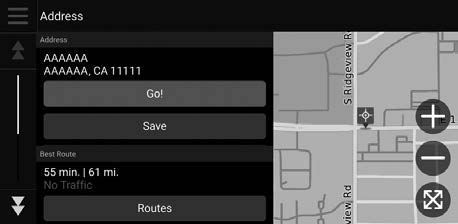
- Select the destination name at the bottom of the map.
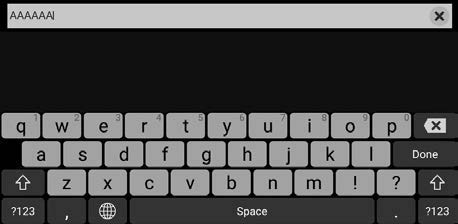
- Select Save.
- Enter the address or place name ans select done.
Routing to a Saved Location
- Select a search method.
Find a location that you want to save.
- Select Info.
- Select Save.
- Enter a name and select Done.
Download Manual