System Updates
Models with Display Audio
Install authorized updates to the Display Audio system software. Install via a WiFi connection, WiFi connection or a USB storage device.
- Wireless Connection Setup
- Wireless Updating
- USB Updating
Parent topic: Audio and Connectivity
■Wireless Connection Setup
These steps are required only for updating via Wi-Fi.
- From the Home screen, select System Updates, then Settings.
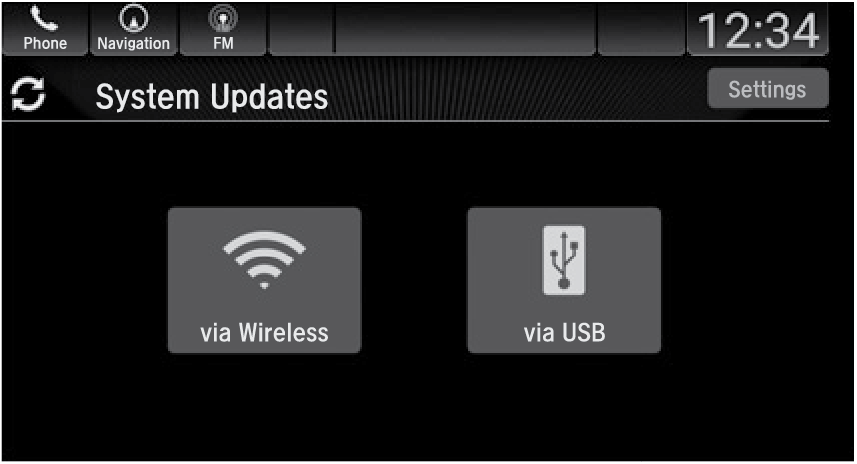
- Select Connection Setup.
- Select Change Mode.
- Select Network, then Save.
The display returns to the network list.
- Select an access point from the network list, then Connect.
Parent topic: System Updates
■Wireless Updating
-
From the Home screen, select System Updates.
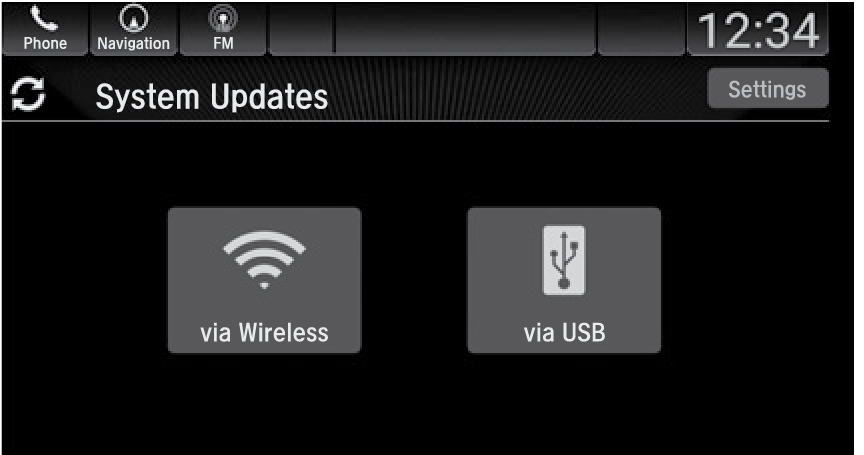
- Select Settings.
- Select Connection Setup.
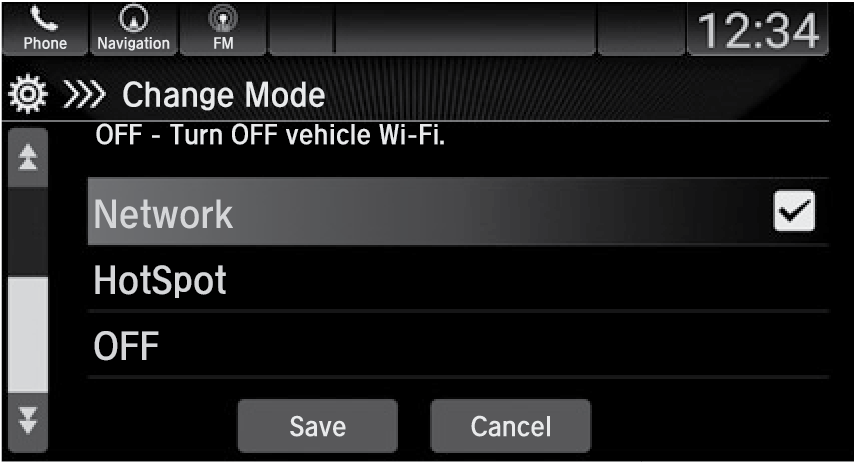
- Select Change Mode.
- Select Network, then Save.
- Select an access point from the network list, then Connect.
Parent topic: System Updates
■USB Updating
Download the update
- From the Home screen, select System Updates, then via USB.
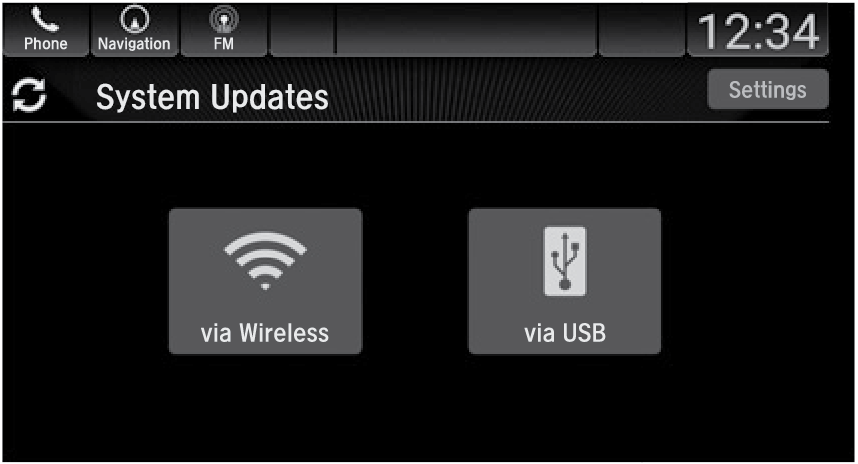
- Connect a USB drive into the front (right side*1) USB port (see USB Port).
- Once the system finishes copying to the USB drive, disconnect the drive and connect it to your computer.
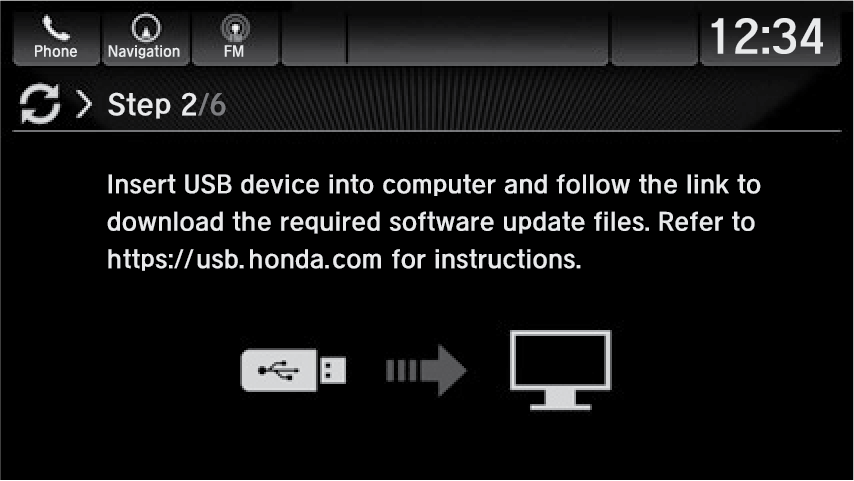
- Follow the link to download the updated files. See
usb.honda.com for more details.
Install the update
- From the Home screen, select System Updates, then via USB.
- Connect the USB device containing the updated files to the front (right side*1) USB port.
- Select Install Now or Install While Vehicle Off.
Note:
- Honda recommends using a flash drive with 8GB capacity or higher.
Notes for wireless and USB updating:
- If you select Install Now, the system will reboot. Do not operate the Display Audio unit during the software update. You will see a notice when the update is complete.
- If you select Install While Vehicle Off, you will see a notice when the update is complete when you start the vehicle.
Parent topic: System Updates
Download Manual