Doors
Tailgate Manual Tailgate
Use the key to unlock the tailgate.
Open the tailgate by lifting up on its handle while pulling the
tailgate down.
To shut the tailgate, firmly push it upward until it latches.
After closing the tailgate, pull it back to be sure it is latched securely.
Some tailgates have an electric latch. If the battery is disconnected or has low voltage, the tailgate will not open. The tailgate will resume operation when the battery is reconnected or recharged.
In the case of a dead battery, the tailgate can be opened manually. Contact your dealer or Roadside Assistance.
If equipped, to lock or unlock the tailgate, use the RKE transmitter or the key. See Remote Keyless Entry (RKE) System Operation (Keyless Access) 0 34 or
Remote Keyless Entry (RKE) System Operation (Key Access) 0 42.
The vehicle must be in P (Park). To open the tailgate:
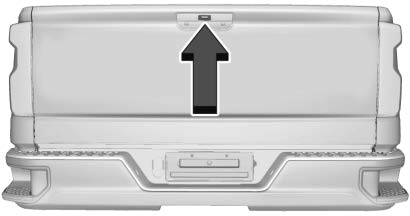 Press
Press  twice quickly on the RKE transmitter until the tailgate moves.
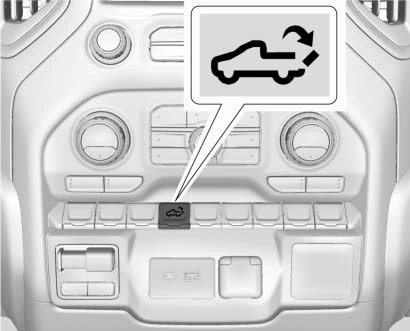
. Press the touch pad on the tailgate handle after unlocking all doors. Use the top of the tailgate to pull against if assistance is required. If equipped with Keyless Access, a locked tailgate can be opened if the RKE transmitter is within
1 m (3 ft).
To close the tailgate, firmly push it upward until it latches. Pull it back to be sure it is latched securely.
If equipped with this feature, the vehicle must be in P (Park).
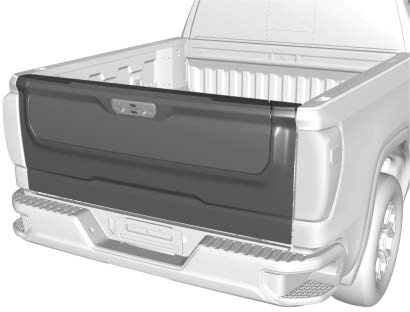
Switches in the inner tailgate prevent the primary tailgate from being opened when the inner tailgate is not fully closed.
To open the primary tailgate:
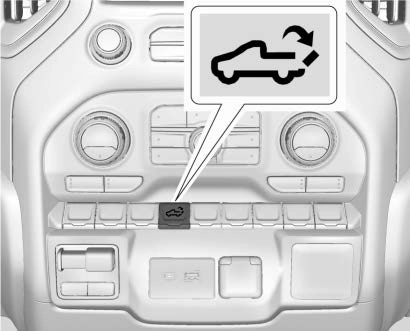
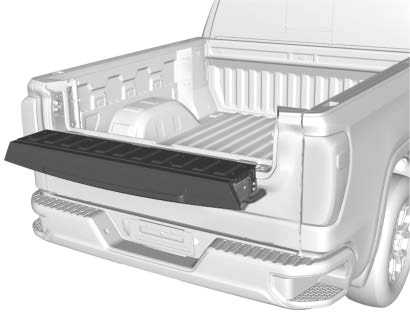 Press 5 on the center stack.
To close the primary tailgate, firmly push it upward until it latches. Pull it back to be sure it is latched securely.
To open the inner tailgate, press the upper touch pad on the tailgate handle after unlocking all doors. Pull the top of the tailgate to open.
To close the inner tailgate with the primary tailgate closed, firmly push or pull it upward until it latches. Pull it back to be sure it is latched securely.
To close the inner tailgate with the primary tailgate open:
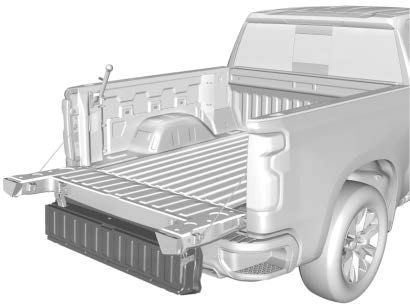 Hold the primary tailgate and firmly close the inner tailgate.
When using the tailgate step as a load stop, the load must be secured as the load could shift. See Cargo Tie-Downs 0 129.
With the primary and inner tailgates open, the tailgate step can be lowered to access the pickup bed.
Using the Step
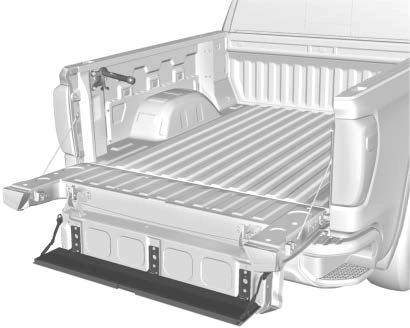
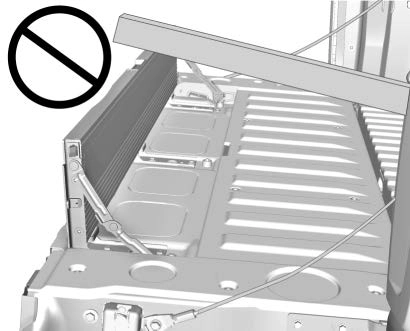
Do not place a load on top of the step when using it as a load stop.
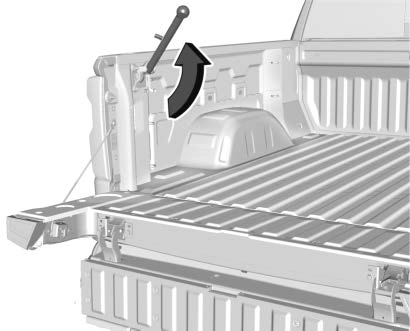 Using the Assist Handle
The assist handle helps with entering the pickup box. To use:
Applying Loads to Tailgates
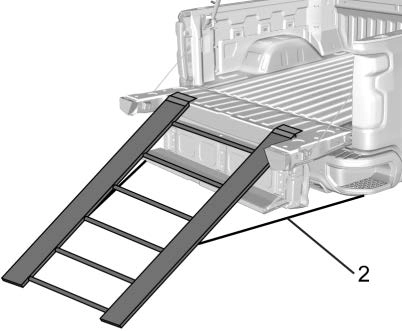
Preferred Method
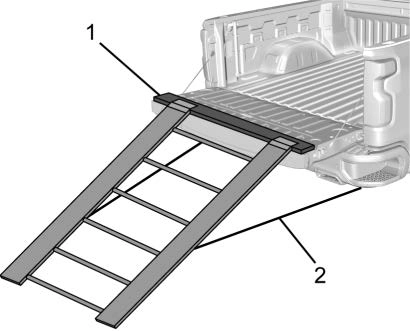
Alternate Method
When applying any load to the tailgate, distribute the weight evenly across the width of the tailgate. This applies to all tailgate types.
If equipped, the power assist steps, when enabled, will extend when the door is opened. They will retract three seconds after the door is closed or immediately if the vehicle starts moving.
Keep hands, children, pets, objects, and clothing clear of the power assist steps when in motion.
The steps will reverse direction if there is an obstruction. If possible, carefully remove the obstruction, then open and close the door on the
same side to complete the motion. If the obstruction is not cleared, the assist steps remain extended.
Slight movement of the steps while extended is normal.
Kick Switch
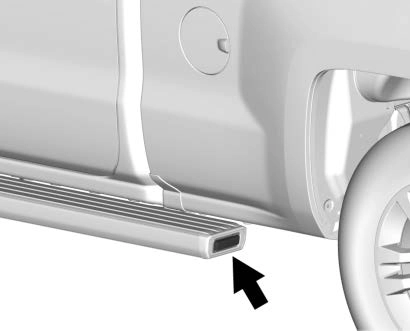
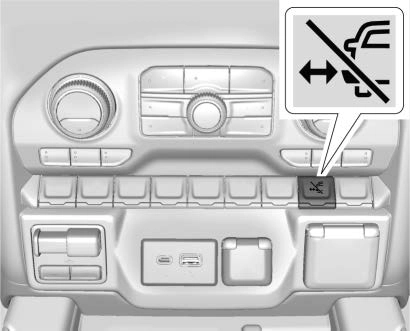
The power assist steps can be extended to the tire by pressing j. When extending the steps with j, the kick switch is disabled. The vehicle must be in P (Park) or
N (Neutral).
To extend the steps:
A DIC message displays.
Enable/Disable
To enable or disable the power assist steps, press and hold j for four seconds. A DIC message displays.
Cleaning
Clean the power assist steps regularly. For an automatic car wash, extend the steps while in
N (Neutral) using the center stack switch. The steps will stow when shifting into D (Drive).
Download Manual