Starting to Drive
Drive
Turn on the vehicle and start the engine to begin driving.
Before Starting the Engine
Continuously variable transmission (CVT)
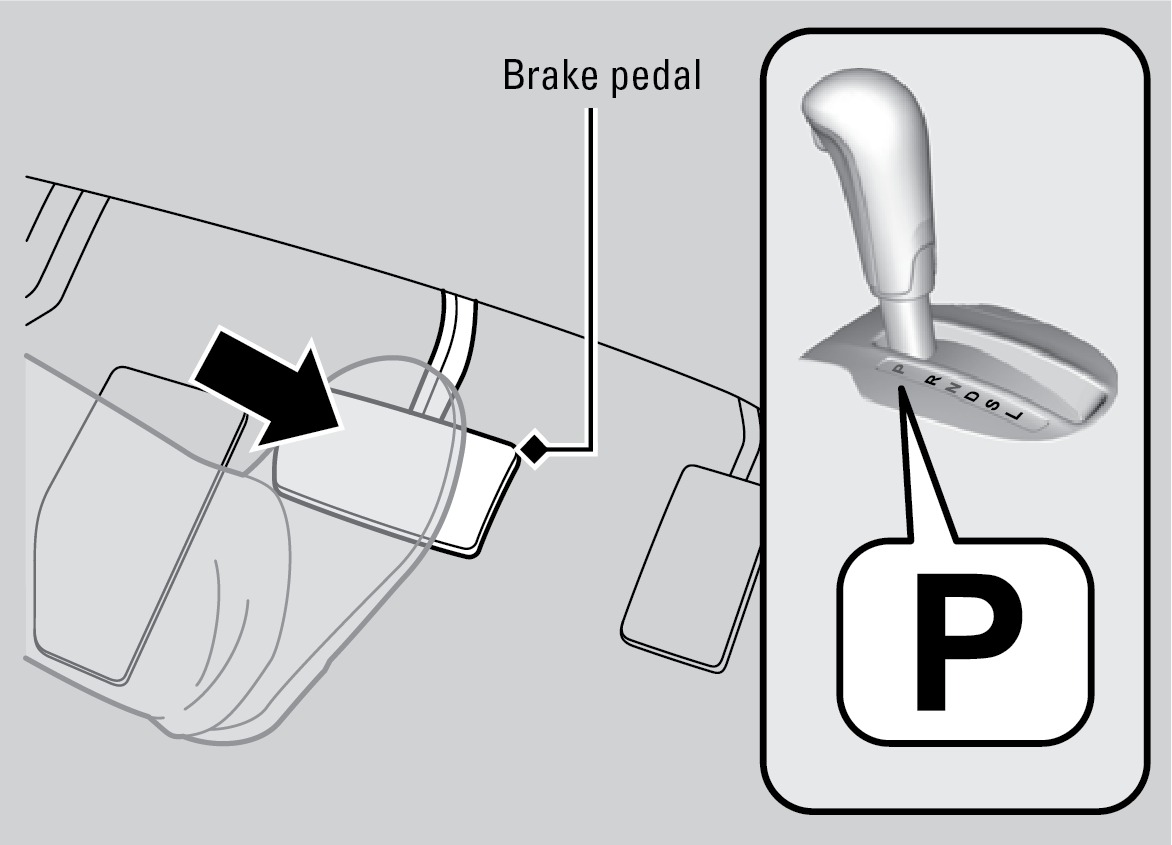
Check that the shift lever is in Park (P), then press the brake pedal. Keep your foot firmly on the brake pedal when starting the engine.
Manual transmission
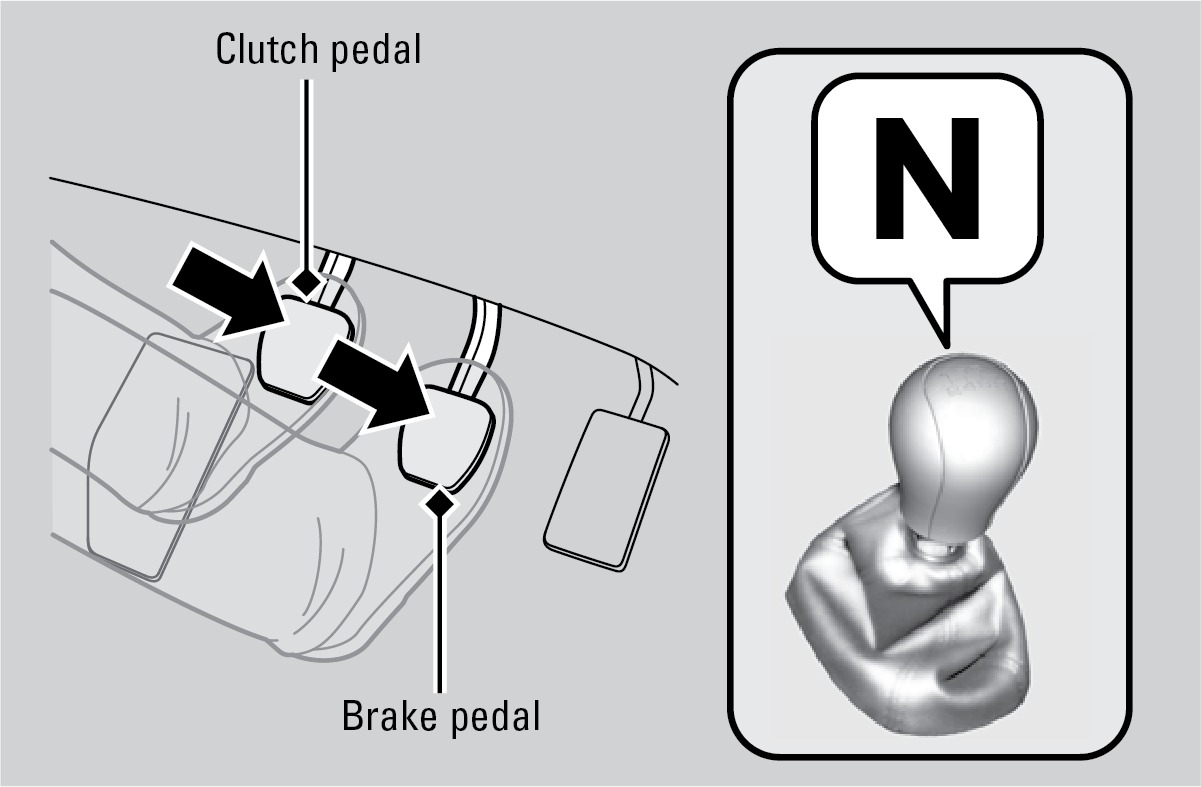
Check that the shift lever is in Neutral (N). Press the brake pedal with your right foot and press the clutch pedal all the way down with your left foot. Keep your foot firmly on the brake pedal when starting the engine.
The engine is harder to start in cold weather and in thinner air found at altitudes above 8,000 feet (2,400 m). When starting the engine in cold weather, turn off all electrical accessories such as the lights, climate control system, and rear defogger in order to reduce battery drain.
Starting the Ignition*
Insert the key into the ignition and turn to turn on the vehicle or start the engine.
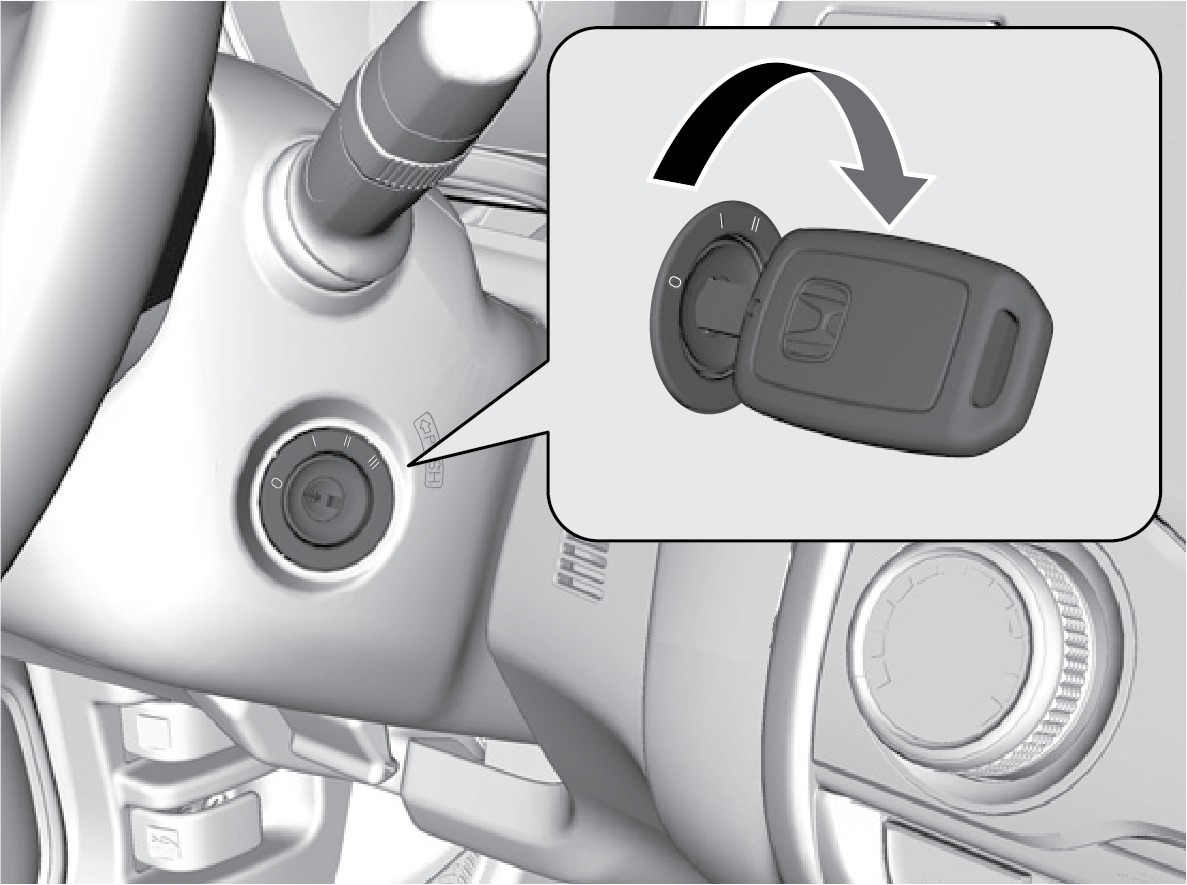
 LOCK: Insert and remove the key in this position.
 ACCESSORY: Operate the audio system and other accessories in this position.
 ON: This is the position when driving.
 START: This position is for starting the engine. The switch returns to ON when you release the key.
*if equipped
Changing the Power Mode*
Use the ENGINE START/STOP button to cycle through power modes or start the engine.
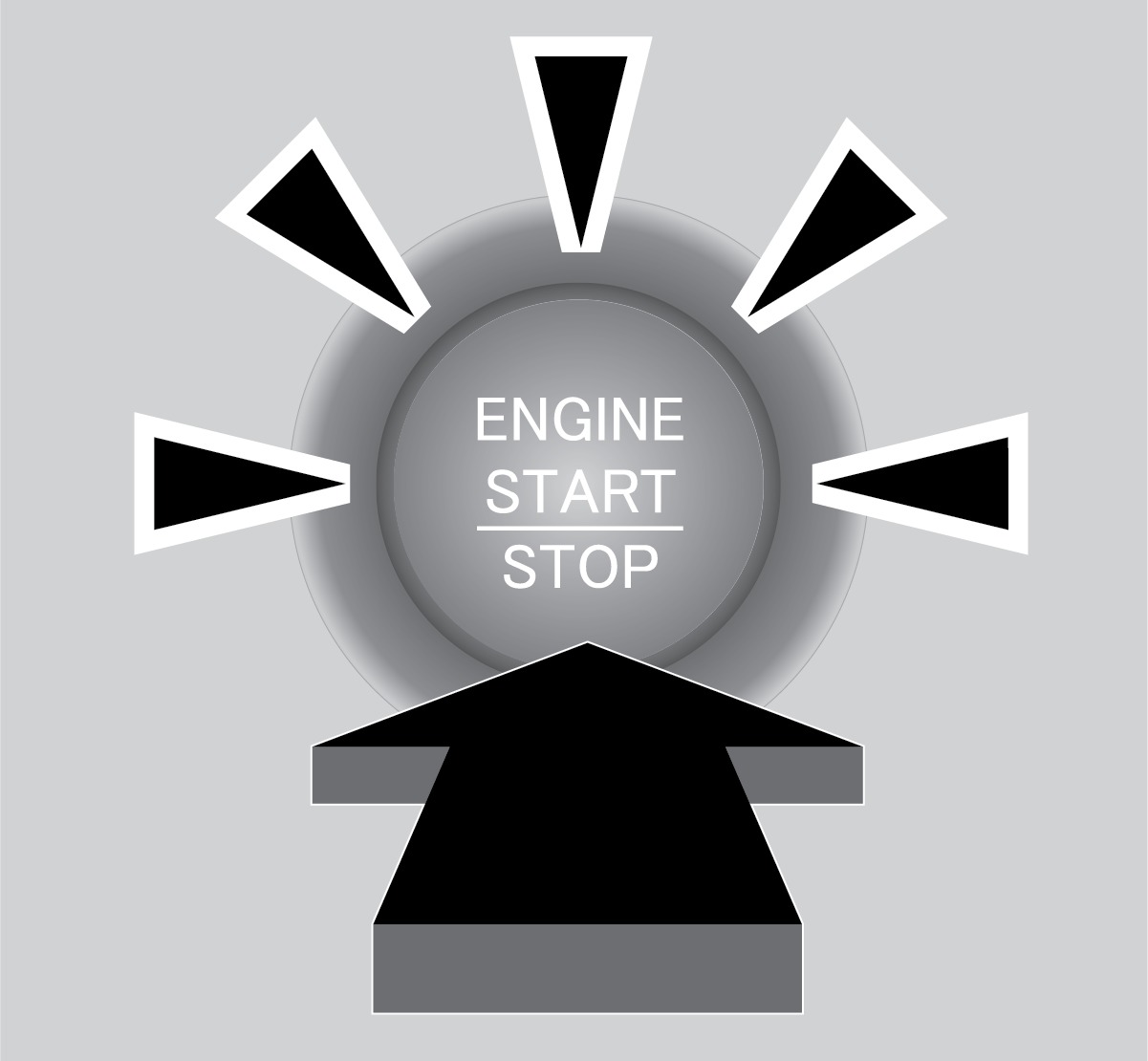
Accessory or On mode: Press ENGINE START/STOP once without pressing the brake pedal for Accessory mode. Press it again for On mode.
Starting the engine: Press and hold the brake pedal (and the clutch for manual transmission), then press ENGINE START/STOP. Keep your foot firmly on the brake pedal when starting the engine. If you press the button and the shift lever is not in Park (P), the vehicle goes into Accessory mode.
Turning the vehicle off: Shift to Park (P) (or apply the parking brake for manual transmission), then press ENGINE START/STOP.
Download Manual