Collision Mitigation
Braking System™ (CMBS™)*
Can assist you when there is a possibility of your vehicle colliding with a vehicle or a pedestrian detected in front of yours.
The system can give you visual, audible and tactile alerts when a potential collision is determined, and reduce your vehicle speed to help minimize collision severity when a collision is deemed unavoidable.
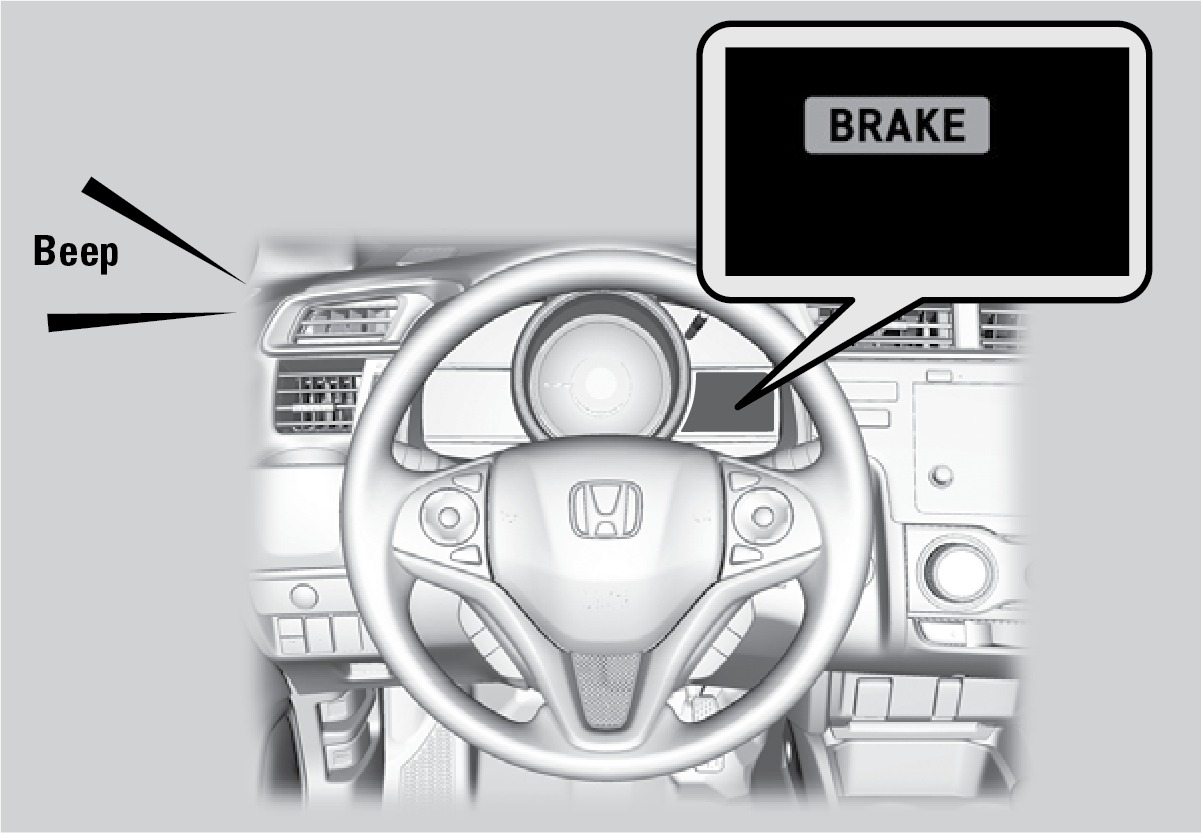
When a potential collision with a detected oncoming vehicle is determined, the system also alerts you with rapid vibrations on the steering wheel.
The system activates when:
- The speed difference between your vehicle and a vehicle or pedestrian detected in front of you is about 3 mph (5 km/h) and over with a chance of a collision.
- Your vehicle speed is about 62 mph (100 km/h) or less and there is a chance of a collision with an oncoming detected vehicle or a pedestrian in front of you.
Alert Stages
The system has three alert stages for a possible collision. Depending on the circumstances or CMBS settings, CMBS may not go through all of the stages before initiating the last stage.
Stage 1: Visual and audible warning, steering wheel vibrations
Stage 2: Visual and audible warning and light brake application
Stage 3: Visual and audible warning and strong brake application
Changing Settings
Determine the warning timing.
- From the HOME screen, select Settings.
- Select Vehicle. The vehicle must be in Park (P).
- Select Driver Assist System Setup.
- Select Forward Collision Warning Distance.
- Select Long, Normal, or Short.
- Press BACK to exit the menu.
*if equipped
Download Manual