Bluetooth® MODE
Overview
Bluetooth® Streaming Audio or Bluetooth® Mode is entered by pairing a Bluetooth® device, containing music, to the Uconnect system.
Before proceeding, the Bluetooth® device must be paired to the Uconnect Phone to communicate with the Uconnect system.
To access Bluetooth® Mode, press the Bluetooth® button on the left side of the touchscreen or under the Source Select/Select Source button (if equipped).
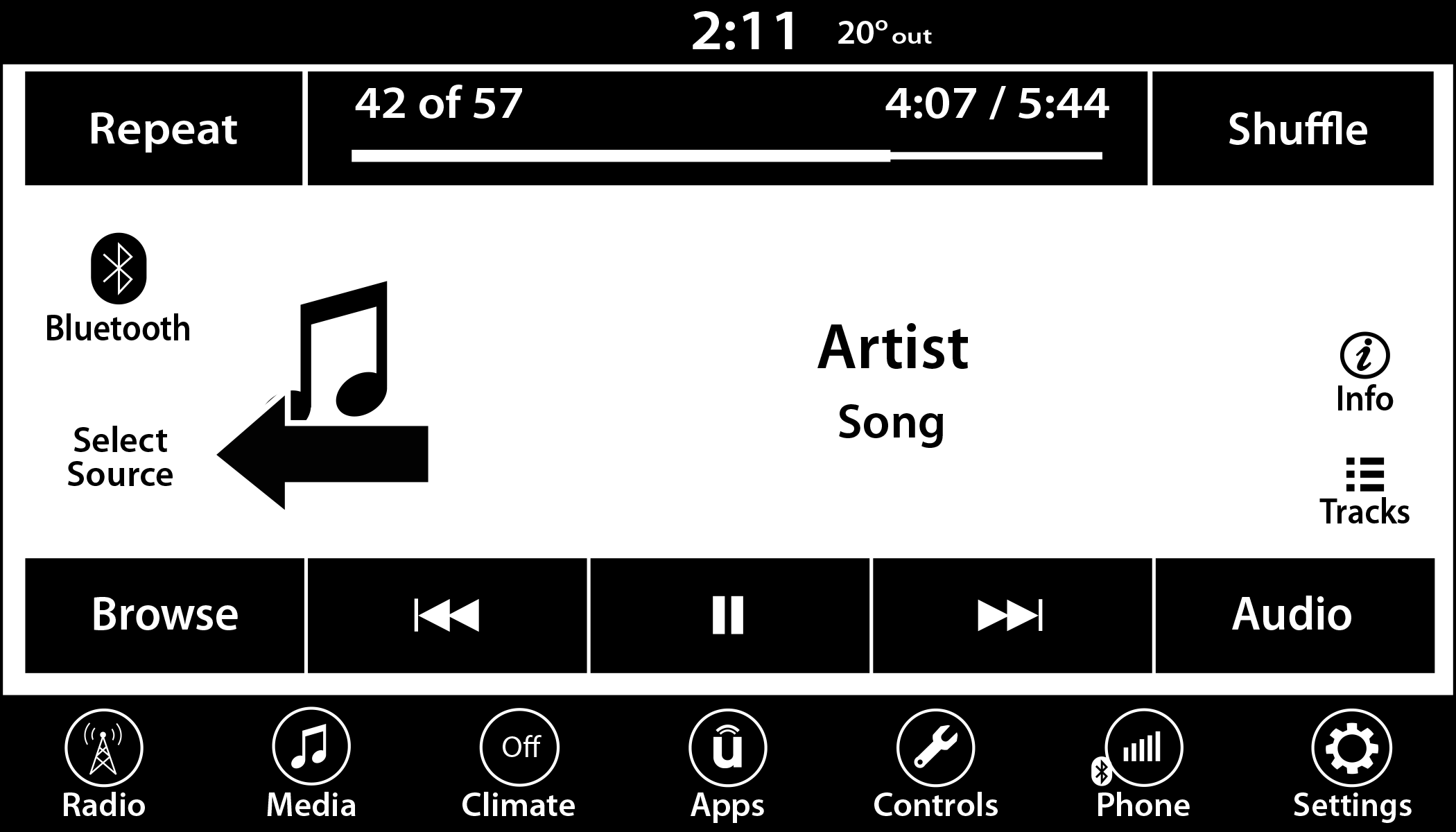
Uconnect 4 With 7-inch Display Select Source
Download Manual