Interior Mirrors
Adjust the rearview mirror for a clear view of the area behind the vehicle.
Do not spray glass cleaner directly on the mirror. Use a soft towel dampened with water.
If equipped, push the tab forward for daytime use and pull it for nighttime use to avoid glare from the headlamps from behind.
If equipped, automatic dimming reduces the glare of headlamps from behind. The dimming feature comes on when the vehicle is started.
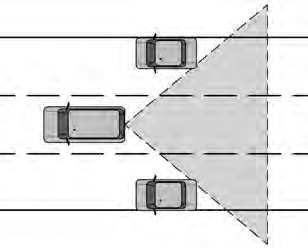
If equipped, the automatic dimming mirror provides a wide angle camera view of the area behind the vehicle.
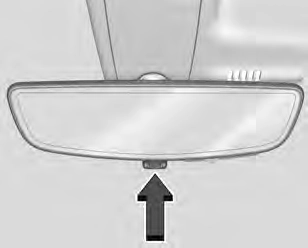
Pull the tab to turn on the display. Push the tab to turn it off. When off the mirror is automatic dimming.
Adjust the mirror for a clear view of the area behind the vehicle while the display is off.
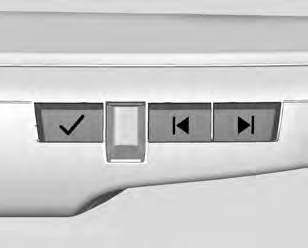
Press V to scroll through the adjustment options.
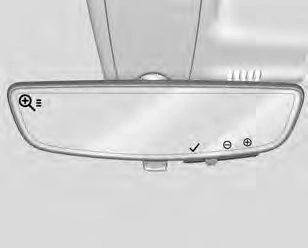
Press t and u to adjust the settings using the indicators on the mirror. The indicators will remain visible for five seconds after the last button activation, and the settings will remain saved.
The adjustment options are:
Troubleshooting
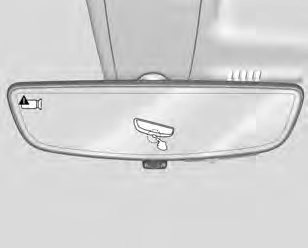
See your dealer for service if a blue screen and 3 are displayed in the mirror, and the display shuts off. Also, push the tab as indicated to return to the automatic
dimming mode.
The Rear Camera Mirror may not work properly or display a clear image if:
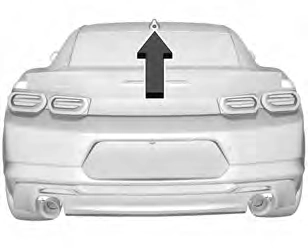
Coupe
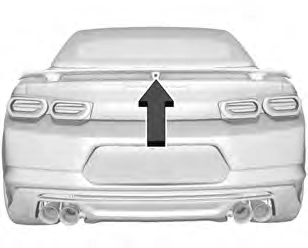
Convertible
Download Manual