Auto High Beam
The front sensor camera detects the light sources ahead of the vehicle such as the lights of a preceding or oncoming vehicle, or street lights. When you are driving at night, the system automatically switches the headlights between low beam and high beam depending on the situation.
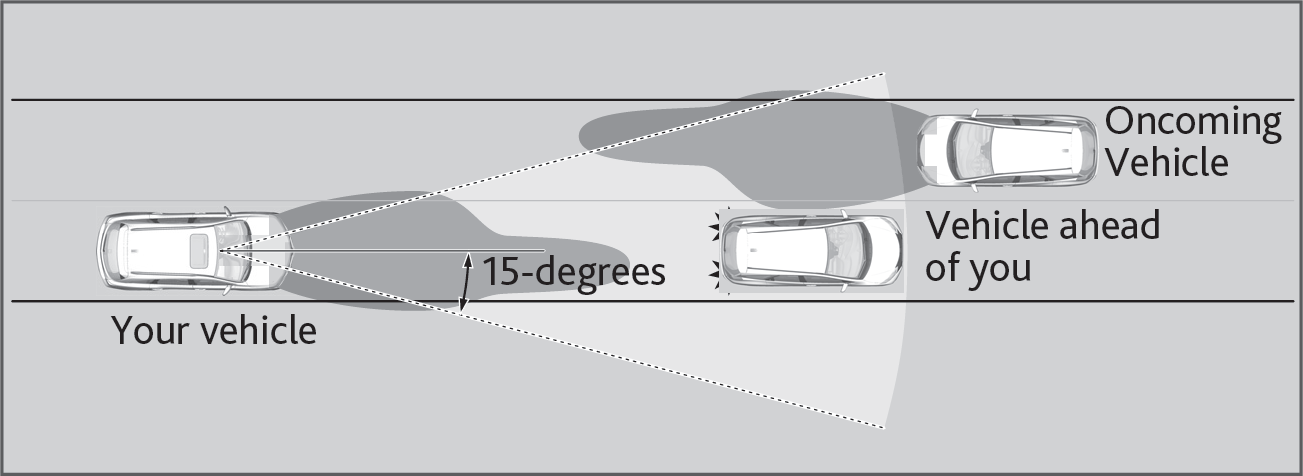
- Do not place an object that reflects light on the dashboard.
- Keep the windshield around the camera clean. When cleaning the windshield, be careful not to apply windshield cleanser to the camera lens.
- Do not attach an object, sticker or film in the area around the camera.
- Do not touch the camera lens.
If the camera receives a strong impact or requires repair, consult a dealer.
If you see the message “Some Driver Assist Systems Cannot Operate: Clean Front Windshield", park your vehicle in a safe place. Wipe away debris blocking the windshield, then start driving again. If the message remains even after driving for a while with the clean windshield, have your vehicle checked by a dealer.
If you see a message that the camera is too hot, use the climate control system to cool the interior. Defroster mode will direct airflow toward the camera.
■Automatically switching between high beam and low beam
When auto high beam is active, the headlights switch between high beam and low beam based on the following conditions.
If you find the timing of beam changes inconvenient for driving, change the beams manually.
- All of the following conditions must be met before the high beams turn on.
- One of the following conditions must be met before the low beams turn on.
Switching to high beam
All of the following conditions must be met before the high beams turn on.
- Your vehicle speed is 25 mph (40 km/h) or more.
- There are no preceding or oncoming vehicle with headlights or taillights turned on.
- There are few street lights on the road ahead.
Switching to low beam
One of the following conditions must be met before the low beams turn on.
- Your vehicle speed is 15 mph (24 km/h) or less.
- There is a preceding or oncoming vehicle with headlights or taillights turned on.
- There are many street lights on the road ahead.
■Manually switching between high beam and low beam
| Using the lever: | Pull the lever toward you for flashing the high beams then release it within about one second while driving. | To reactivate, pull the lever toward you for flashing the high beams then release it while driving. The auto high beam indicator will come on. |
| Using the light switch: | Turn the light switch to  |
To reactivate, turn the light switch to AUTO when the lever is in the low beam position, the auto high beam indicator will come on. |
■Turning the System On or Off
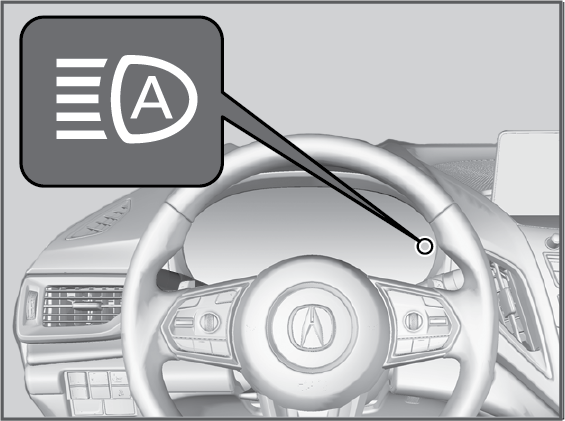
| To turn the system on: | Pull and hold the headlight lever toward you for about 30 seconds, until the indicator flashes once. |
| To turn the system off: | Pull and hold the headlight lever toward you for about 40 seconds, until the indicator flashes twice. |
Download Manual