AcuraLink®
A subscription-based service that provides convenient features such as voice communication in case of emergency, online security, one-on-one operator assistance, and the transmission of important messages regarding your vehicle’s status.
To subscribe to AcuraLink®, or to get more information about all of its features, contact an Acura dealer, or visit (U.S.) .
■AcuraLink® Menu
- Press the Home button.
- Select AcuraLink.

■AcuraLink® Connection
Use the following procedure to connect to AcuraLink®.
AcuraLink®can be used without allowing the location setting but the functionality will be limited. For maximum functionality, a smart phone with the AcuraLink® app should be connected to the system.
- Press the Home button.
- Select
AcuraLink® Connection.
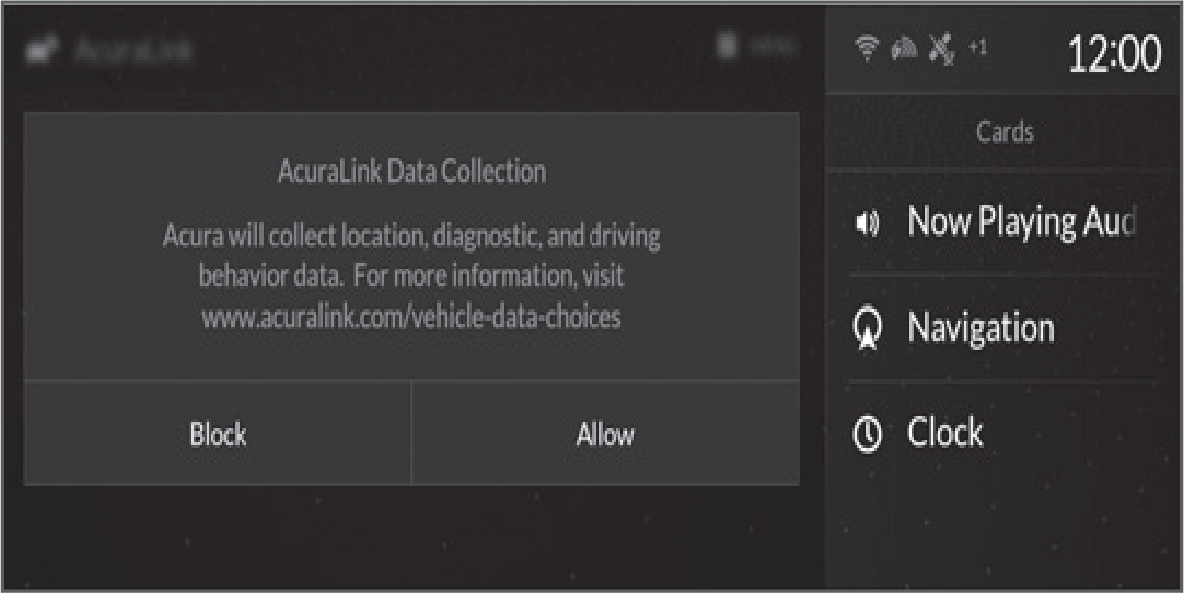
The confirmation message appears on the screen for the first time, then select Allow.
The confirmation message appears on the screen for the first time, then select Allow.
■AcuraLink® Messages
- A notification appears and notifies you of a new message on the secondary information area.
- Select the system status icon then press the true touchpad B.
The status area list appears on the primary information area.
A notification is continuously displayed in the header area until the new message is read.
- Select a new message to open.
If you have selected the update option for AcuraLink®, follow the directions on the screen to complete the process.
Download Manual