Key information
Vehicles without a smart key system Keys
Operating the wireless remote con-
trol function ( P. 139)
Vehicles with a smart key system Electronic keys
3-1. Key information
139
Pressing the button unlocks the driver’s door. Pressing the button again within 3 seconds unlocks the other doors.
Opens the trunk ( P. 157) Sounds the alarm ( P. 141)
*1: This setting must be customized at your Toyota dealer.
*2: If equipped
Pressing the button unlocks the driver’s door. Pressing the button again within 3 seconds unlocks the other doors.
Opens the trunk ( P. 157) Sounds the alarm ( P. 141)
*1: This setting must be customized at your Toyota dealer.
*2: If equipped
140 3-1. Key information
To release the key, press the but- ton.
To stow the key, press the button then fold the key.
The mechanical key can only be inserted in one direction, as the key only has grooves on one side. If the key cannot be inserted in a lock cylinder, turn it over and re- attempt to insert it.
After using the mechanical key, store it in the electronic key. Carry the mechanical key together with the electronic key. If the electronic key bat- tery is depleted or the entry function does not operate properly, you will need the mechanical key. ( P. 569)
3-1. Key information
141
Vehicles without a smart key system
When  is pressed for longer than about one second, an alarm will sound intermittently and the vehicle lights will flash to deter any person from trying to break into or damage your vehicle.
To stop the alarm, press any button on the wireless remote control.
Vehicles with a smart key system
When  is pressed for longer than about one second, an alarm will sound intermittently and the vehicle lights will flash to deter any person from trying to break into or damage your vehicle.
To stop the alarm, press any button on the electronic key.
Lock the glove box as circumstances demand. ( P. 420)
Remove the mechanical key for your own use and provide the attendant with the electronic key only.
142 3-1. Key information
New genuine keys can be made by your Toyota dealer using the other key (vehicles without a smart key system) or the other mechanical key (vehicles with a smart key system) and the key number stamped on your key number plate. Keep the plate in a safe place such as your wallet, not in the vehicle.
When bringing a key with wireless remote control function onto an aircraft, make sure you do not press any button on the key while inside the aircraft cabin. If you are carrying the key in your bag etc., ensure that the buttons are not likely to be pressed accidentally. Pressing a button may cause the key to emit radio waves that could interfere with the operation of the aircraft.
Vehicles without a smart key system
The wireless remote control function may not operate normally in the follow- ing situations:
Vehicles with a smart key system
P. 163
Vehicles without a smart key system
3-1. Key information
143
Vehicles with a smart key system
m) of the following electrical appliances that produce a magnetic field:
P. 504
The number of keys already registered to the vehicle can be confirmed. Ask your Toyota dealer for details.
The key cylinder rotates freely to isolate inside mechanism.
144 3-1. Key information
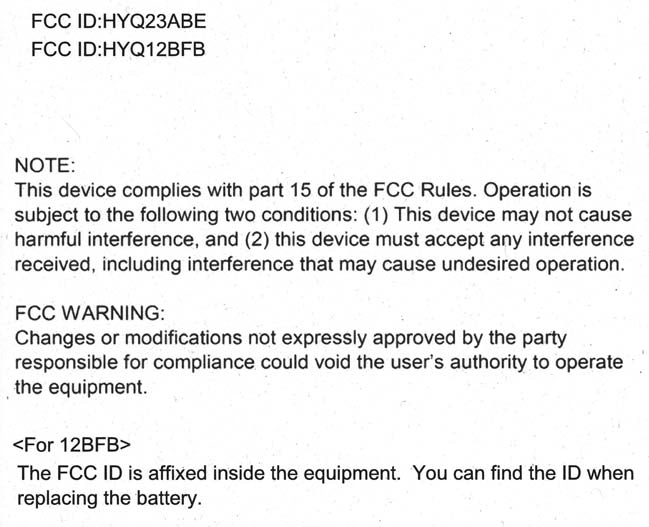 For vehicles sold in the U.S.A.
3-1. Key information
145
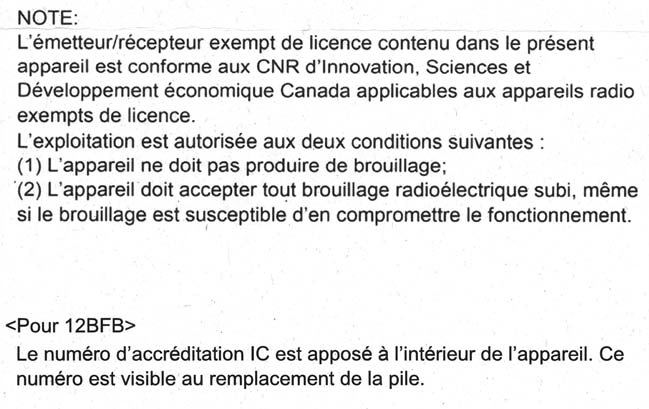
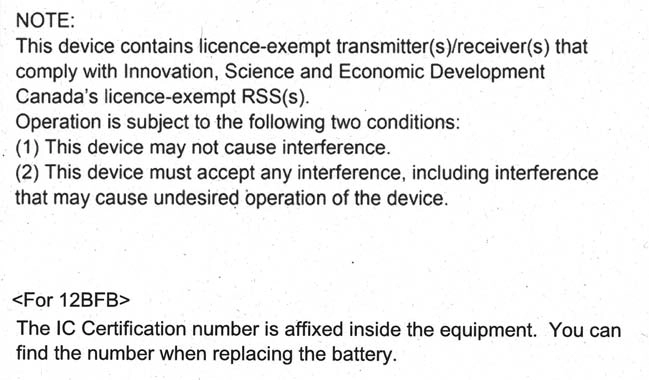 For vehicles sold in Canada
146 3-1. Key information
P. 167
Download Manual