Welcome lights
General information
Depending on the equipment, the exterior lighting of the vehicle can be set individually.
-
Activating/deactivating
- Via iDrive:
- "CAR"
- "Settings"
- "Exterior lighting"
- Select the desired setting:
- "Welcome and goodbye"
When unlocking the vehicle, individual light functions are switched on for a limited time. - "Door handle lights"
Door handles and the ground in front of the doors are illuminated for a limited time. - "Welcome Light Carpet"
The area next to the vehicle is illuminated for a limited time.
LED light carpet
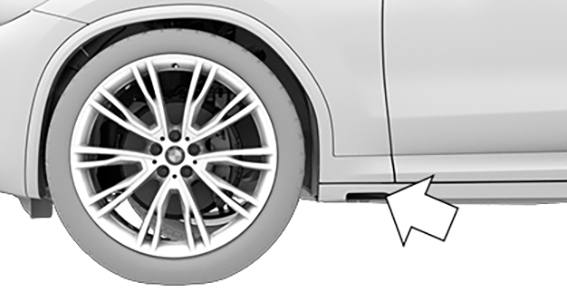
The light source is located in the position indicated.
Keep the light source clean and unobstructed.
Download Manual