Interior Lights
Courtesy and dome lights are turned on when the front doors are opened, when the dimmer control is rotated to the right detent position. If your vehicle is equipped with Remote Keyless Entry, and the unlock button is pushed on the key fob, the courtesy and dome lights will turn on.
COURTESY/READING LIGHTS
Both lights in the overhead console and rear passenger compartment will illuminate as courtesy lights when a door is opened, when the dimmer control is rotated to the courtesy light position, or when the unlock button is pushed on the key fob. These lights are also operated individually as reading lights by pushing on the corresponding lens.
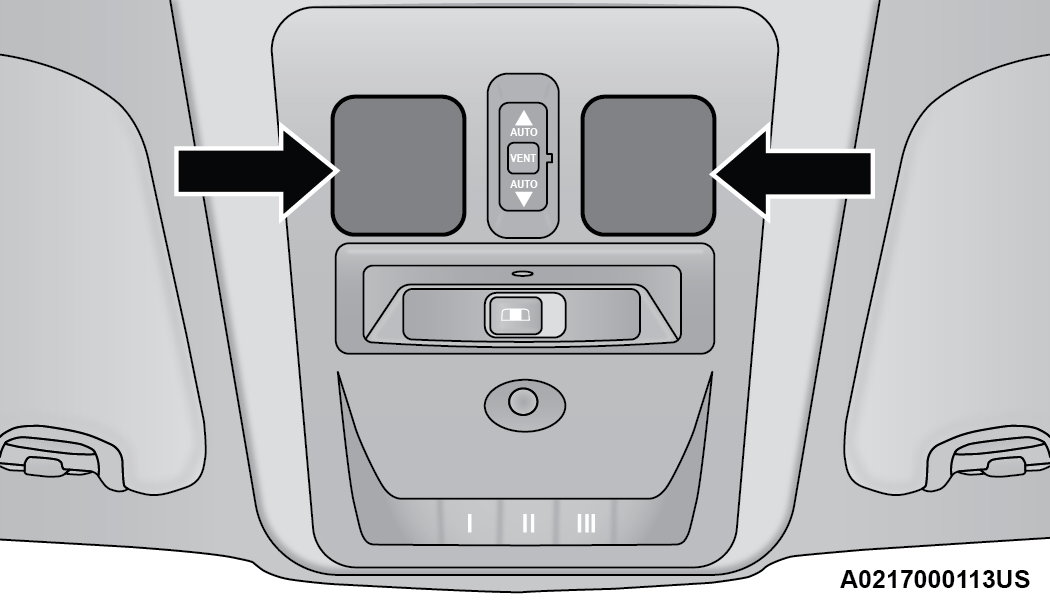
Front Courtesy/Reading Lights
Note:
The courtesy/reading lights will remain on until the switch is pushed a second time, so be sure they have been turned off before exiting the vehicle. If the interior lights are left on after the ignition is placed in the OFF position, they will automatically turn off after 15 minutes.
AMBIENT LIGHT — IF EQUIPPED
The overhead console is equipped with an ambient light feature. This light casts illumination for improved visibility of the floor console area.
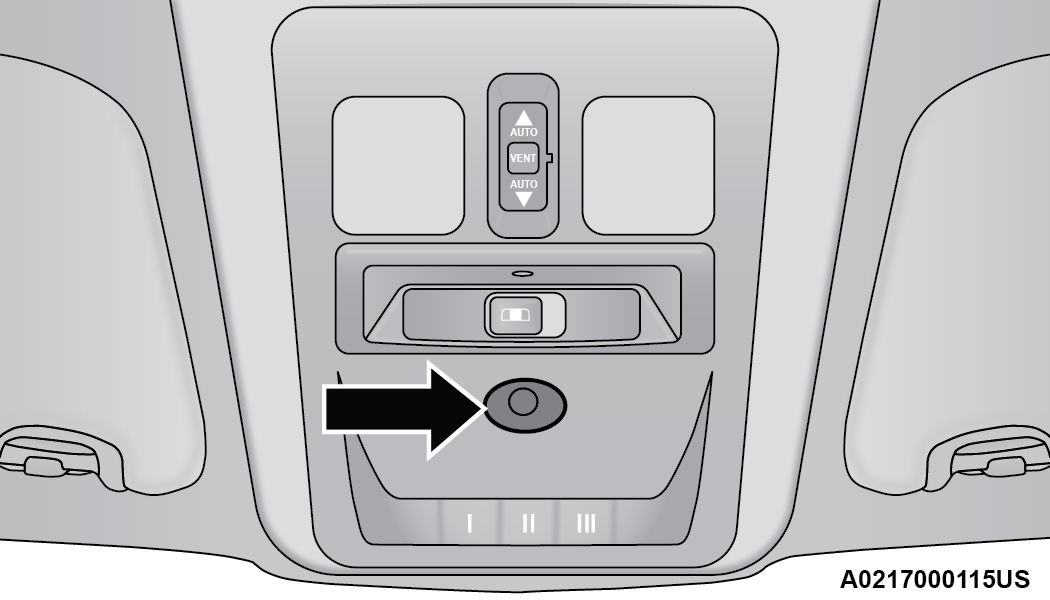
Ambient Light
DIMMER CONTROL
The dimmer control is located next to the headlight switch located on the left side of the instrument panel.
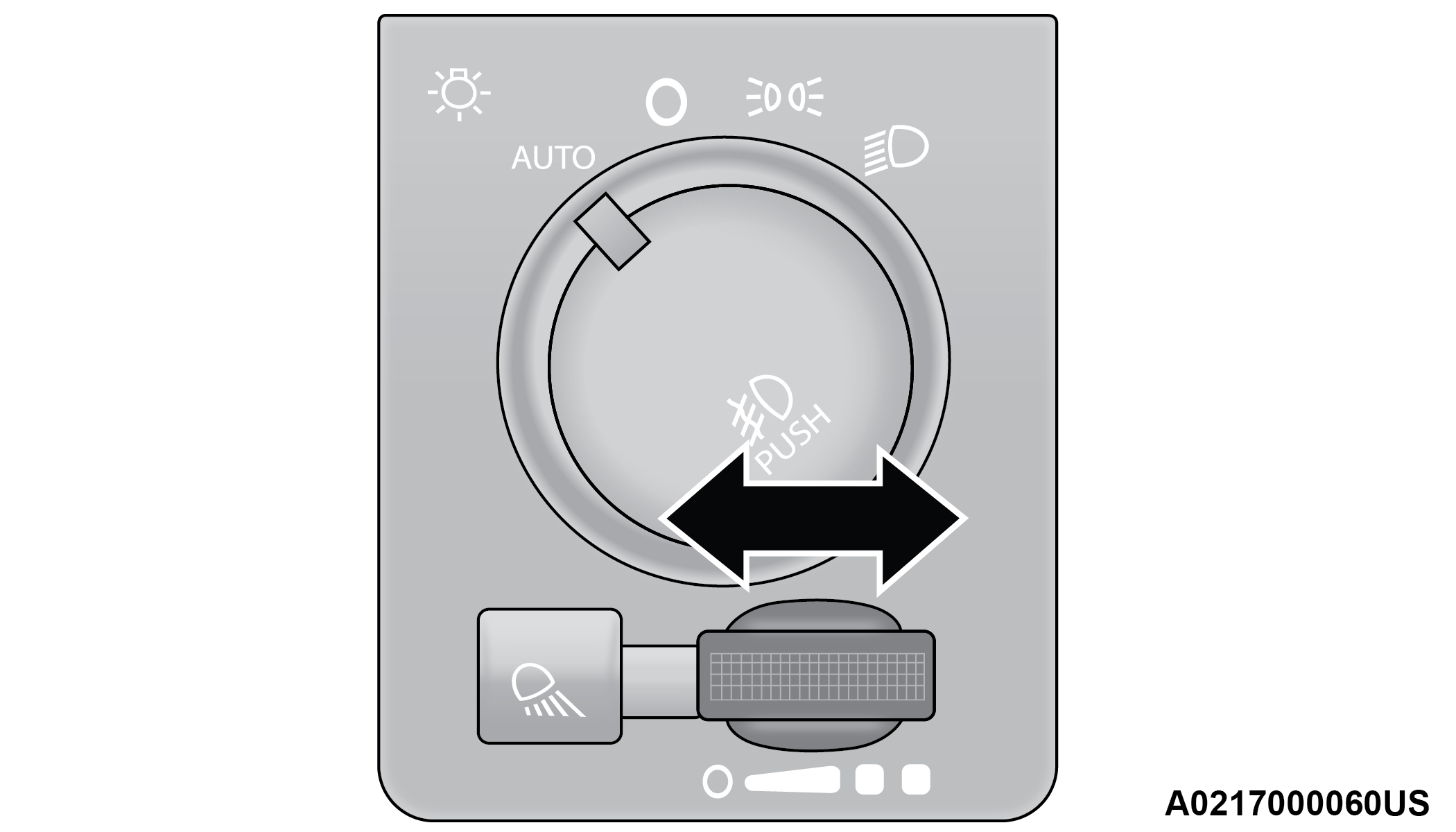
Dimmer Control
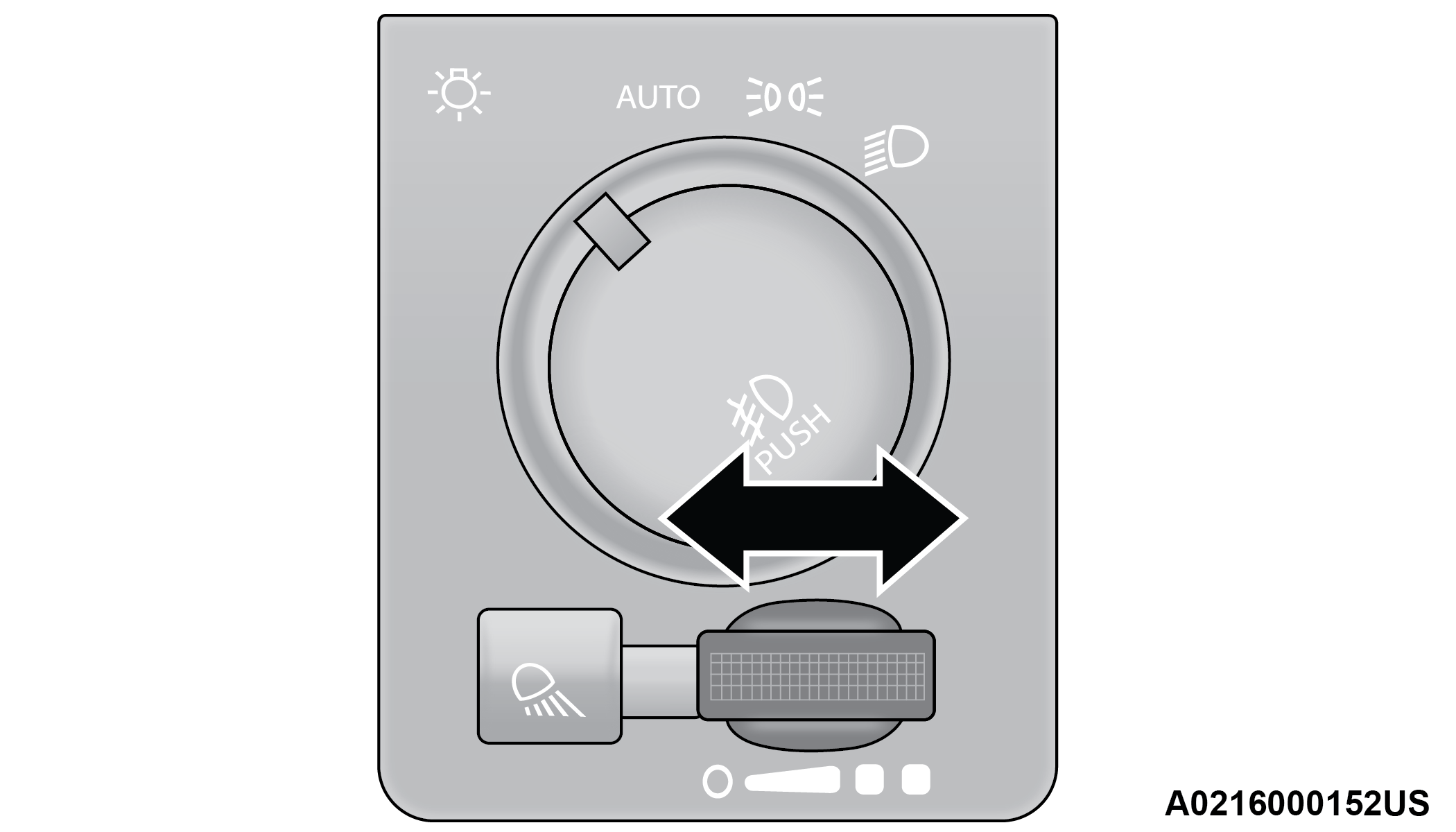
Dimmer Control (Vehicles Sold In Canada Only)
With the parking lights or headlights on, rotating the instrument panel dimmer control to the right will increase the brightness of the instrument panel lights.
Rotate the instrument panel dimmer control to the O (off) position, and the interior lights will remain off when the doors are open.
Rotating the instrument panel dimmer control to the far right, past the detent, will turn on the interior lights. The interior lights will remain on when the dimmer control is in this position.
Dimming Of The Uconnect Touchscreen
The brightness of the Uconnect touchscreen can be dimmed using the instrument panel dimmer control when the parking lights or headlights are on.
When Display Mode is set to Auto within the Uconnect system, the brightness will automatically adjust from daytime intensity to nighttime intensity (and vice versa) based on ambient light levels outside of the vehicle.
Note:
The brightness of the Uconnect touchscreen cannot be adjusted when the instrument panel dimmer control is rotated to the upper most detent, even when Display Mode is set to Auto within the Uconnect Settings.
When Display Mode is set to Manual, the brightness of the Uconnect touchscreen will adjust to the set brightness (1 - 6) when the headlights are either on or off. For more information on these Uconnect Settings, see "⇨UCONNECT SETTINGS".
ILLUMINATED APPROACH
The courtesy lights will turn on when you use the key fob to unlock the doors or open any door.
This feature also turns on the approach lighting in the outside mirrors (if equipped) "⇨MIRRORS".
The lights will fade off after approximately 30 seconds, or they will immediately fade off once the ignition switch is changed to ON/RUN from the OFF position.
The front courtesy overhead console and door courtesy lights will not turn off if the dimmer control is in the courtesy light position.
The illuminated entry system will not operate if the dimmer control is in the O (off) position.
Note:
If your vehicle is equipped with illuminated approach lights under the outside mirrors, they can be turned off by moving the dimmer control into the O (off) position.
Download Manual