Driving Position Memory System
You can store two driver’s seat positions (except for power lumbar) with the driving position memory system.
When you unlock and open the driver’s door with a keyless remote, the seat adjusts automatically to one of the two preset positions.
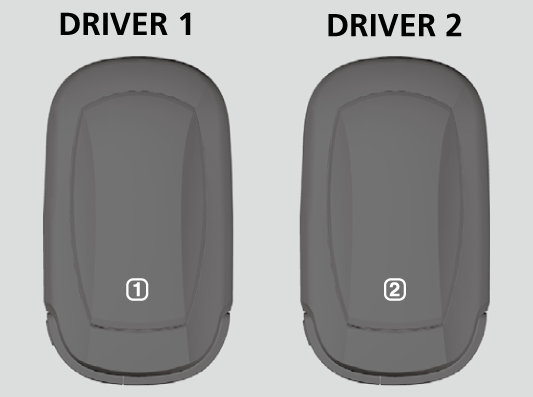
- DRIVER 1 transmitter is linked to memory button 1.
- DRIVER 2 transmitter is linked to memory button 2.
The driver’s seat moves rearward depending on the set seating position once you
- Stop the vehicle.
- Put the transmission in P.
- Set the power mode to VEHICLE OFF.
- Open the driver’s door.
Once the power mode is in the ACCESSORY position, the driver’s seat moves forward to the DRIVER 1 or 2 preset position.
Using the audio/information screen, you can disable the automatic seat adjustment function.
Customized FeaturesDefaulting All the Settings
The driver's seat easy exit feature can be turned ON/OFF.
Customized FeaturesDefaulting All the Settings
System Operation
The system will not operate if:
- Either memory button is pressed while the seat is in motion.
- The seat position is adjusted while in operation.
- Either of the memorized positions is set fully to the rear.
The system may not recognize a key if:
- The key is in close proximity to a cell phone or other wireless device.
- Both keys are in the vehicle at the same time.
- The driving position memory system is disabled in customized features.
- Opening driver's door without fully grabbing door handle.
Download Manual