Ambient Lighting - Vehicles With: 8 Inch Center Display Screen
Use the touchscreen to select the following:
 Select the settings option on the feature bar. Select the settings option on the feature bar. |
 Select ambient lighting. Select ambient lighting. |
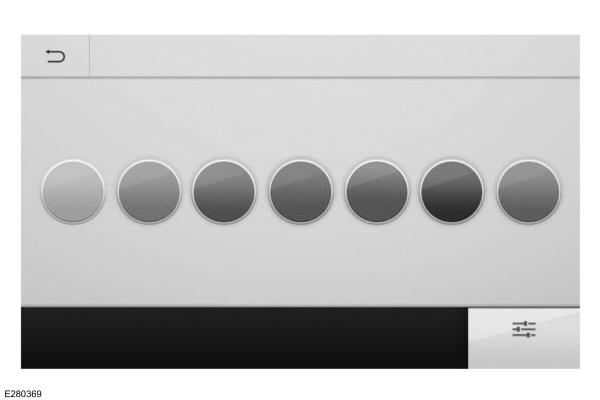
Switching Ambient Lighting On
Touch a color once.
Changing the Color
Touch any color once.
Adjusting the Brightness
Drag the selected color up or down.
Switching Ambient Lighting Off
Touch the selected color once or drag the selected color down to zero brightness.
AMBIENT LIGHTING - VEHICLES WITH: 10.1 INCH CENTER DISPLAY SCREEN
Use the touchscreen to select the following:
| Select the settings option on the feature bar. |
Select ambient lighting. |
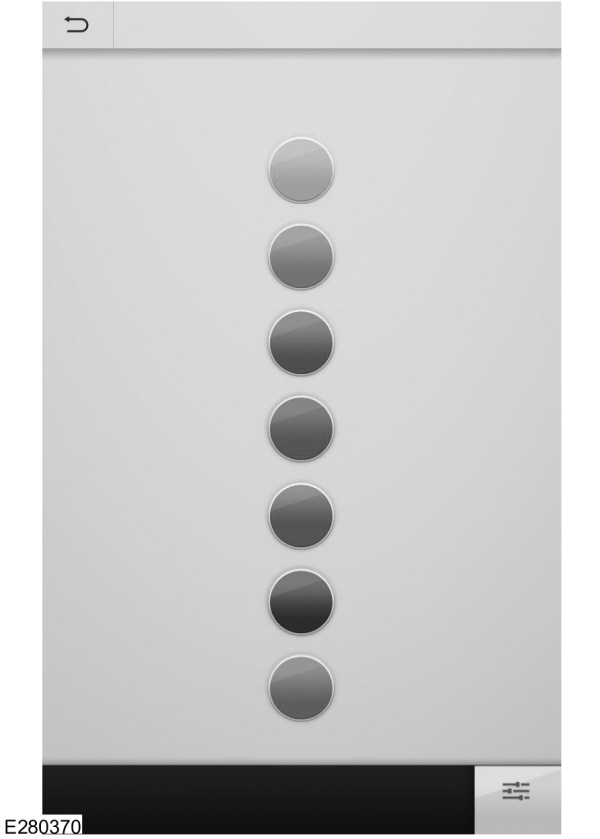
Switching Ambient Lighting On
Touch a color once.
Changing the Color
Touch any color once.
Adjusting the Brightness
Drag the selected color left or right.
Switching Ambient Lighting Off
Touch the selected color once or drag the selected color left to zero brightness.
Download Manual