Lighting Control
Lighting Control Selections
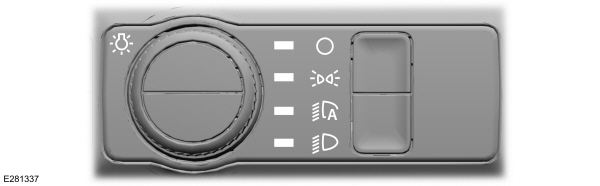
Turn the dial to make a selection.
Note: The indicator illuminates next to the active selection.
 Lamps off. Lamps off. |
 Parking lamps, instrument panel lamps, license plate lamps and rear lamps. Parking lamps, instrument panel lamps, license plate lamps and rear lamps. |
 Autolamps. Autolamps. |
 Headlamps on. Headlamps on. |
Note: The lighting control defaults to autolamps every time you switch your vehicle on.
Switching High Beam Headlamps On and Off
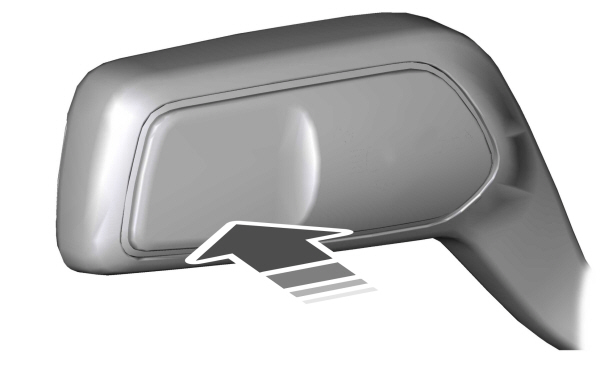

Push the lever forward again or pull the lever toward you to switch the high beams off.
Flashing High Beam Headlamps
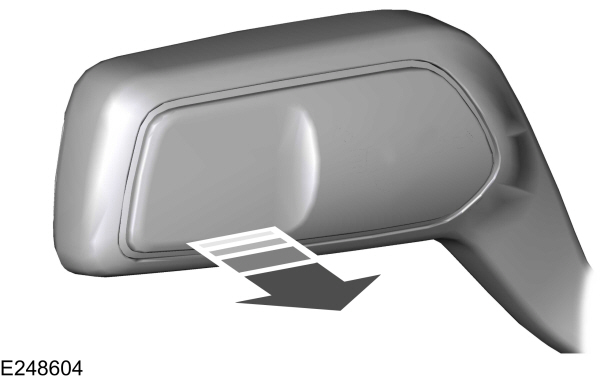
Pull the lever toward you and release it to flash the high beam headlamps.
Download Manual