PARKING BRAKE
Before leaving the vehicle, make sure that the parking brake is fully applied. Also, be certain to leave the transmission in PARK.
The foot-operated parking brake is located below the lower left corner of the instrument panel. To apply the parking brake, firmly push the parking brake pedal fully. To release the parking brake, pull the parking brake release handle.
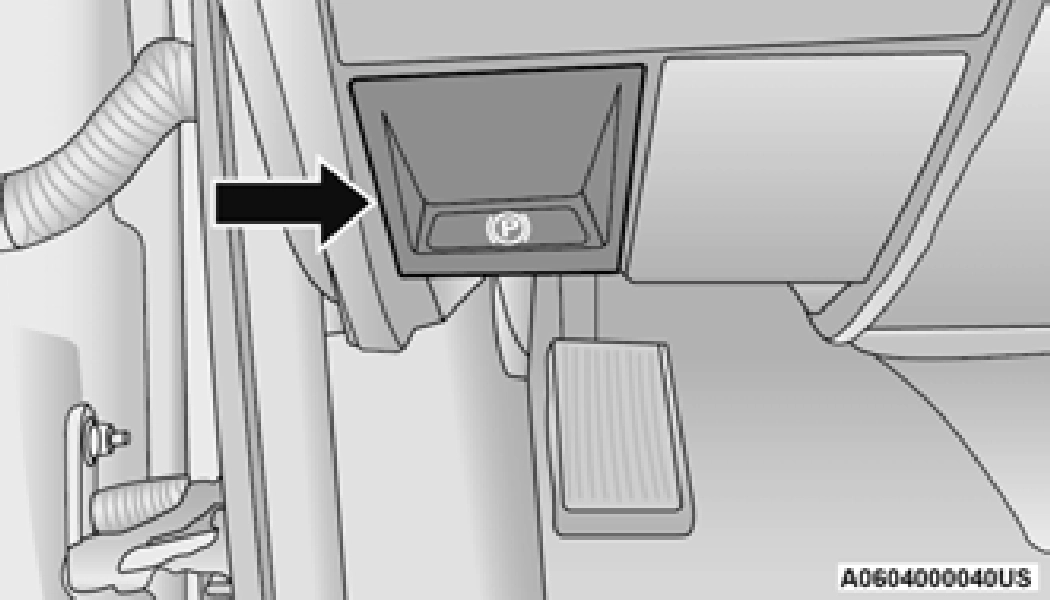
When the parking brake is applied with the ignition switch ON, the “Brake Warning Light” in the instrument cluster will illuminate.
When parking on a hill, it is important to turn the front wheels toward the curb on a downhill grade and away from the curb on an uphill grade. Apply the parking brake before placing the gear selector in PARK, otherwise the load on the transmission locking mechanism may make it difficult to move the gear selector out of PARK. The parking brake should always be applied whenever the driver is not in the vehicle.
(Continued)
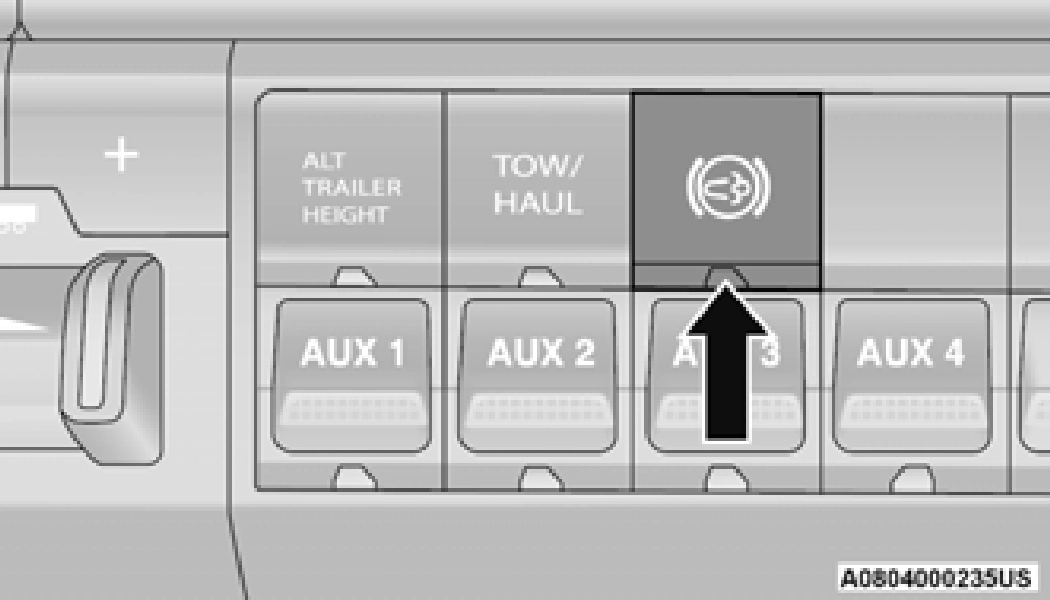 The exhaust brake feature will only function when the driver toggles it on by pushing the exhaust brake button until the “Exhaust Brake Indicator” is illuminated. Normal (Full Strength) exhaust brake mode is indicated by a yellow “Exhaust Brake Indicator”.
Download Manual