IPOD/USB/MP3 CONTROL — IF EQUIPPED
Located on the center stack, just below the instrument panel, is the main media hub. There are four total USB Ports : Two Mini-USBs (Type C) and two Standard USBs (Type A). There is also an AUX Port located in the middle of the USB Ports. All four of the USB Ports include a USB Trident and a numer- ical value one through three, which indicates that the vehicle can support three fully-functioning USB Ports at a time. Each USB Port will support media and charging simultaneously.
NOTE:
For example, if a device is plugged into the Type A USB port and another device is plugged into the Type C port, connec- tion to the Type A port will be lost. Alternatively, if a device is plugged into the Type C port and another device is plugged into the Type A port, the Type C device maintains primary connection.
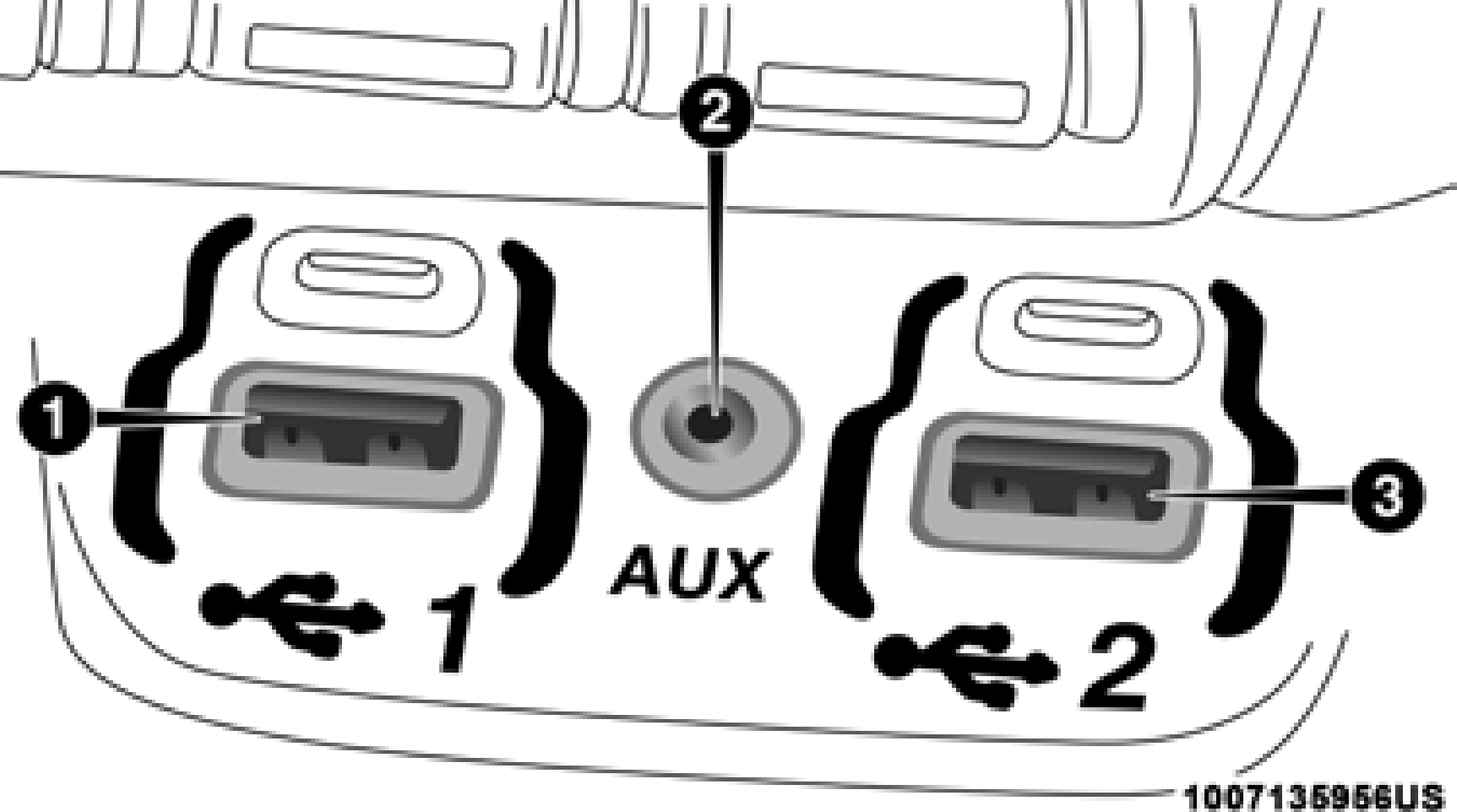
Center Stack USB/AUX Media Hub 9
1 — Standard USB Type A Port #1 2 — AUX Port
3 — Standard USB Type A Port #2
A third and fourth USB Ports are located behind the center console, above the Power Inverter. One is a charge only port, and can only charge USB devices. The other USB Port allows you to play music from iPod/MP3 players or USB devices through your vehicle’s sound system.
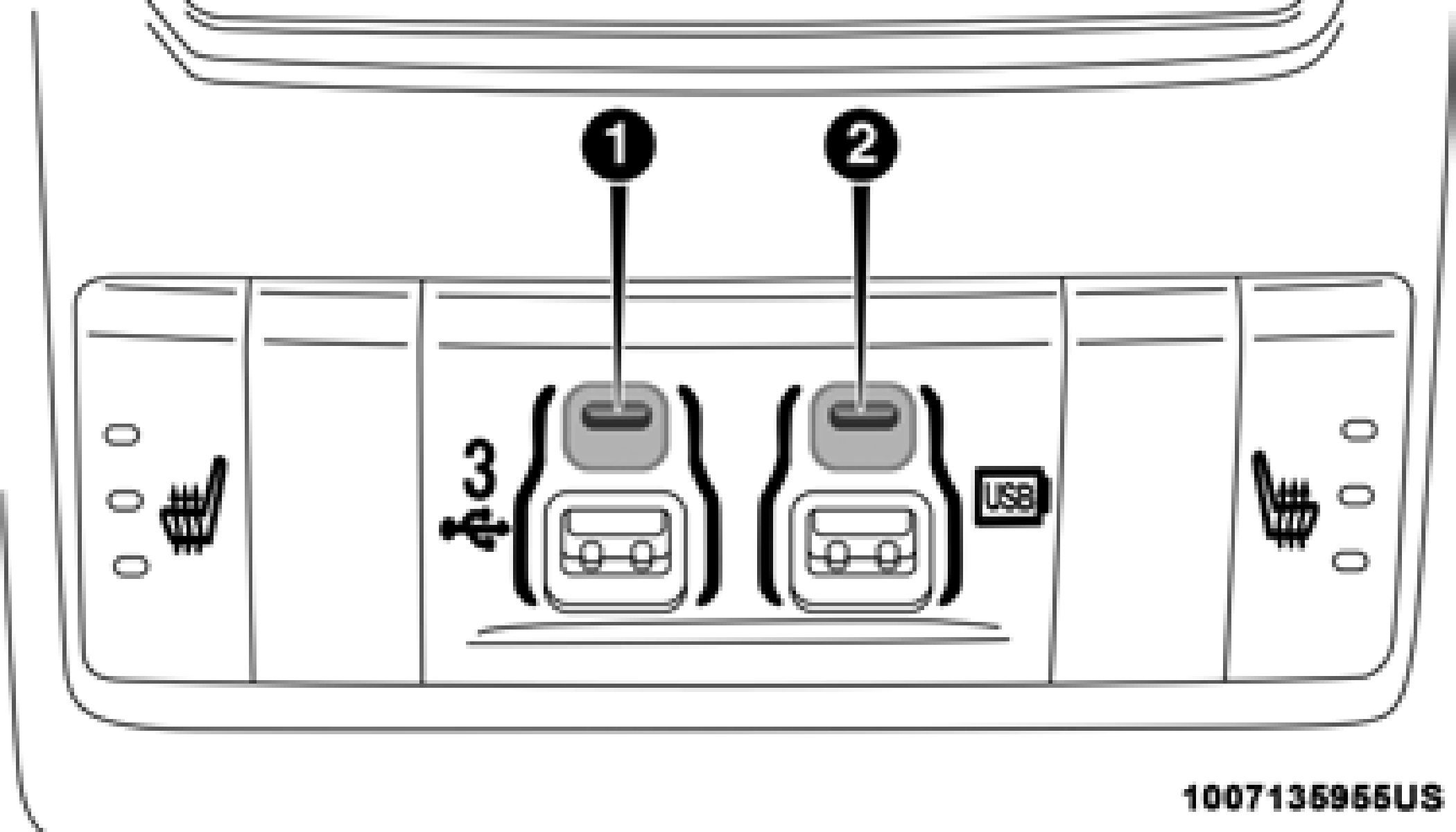
Rear Center Console Mini-USB (Type C) USB Ports
1 — Mini-USB Type C Port #1 2 — Mini-USB Type C Port #2
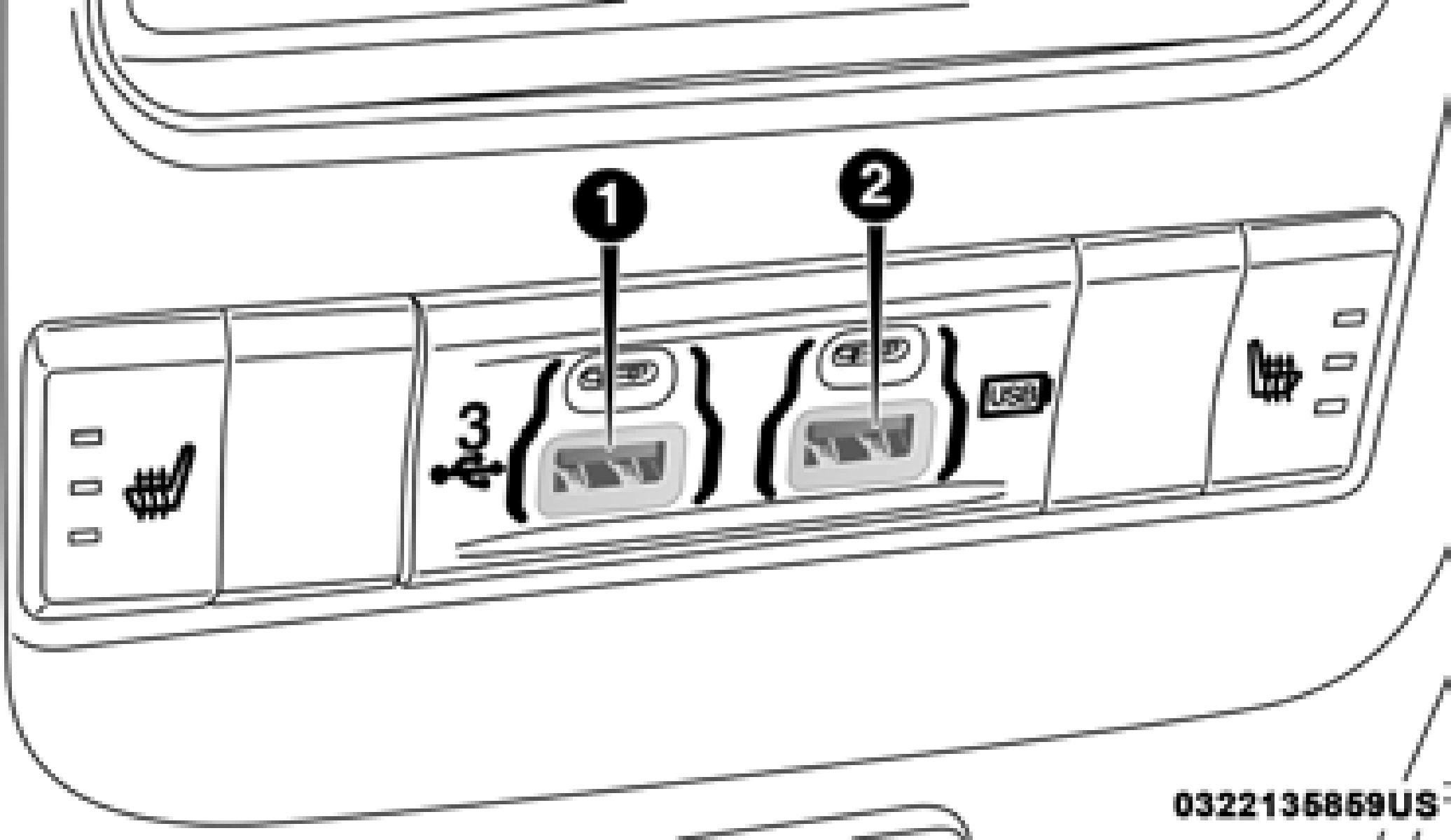
Rear Center Console Standard (Type A) USB Ports
1 — Standard USB Type A Port #1 2 — Standard USB Type A Port #2
Applicable to only Uconnect 4/4 NAV With 8.4–inch Display, and Uconnect 4 NAV With 12–inch Display radios, different scenarios are shown below when a non-phone device is plugged into the smaller and larger USB Ports, and when a phone device is plugged into the smaller and larger USB Ports:
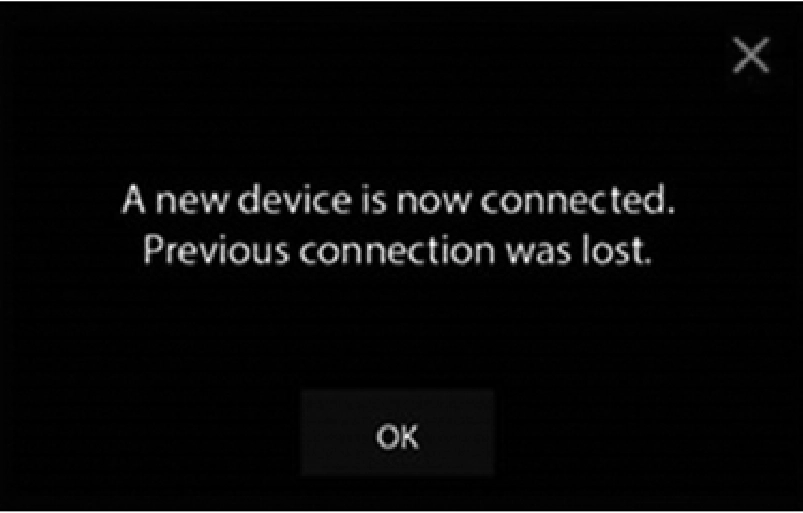
Device Plugged In Message Screen
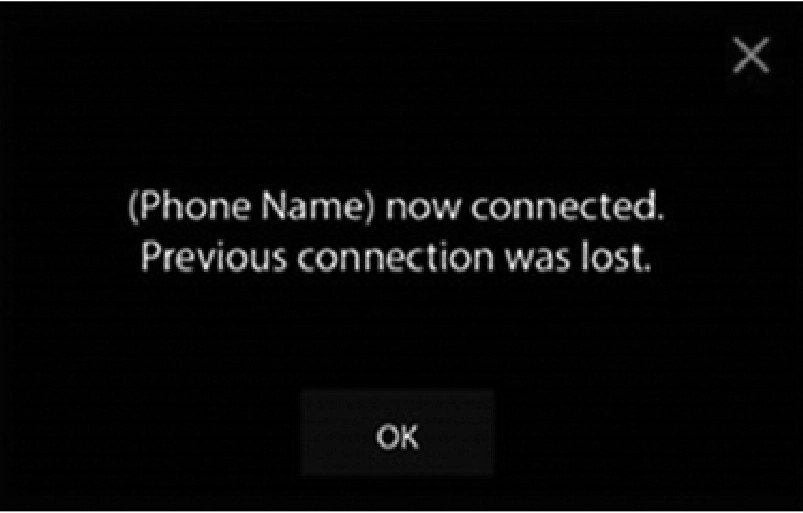
Phone Plugged In Message Screen
9
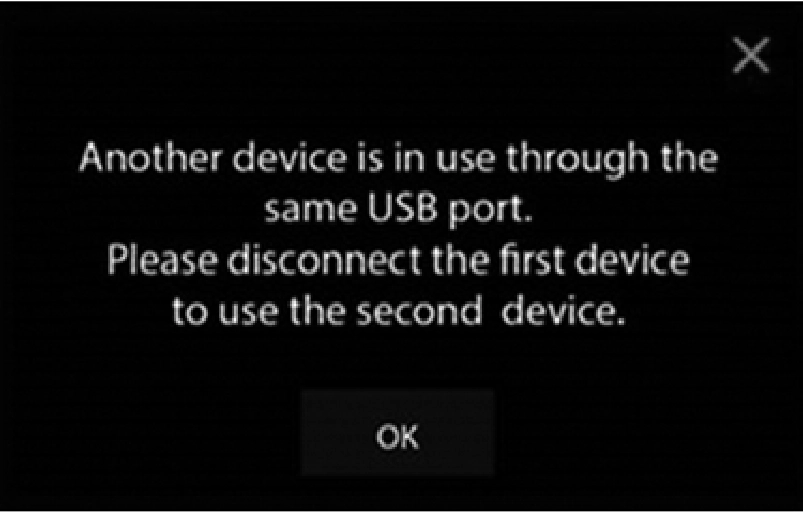
Phone Or USB Plugged In Message Screen
Plugging in a phone or another USB device may cause the connection to a previous device to be lost.
If equipped, your vehicle may also contain a USB Port located on the top tray of the vehicles center console.
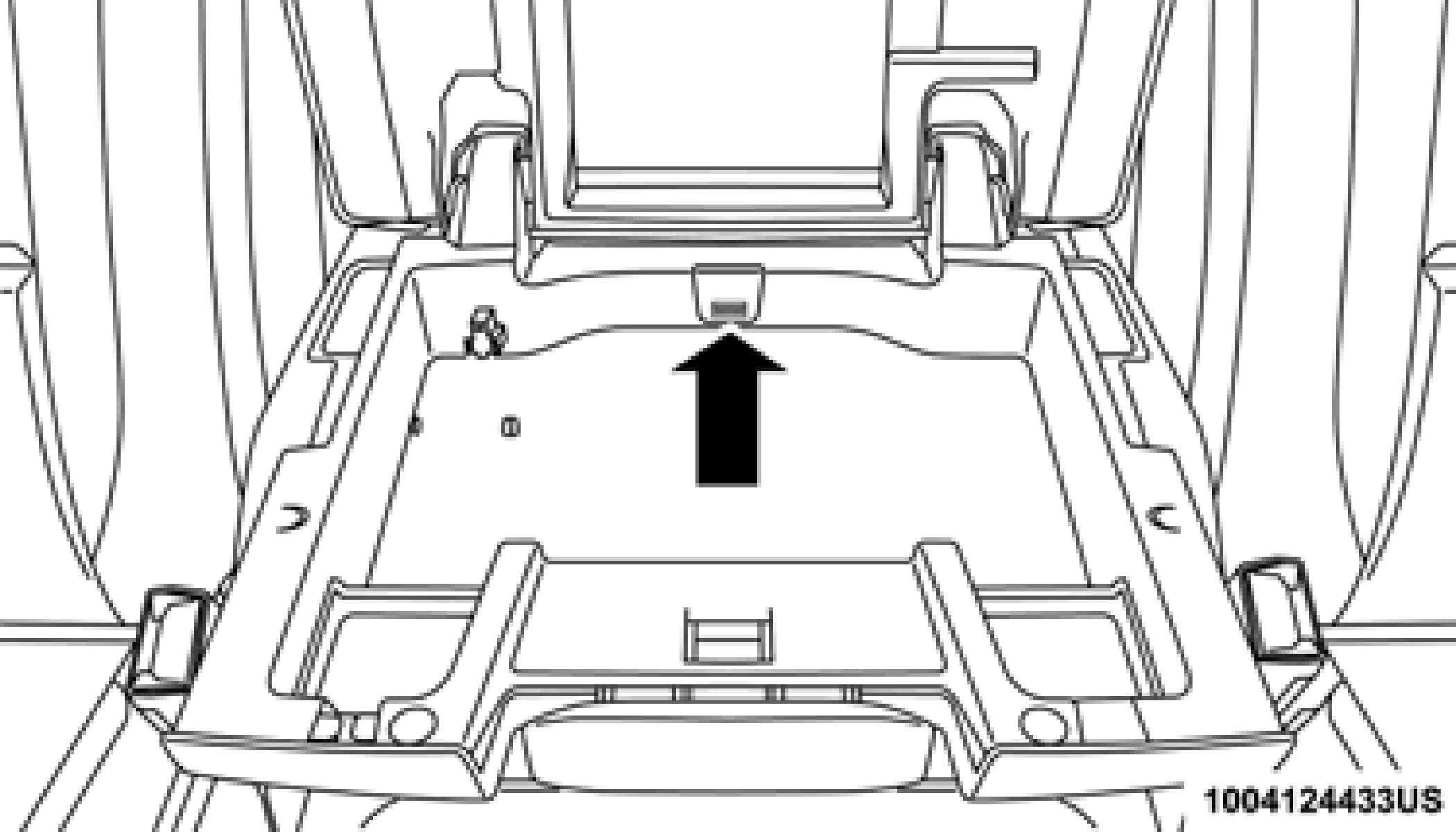
Center Console USB Port
If equipped, two Mini-USB Ports (Type C), two Standard USB Ports (Type A), and one AUX Port may be located to the left of the center stack, just below the climate controls.
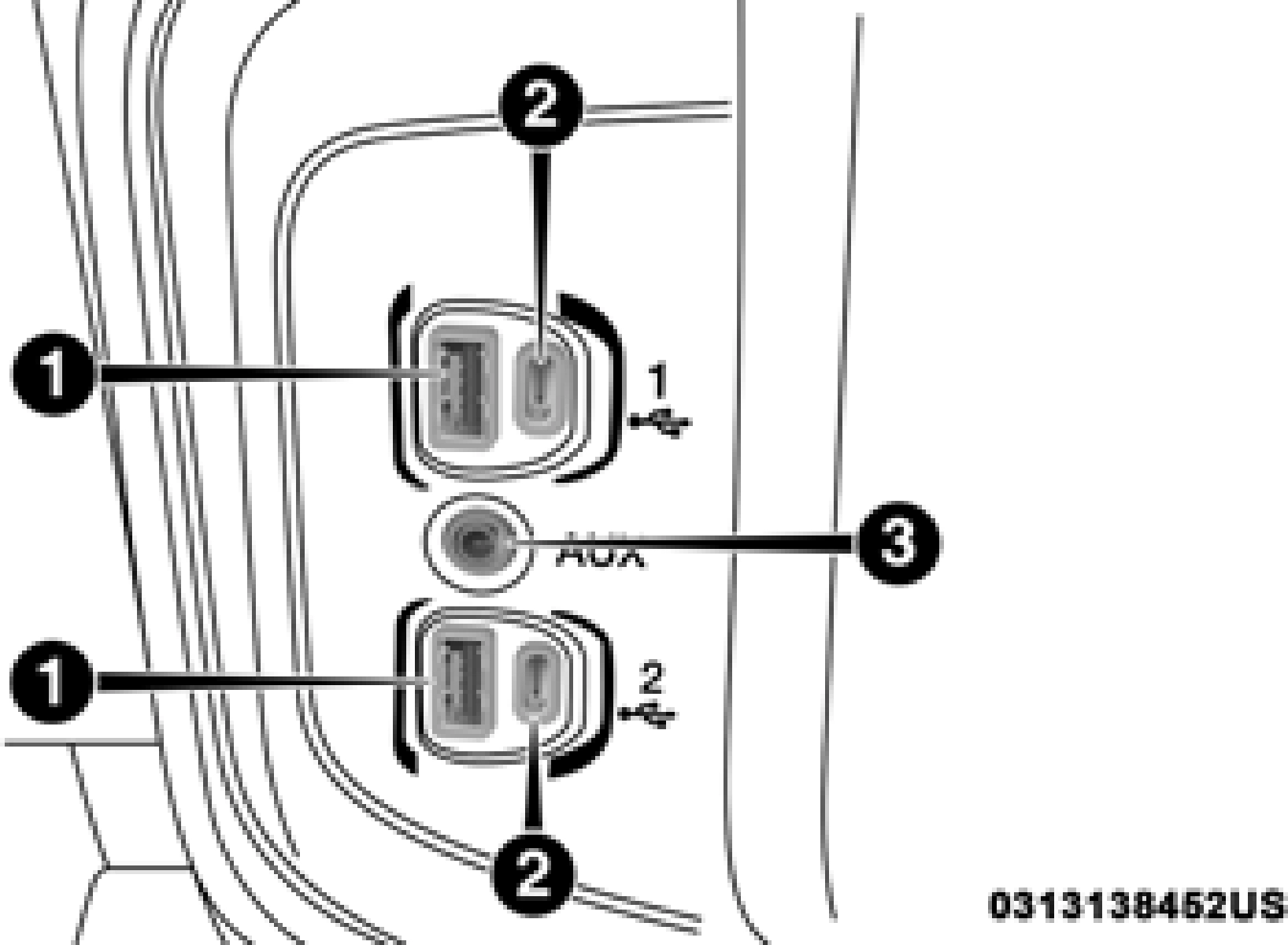
Center Console USB/AUX Media Hub
1 — Standard USB Type A Ports 2 — Mini-USB Type C Ports
3 — AUX Port
NOTE:
Plugging in a phone or another USB device may cause the connection to a previous device to be lost.
For further information, refer to the Uconnect Owner’s Manual Supplement or visit UconnectPhone.com.
Download Manual