INTERIOR LIGHTS
Courtesy Lights
The Courtesy, Dome, Cargo, and Bed Lights are turned on
If the ignition is OFF, the interior lights will automatically
when any door is opened or the Dome On button is pushed 2
turn off when:
NOTE:
Battery saver mode is canceled if the ignition is ON.
If the headlights remain on while the ignition is cycled OFF, the exterior lights will automatically turn off after eight minutes. If the headlights are turned on and left on for eight minutes while the ignition is OFF, the exterior lights will automatically turn off.
on the overhead console. Also, if your vehicle is equipped with Remote Keyless Entry, and the unlock button is pushed on the key fob, the Courtesy, Dome, Cargo, and Bed Lights will turn on.
The overhead console lights can also be operated individu- ally as reading lights by pushing the corresponding buttons.
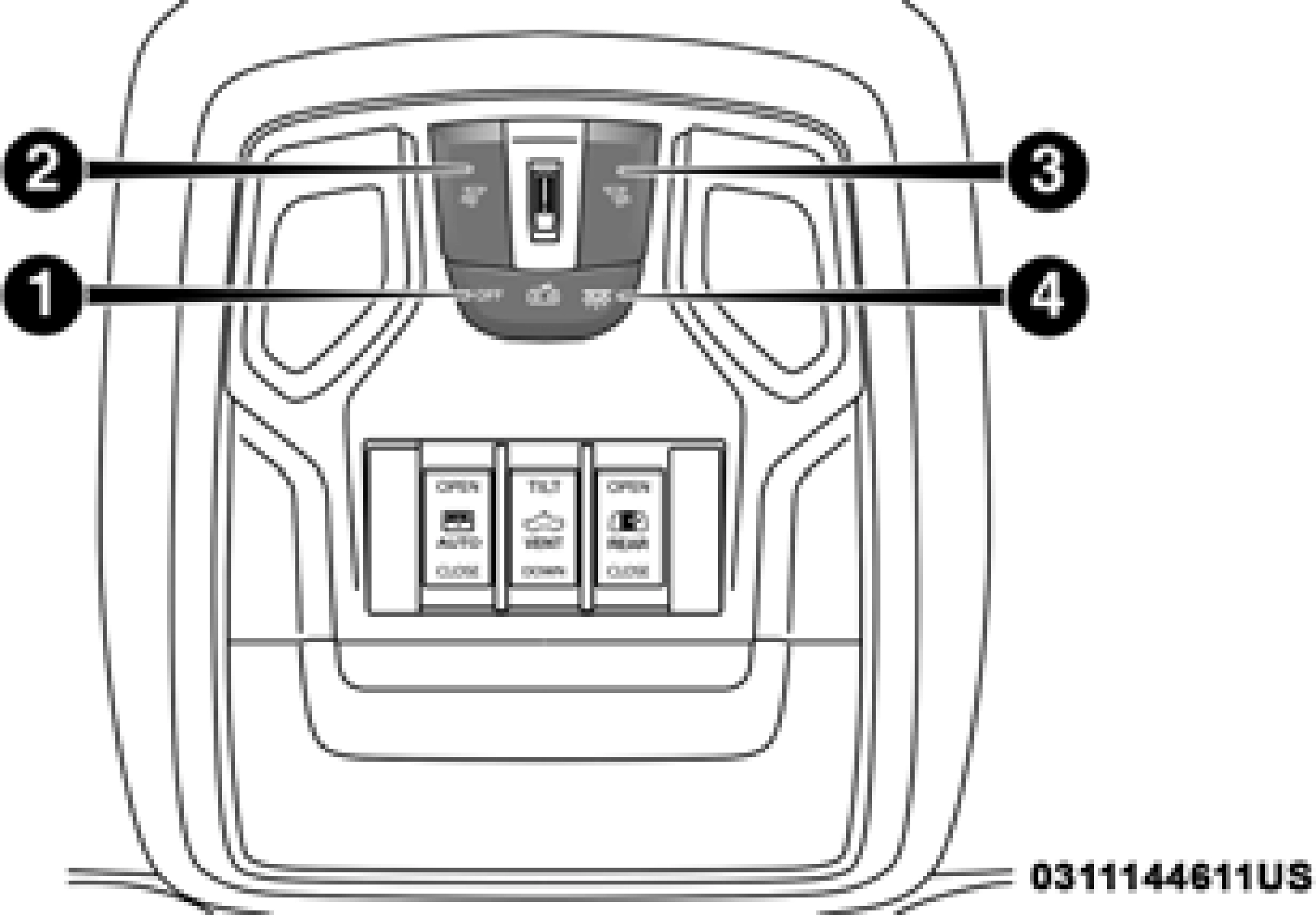
Front Courtesy/Reading Lights
NOTE:
On vehicles equipped with an LED overhead console, if both the Dome On and Dome Defeat buttons are pushed, the Illu- minated Entry with door ajar feature will be disabled, but the Dome Lights inside the vehicle will turn on.
Two types of Rear Courtesy/Reading Lights are available for your vehicle:
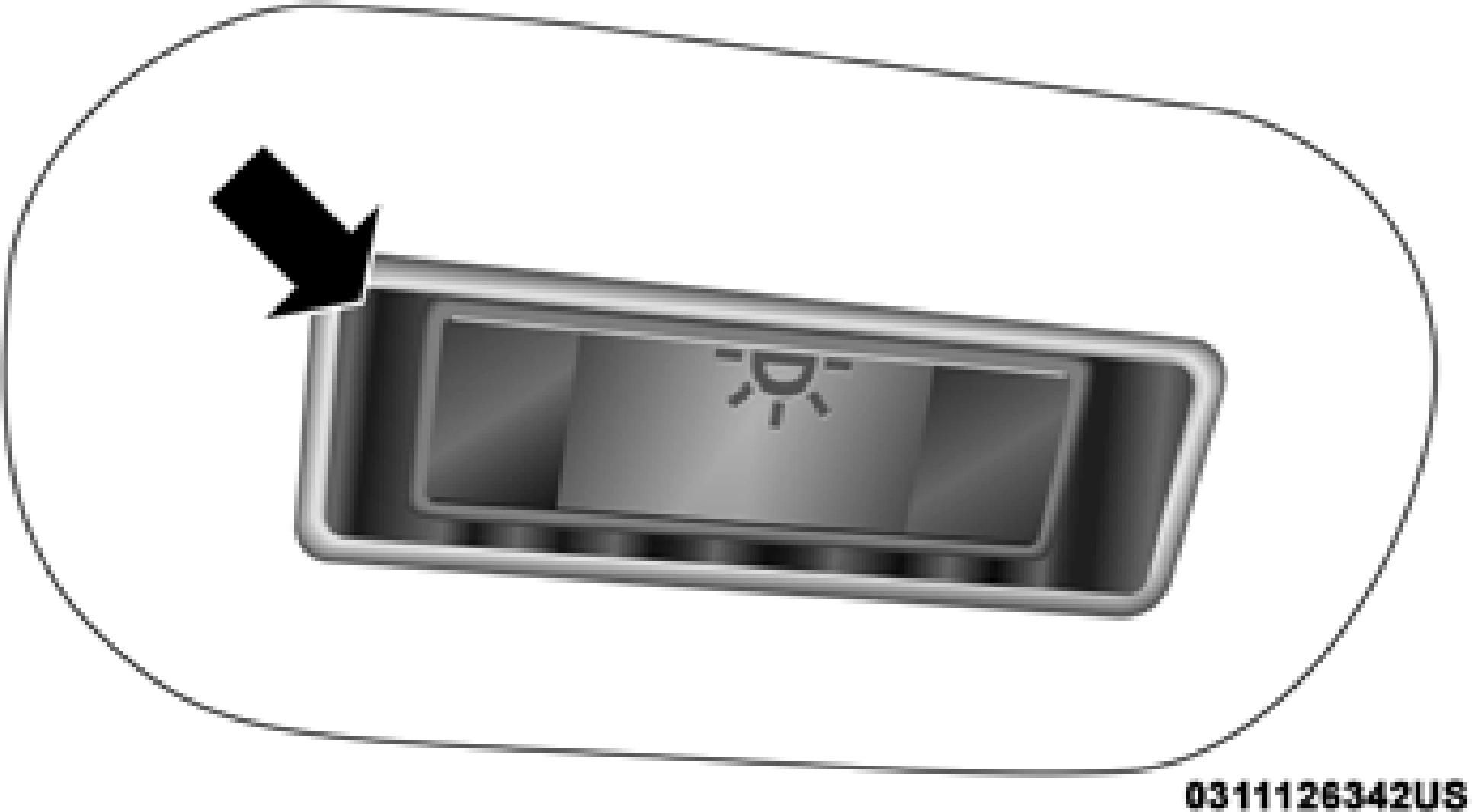
Push Lens On/Off Rear Courtesy Light
NOTE:
The Rear Courtesy/Reading Lights will remain on until the switch is pushed a second time, so be sure they have been turned off before exiting the vehicle. If the interior lights are
With the parking lights or headlights on, rotating the right dimmer control upward will increase the brightness of the instrument panel lights. Rotating the left dimmer control will adjust the interior and ambient light levels.
left on after the ignition is turned off, they will automatically
NOTE: 2
turn off after 10 minutes.
The dimmer controls are part of the headlight switch and are located on the left side of the instrument panel.
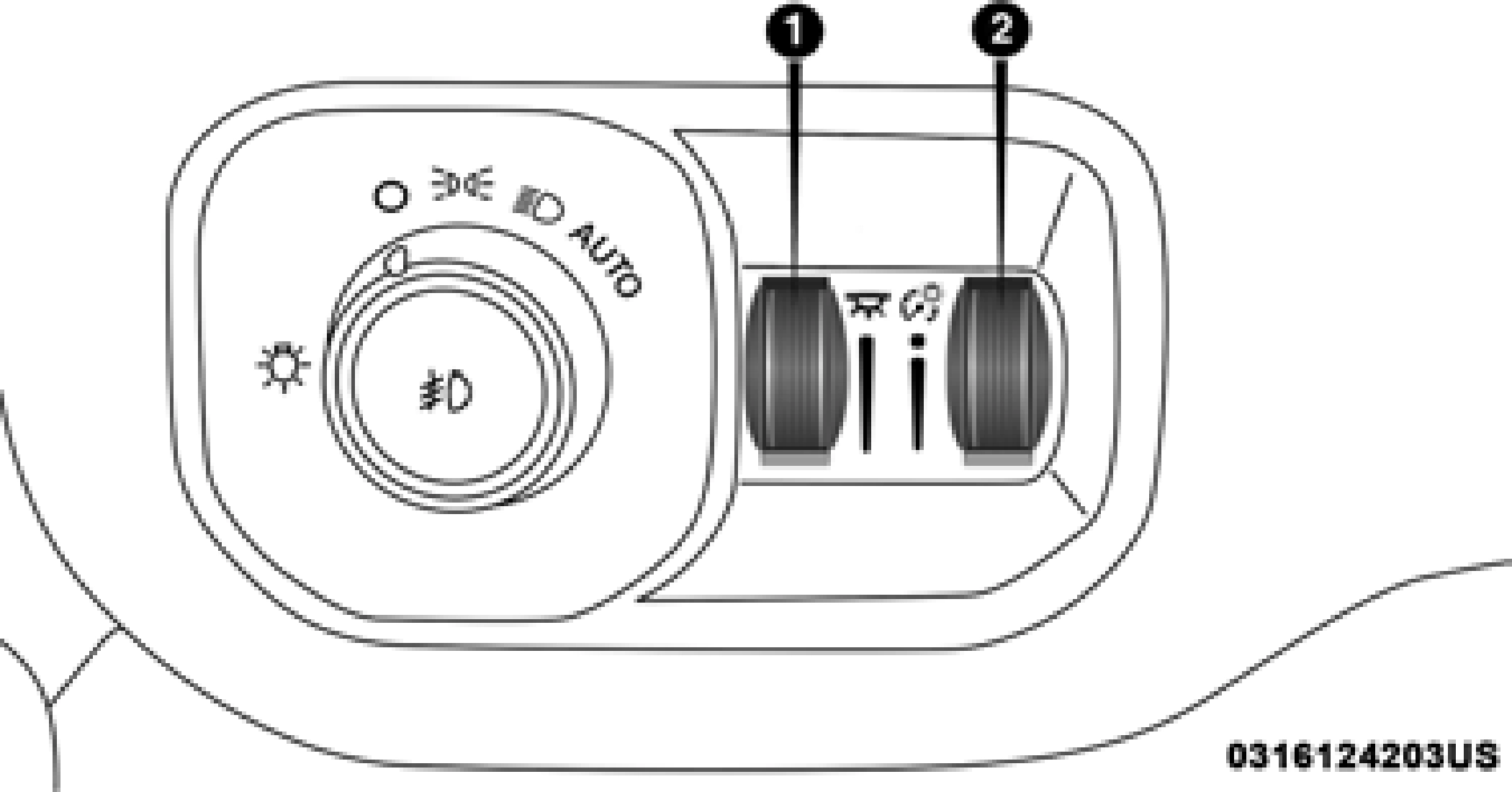
Dimmer Controls
The courtesy lights will turn on when you use the key fob to unlock the doors or open any door.
This feature also turns on the puddle lamps located beneath the outside mirrors (if equipped).
The lights will fade to off after approximately 30 seconds, or they will immediately fade to off once the ignition switch is turned to ON/RUN from the OFF position.
The front courtesy overhead console and door courtesy lights will not turn off if the Dome On button on the over- head console is pushed.
The illuminated entry system will not operate if the Dome Defeat button on the overhead console is pushed.
NOTE:
If your vehicle is equipped with Illuminated Approach lights under the outside mirrors, they can also be turned off by pushing the Dome Defeat button.
Download Manual