Lanesense — If Equipped
The LaneSense system is operational at speeds above 37 mph (60 km/h) and below 112 mph (180 km/h). It uses a forward facing camera to detect lane markings and measure vehicle position within the lane boundaries.
When both lane markings are detected and the driver drifts out of the lane (no turn signal applied), the LaneSense system provides a haptic warning in the form of torque applied to the steering wheel, as well as a visual warning in the instrument cluster display, to prompt the driver to remain within the lane boundaries.
The driver may manually override the haptic warning by applying force to the steering wheel at any time.
When only a single lane marking is detected and the driver unintentionally drifts across that lane marking (no turn signal applied), the LaneSense system provides a visual warning through the instrument cluster display to prompt the driver to remain within the lane. When only a single lane marking is detected, a haptic or a torque warning will not be provided.
Note:
When operating conditions have been met, the LaneSense system will monitor if the driver’s hands are on the steering wheel and provide an audible and visual warning to the driver when the driver’s hands are not detected on the steering wheel. The system will cancel if the driver does not return their hands to the wheel.
TURNING LANESENSE ON OR OFF
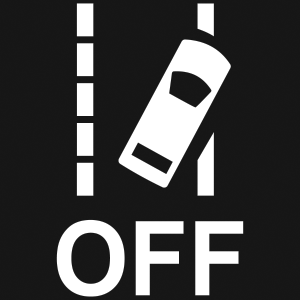 The LaneSense button is located on the switch panel below the Uconnect display.
To turn the LaneSense system on, push the LaneSense button (LED turns off). A “LaneSense On” message is shown in the instrument cluster display.
To turn the LaneSense system off, push the LaneSense button again (LED turns on).
Note:
The LaneSense system will retain the last system state on or off from the last ignition cycle when the ignition is changed to the ON/RUN position.
LANESENSE WARNING MESSAGE
The LaneSense system will indicate the current lane drift condition through the instrument cluster display.
When the LaneSense system is on, the lane lines are gray when both of the lane boundaries have not been detected and the LaneSense telltale  is solid white.
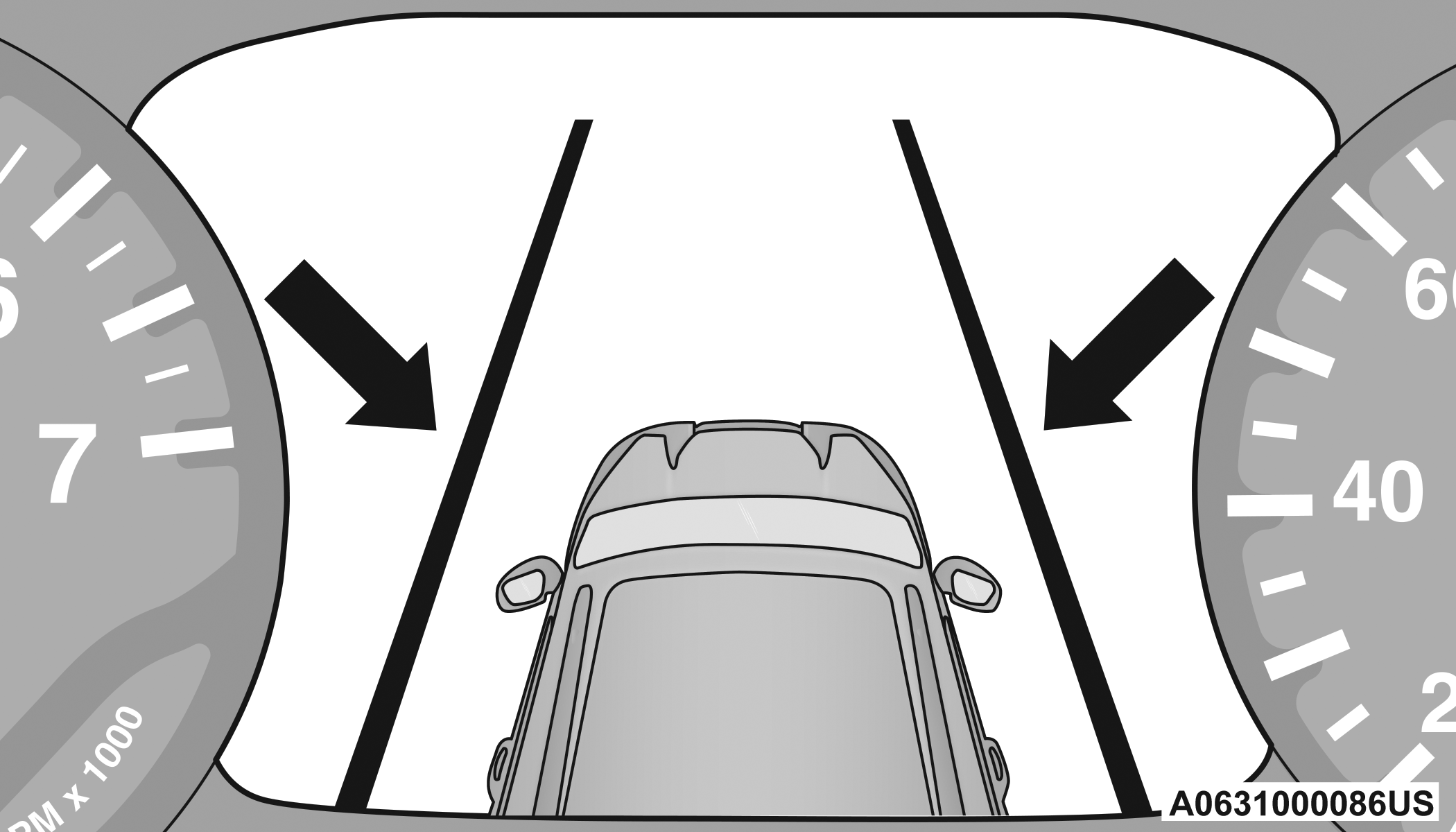
System ON (Gray Lines) With White Telltale
Left Lane Departure — Only Left Lane Detected
-
When the LaneSense system is on, the LaneSense Telltale
is solid white only when the left lane marking has been detected and the system is ready to provide visual warnings in the instrument cluster display if an unintentional lane departure occurs on the left side. -
When the LaneSense system senses the lane has been approached and is in a lane departure situation, the visual warning in the instrument cluster display will show the left inside lane line flashing yellow (on/off), while the outside lane line on the left of the display will remain solid yellow. The LaneSense telltale
changes from solid white to flashing yellow.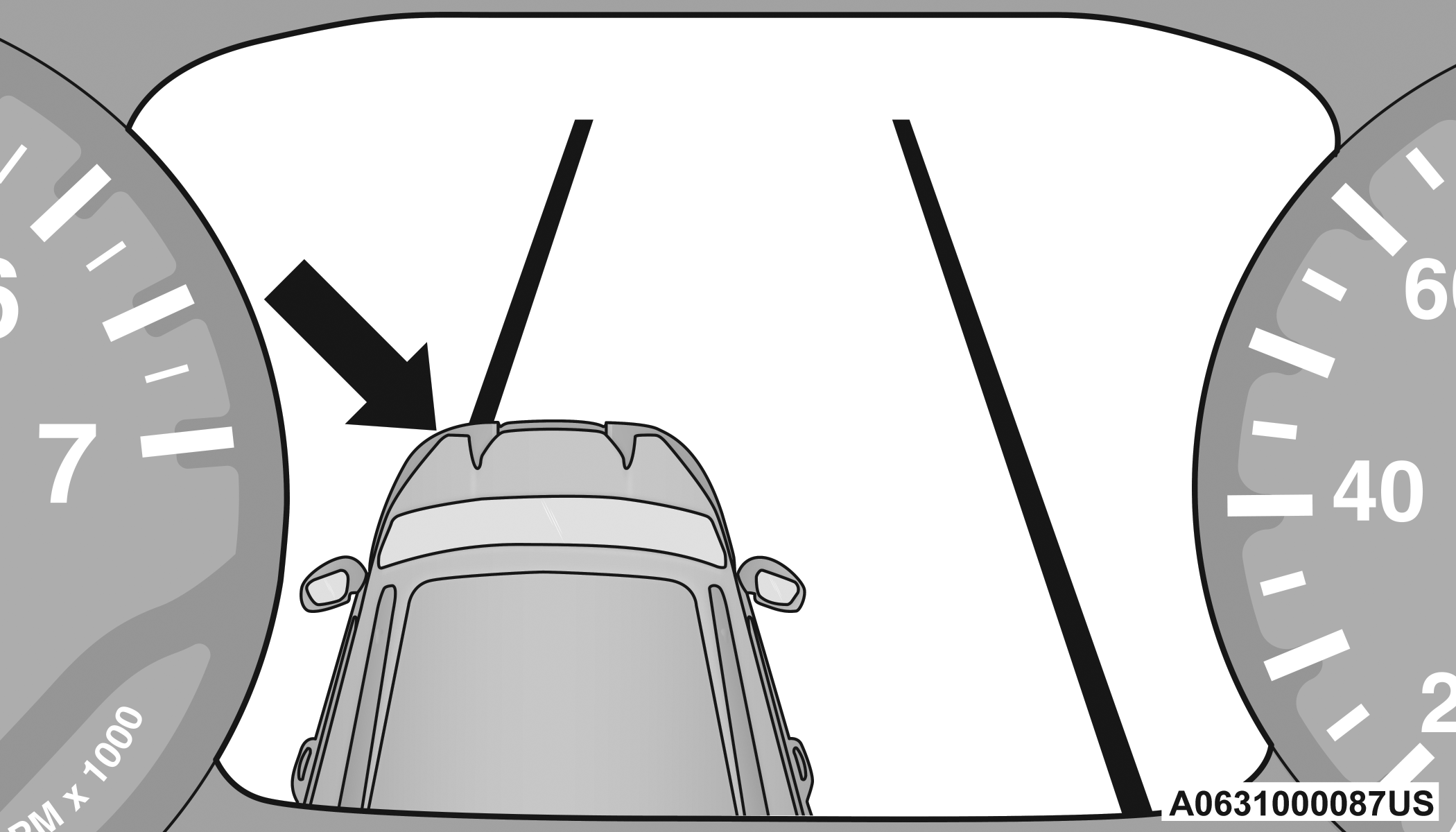
Lane Approached With Flashing Yellow Line/Flashing Yellow Telltale
Note:
The LaneSense system operates with similar behavior for a right lane departure when only the right lane marking has been detected.
Left Lane Departure — Both Lane Lines Detected
-
When the LaneSense system is on, the lane lines turn from gray to white. The LaneSense telltale
is solid green when both lane markings have been detected and the system is ready to provide visual warnings in the instrument cluster display and a torque warning in the steering wheel if an unintentional lane departure occurs.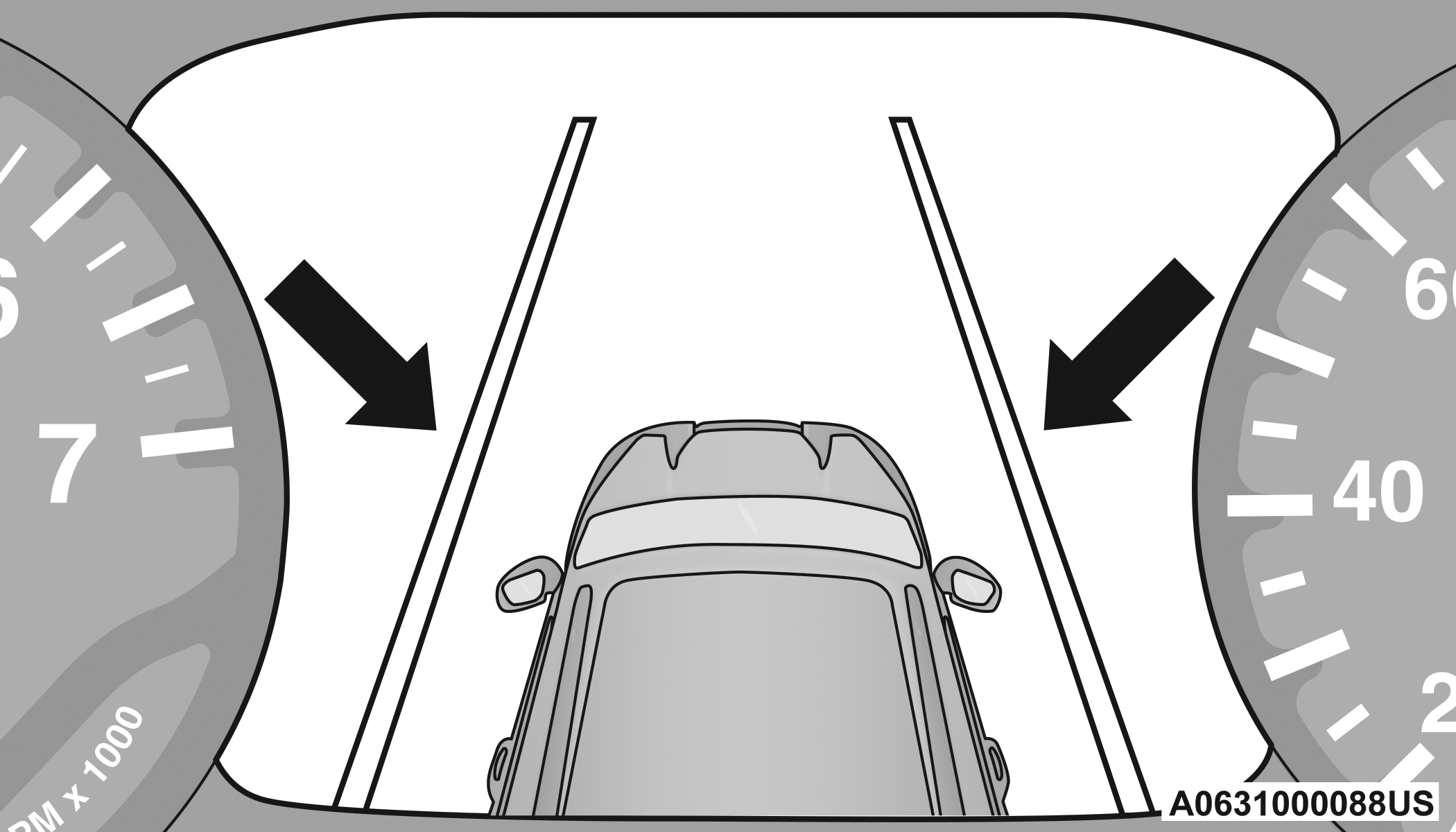
Lanes Sensed (White Lines) With Green Telltale
-
When the LaneSense system senses a lane drift situation, the left inside and outside lane lines turn solid yellow. The LaneSense telltale
changes from solid green to solid yellow. At this time torque is applied to the steering wheel in the opposite direction of the lane boundary.For example: If approaching the left side of the lane the steering wheel will turn to the right.
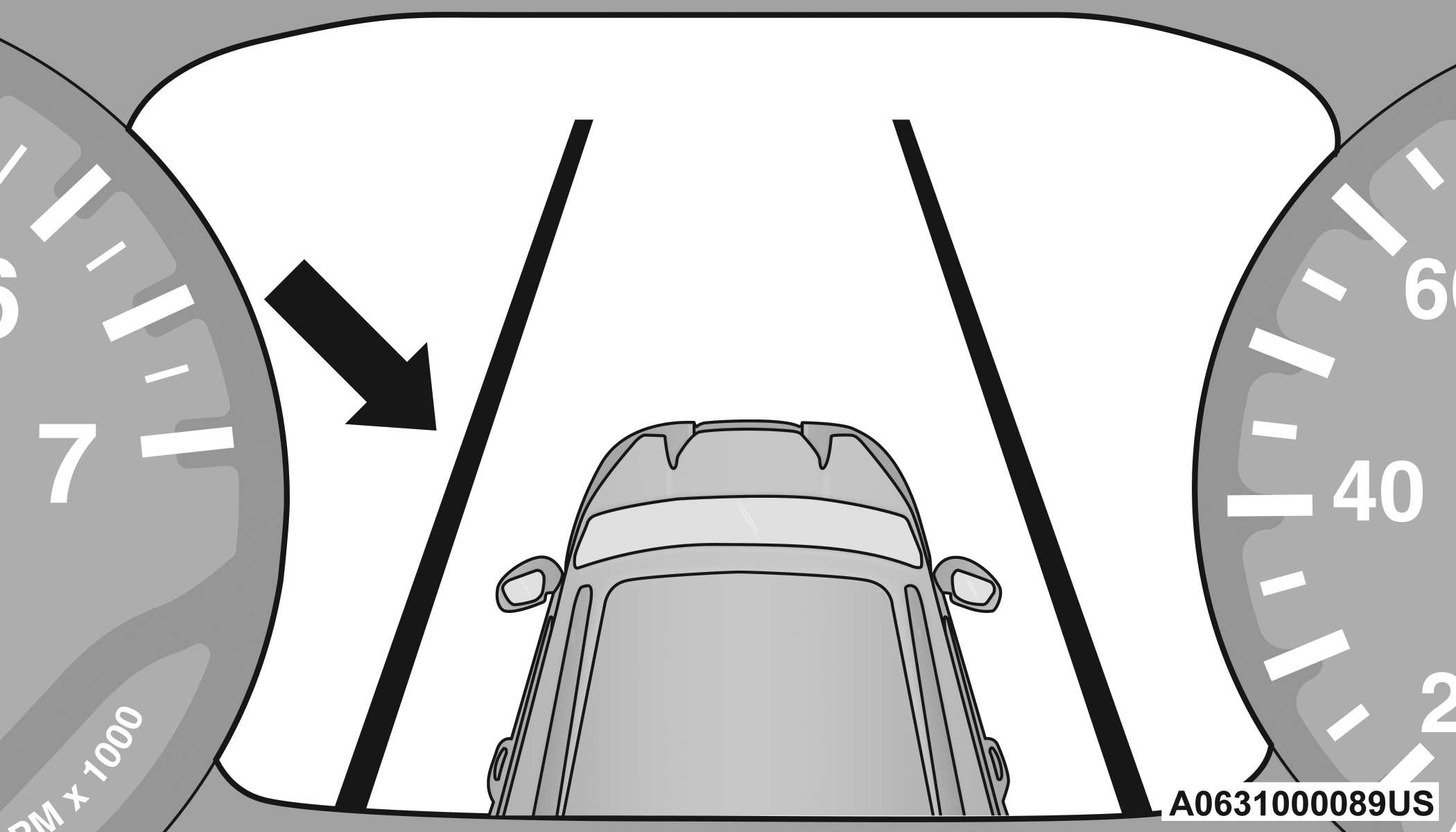
Lane Drift With Solid Yellow Line/Solid Yellow Telltale
-
When the LaneSense system senses the lane has been approached and is in a lane departure situation, the left inside lane line flashes yellow (on/off) while the left outside line remains solid yellow. The LaneSense telltale
changes from solid yellow to flashing yellow. At this time torque is applied to the steering wheel in the opposite direction of the lane boundary.For example: If approaching the left side of the lane the steering wheel will turn to the right.
Lane Approached With Flashing Yellow Line/Flashing Yellow Telltale
Note:
The LaneSense system operates with similar behavior for a right lane departure.
CHANGING LANESENSE STATUS
The LaneSense system has settings to adjust the intensity of the torque warning and the warning zone sensitivity (Early/Medium/Late) that you can configure through the Uconnect system "⇨UCONNECT SETTINGS".
Note:
-
When enabled the system operates above 37 mph (60 km/h) and below 112 mph (180 km/h).
-
The warnings are disabled with use of the turn signal.
-
The system will not apply torque to the steering wheel whenever a safety system engages (Anti-Lock Brakes, Traction Control System, Electronic Stability Control, Forward Collision Warning, etc.).
Download Manual