Interior Storage and Equipment
The glove compartment is located on the passenger side of the instrument panel.
To open the glove compartment, pull the release handle.
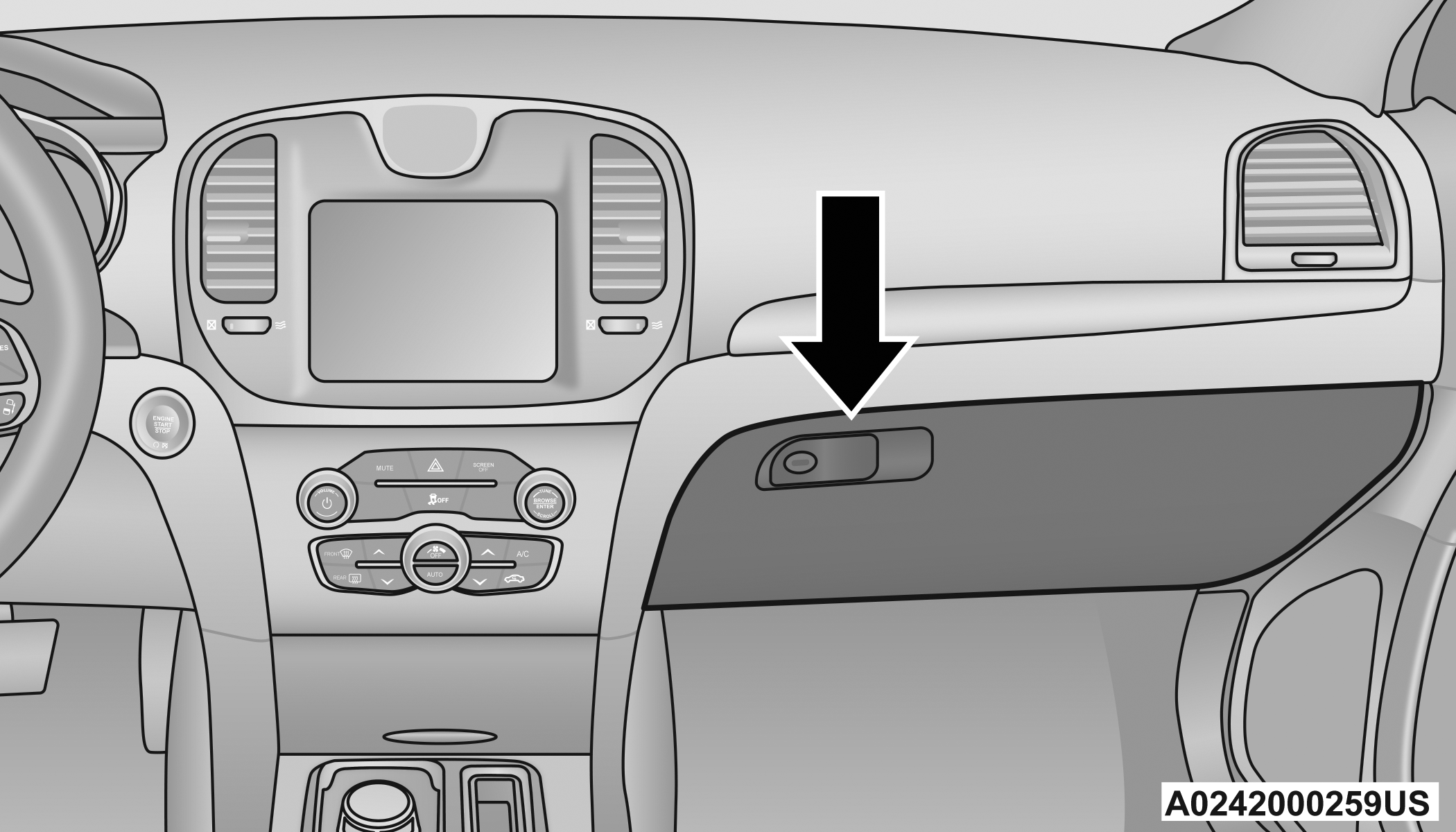
Glove Compartment
WARNING:
Do not operate this vehicle with a glove compartment in the open position. Driving with the glove compartment open may result in injury in a collision.
CUBBY BIN
There is a cubby bin located forward of the gear selector. The cubby bin is covered with a push-push actuated door. Push inward on the door to open it; push the door a second time to close it.
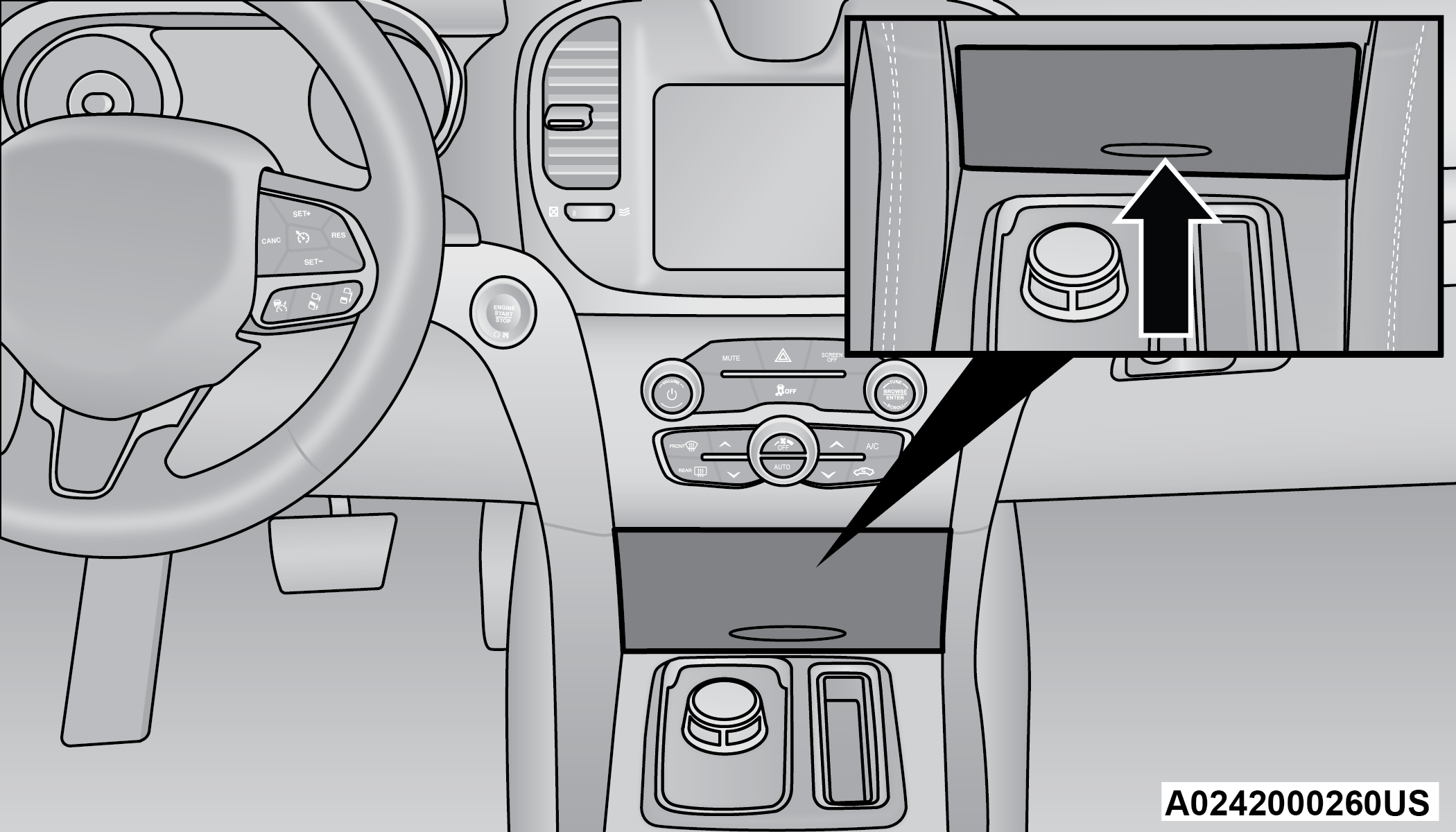
Cubby Bin
WARNING:
Do not place ashes inside the cubby bin located on the center console on vehicles not equipped with the ash receiver tray. A fire leading to bodily injury could result.
DOOR STORAGE
The door panels contain storage areas.
CONSOLE FEATURES
Two separate storage compartments are located underneath the center console armrest.
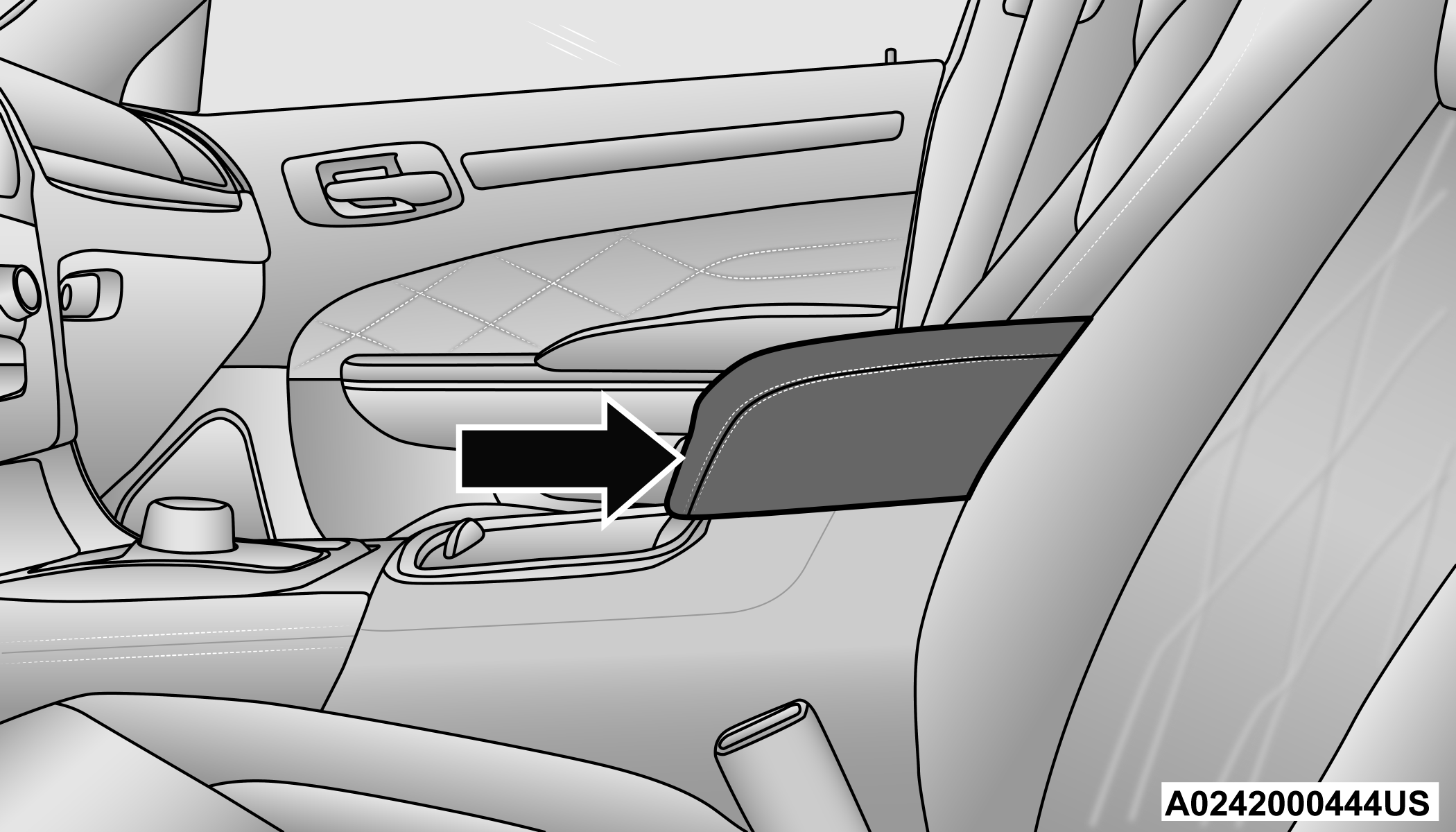
Center Console Location
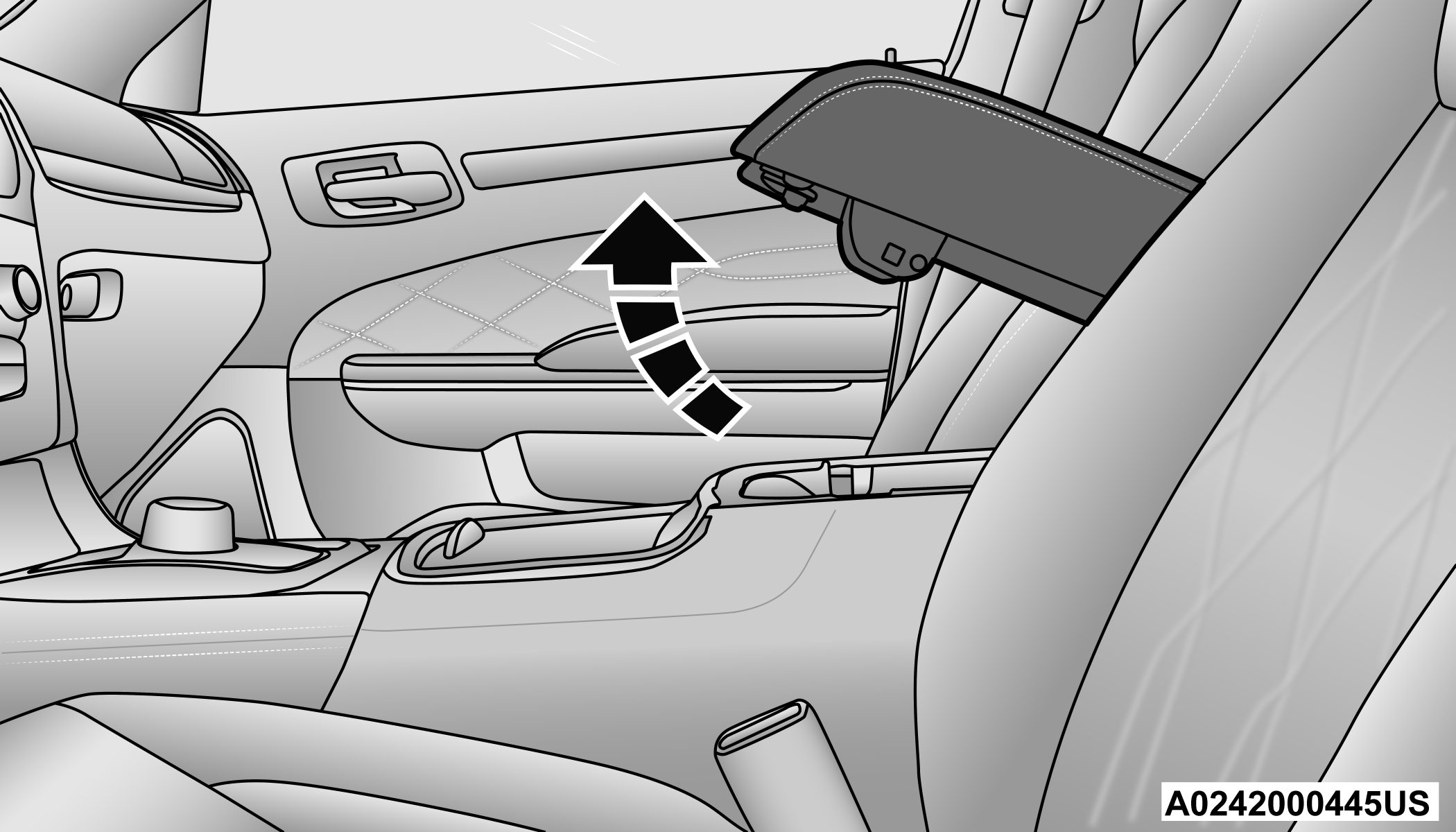
Center Console Open
Inside the center console armrest, there is a removable upper storage tray that can be slid forward/rearward on rails for access to the lower storage area. This tray has an integrated coin holder, along with additional area for small items and handheld devices. Below the upper tray, the lower storage compartment is made for larger items. In addition, the 12 Volt power outlet, USB, and AUX jack are located here.
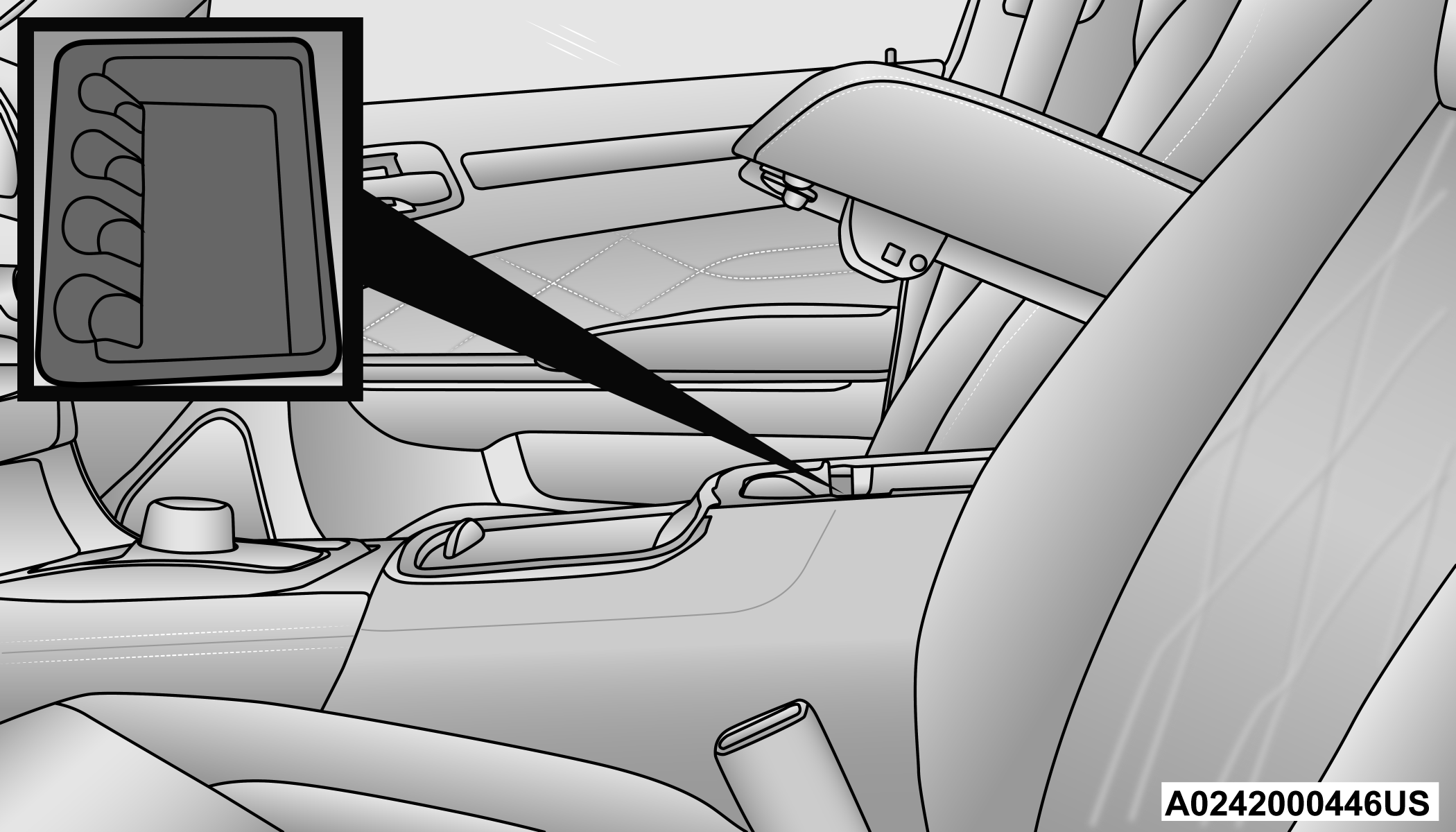
Upper Storage Tray
WARNING:
Do not operate this vehicle with a console compartment lid in the open position. Driving with the console compartment lid open may result in injury in a collision.
REAR SEAT ARMREST STORAGE — IF EQUIPPED
For rear passengers, there is a storage bin located in the armrest. Lift upward on the latch to open the storage compartment.
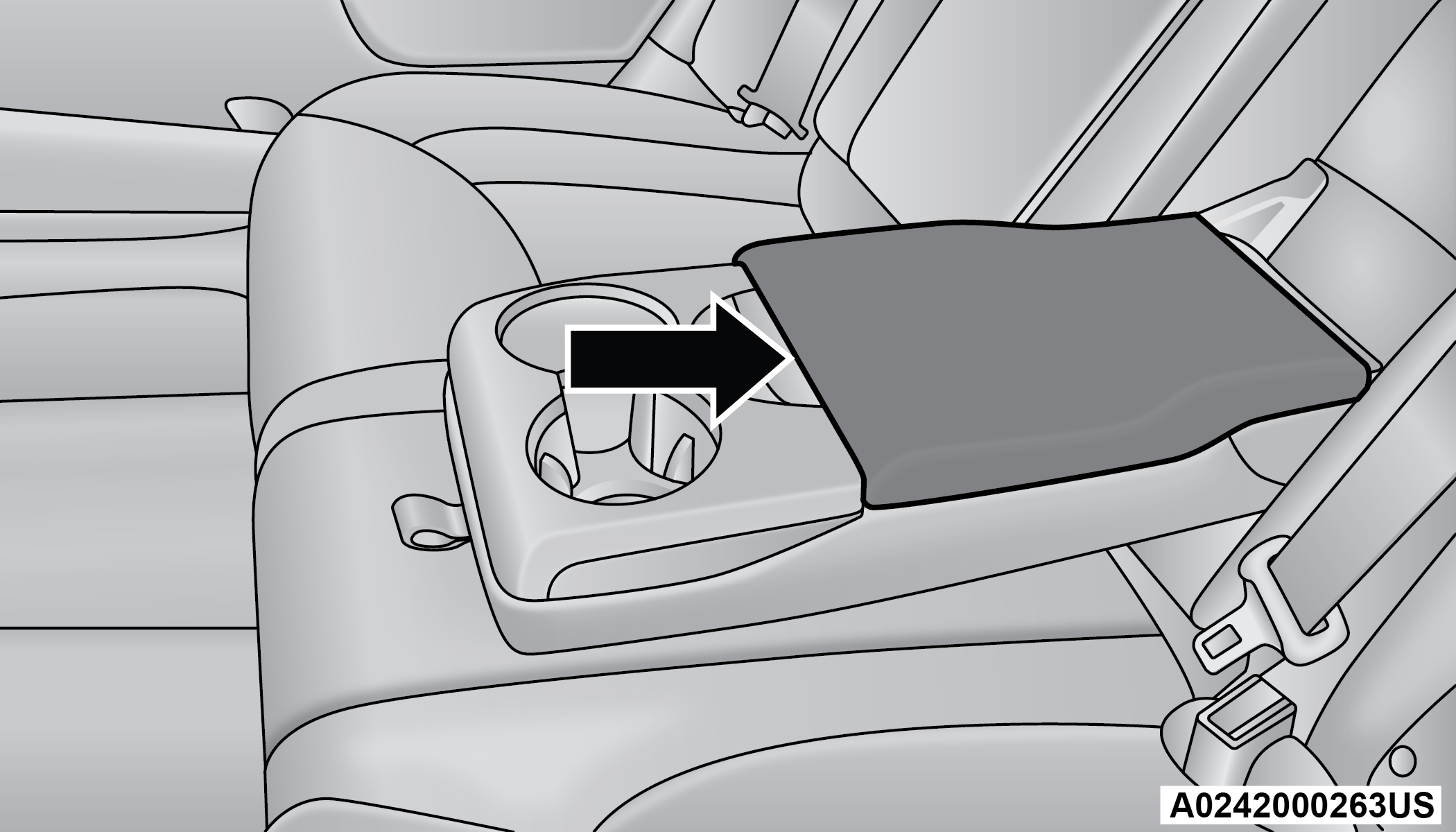
Rear Armrest Storage
SUNGLASSES BIN DOOR
At the front of the console, a compartment is provided for the storage of a pair of sunglasses. The storage compartment access is a push-push design. Push the chrome pad on the door to open. Push the chrome pad on the door to close.
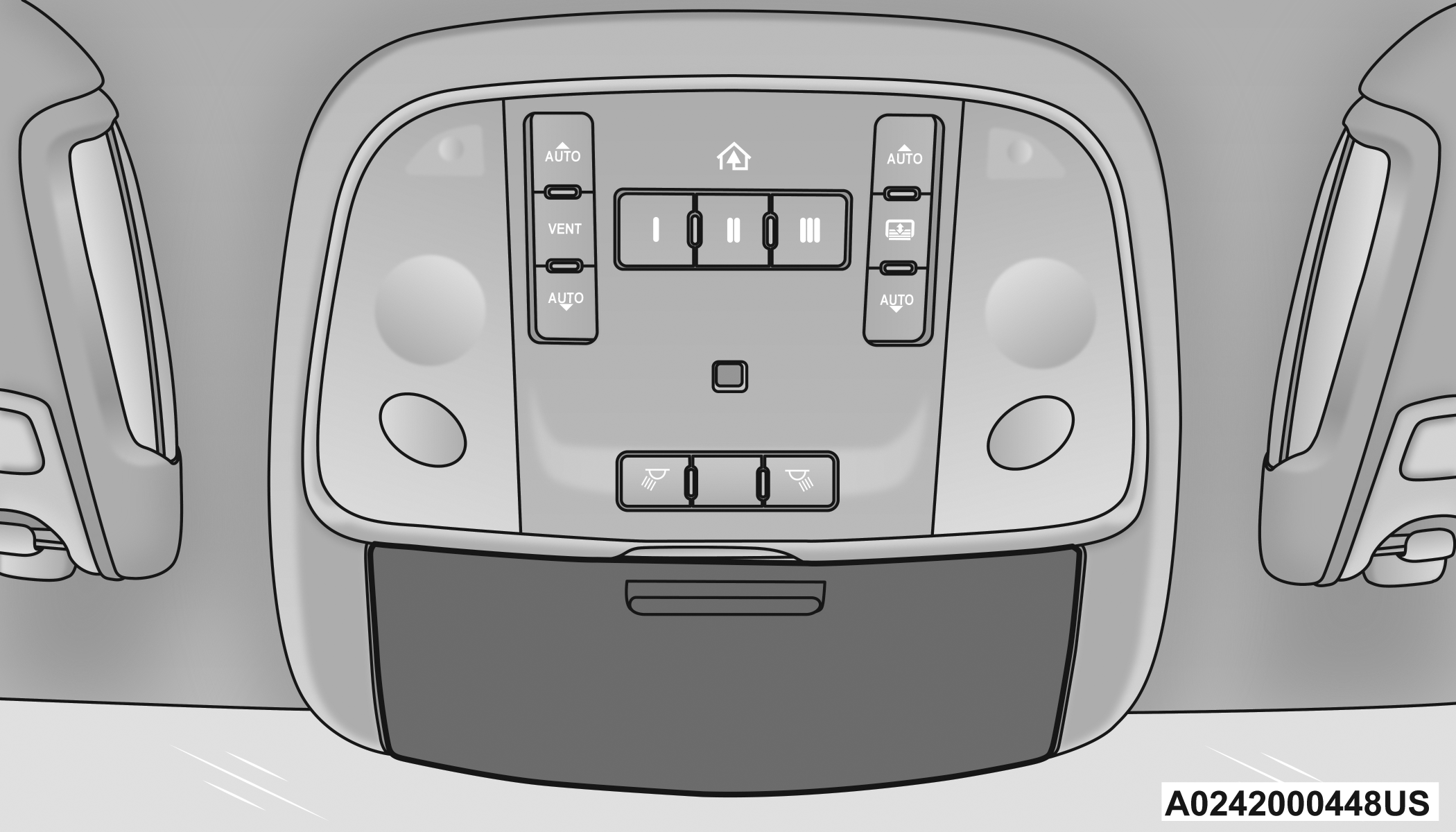
Sunglasses Bin Door
USB/AUX CONTROL
This feature allows an external USB device to be plugged into the USB port.
Plugging in a smartphone device to a USB port may activate Android Auto™ or Apple CarPlay® features, if equipped. For further information, refer to “Android Auto™” or “Apple CarPlay®” in the Uconnect Radio Instruction Manual.
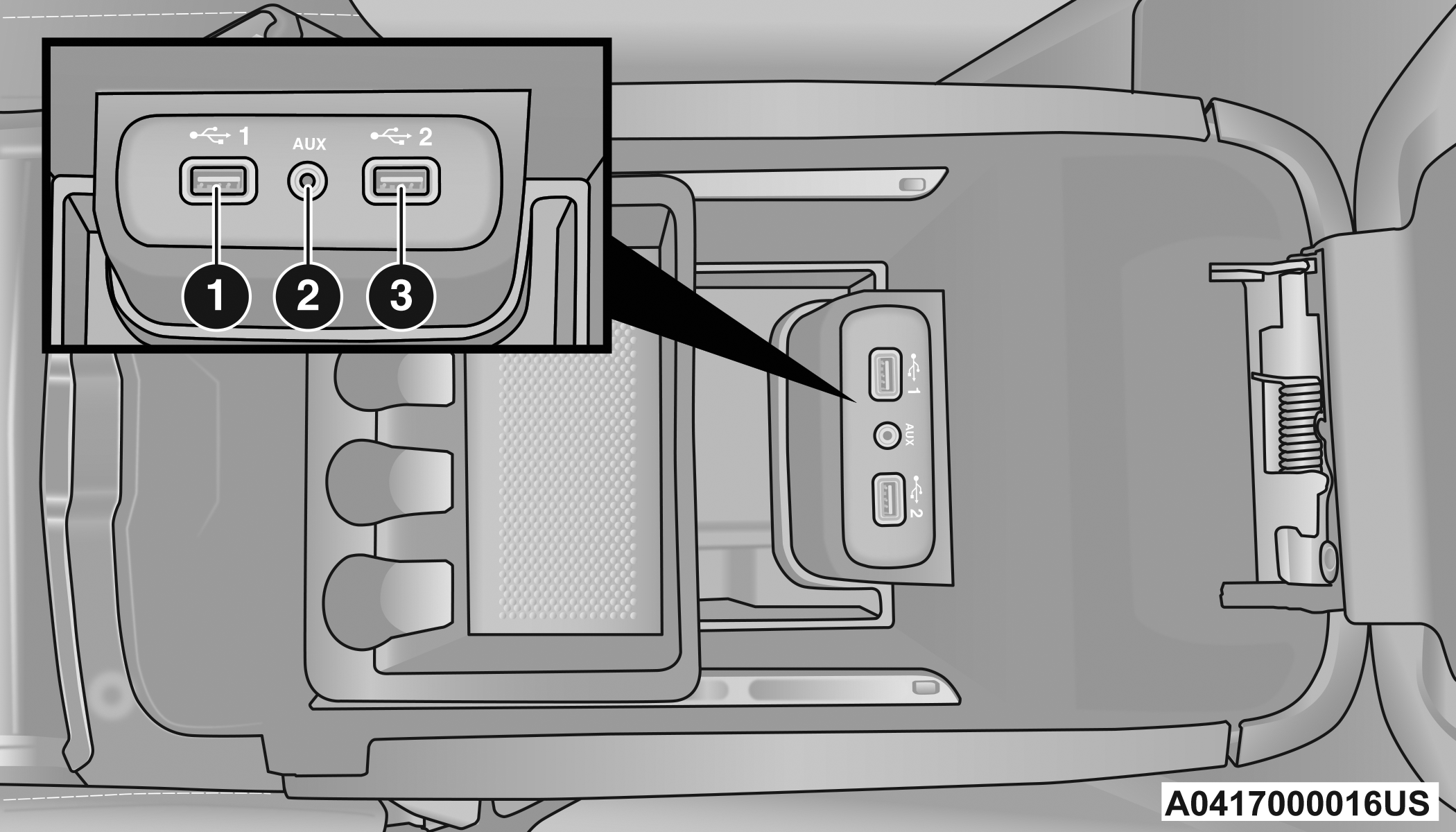
AUX/USB Ports
|
1 — USB 1 Port |
|
2 — AUX Jack |
|
3 — USB 2 Port |
Located on the back of the center console are dual USB “Charge Only” ports. The USB “Charge Only” ports will recharge battery operated USB devices when connected.
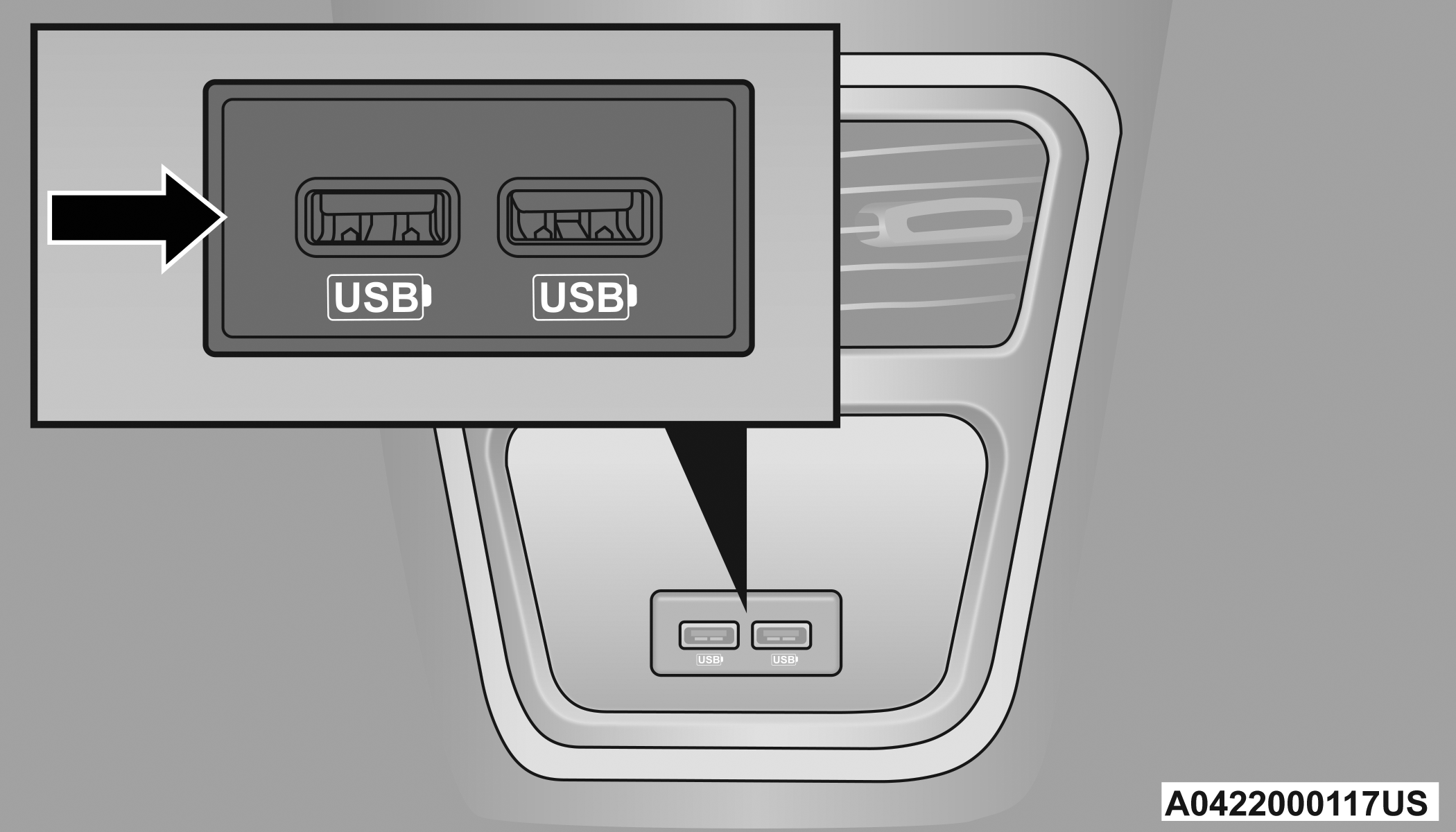
Rear USB Charging Ports
ILLUMINATED CUPHOLDERS — IF EQUIPPED
On some vehicles, the front cupholders are equipped with a light ring that illuminates the cupholders for the front passengers.
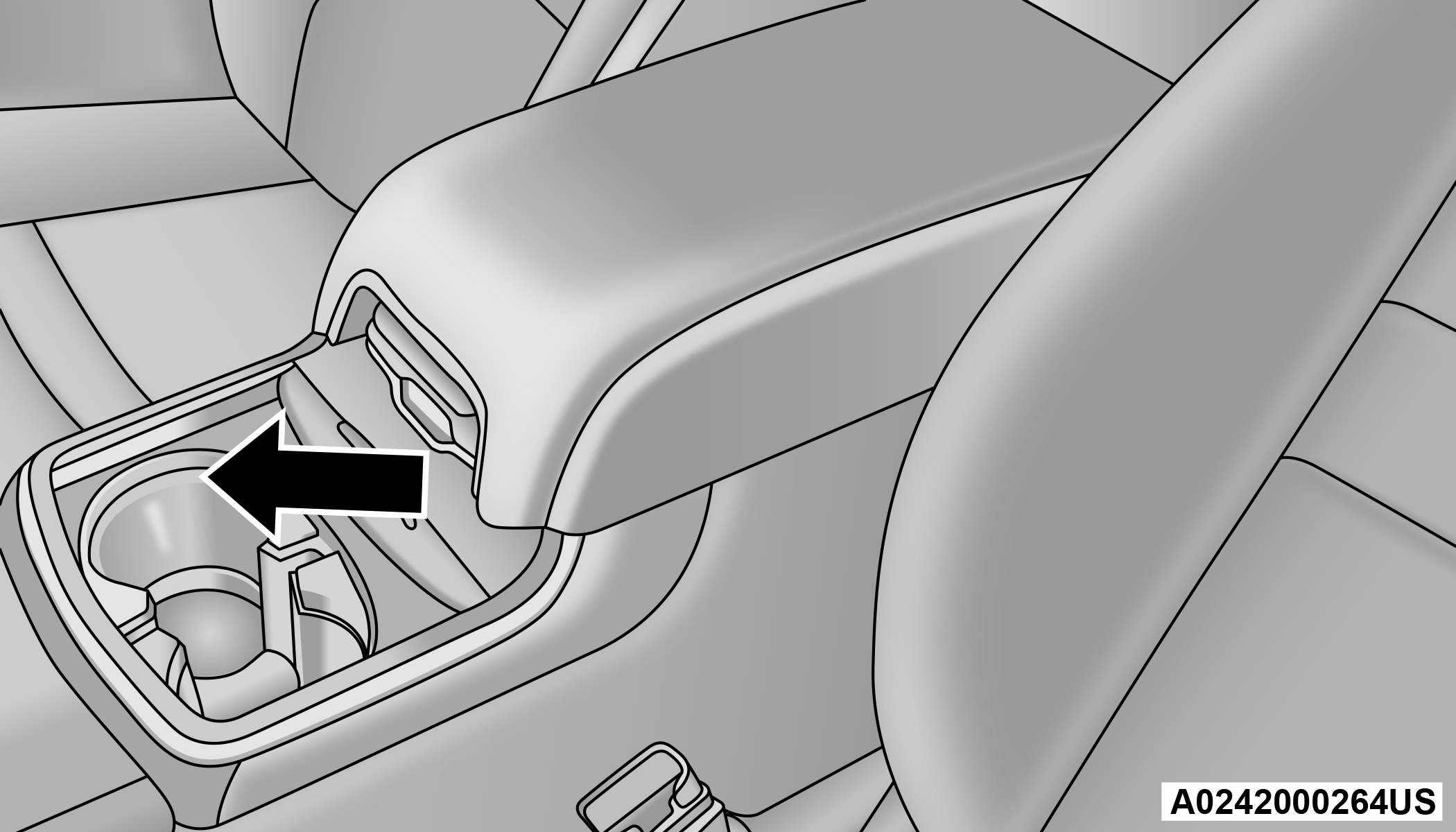
Light Ring In Front Cupholder
The rear cupholders may also be equipped with a light ring that illuminates the cupholders for the rear passengers. The light ring is controlled by the Dimmer Control "⇨Dimmer Control".
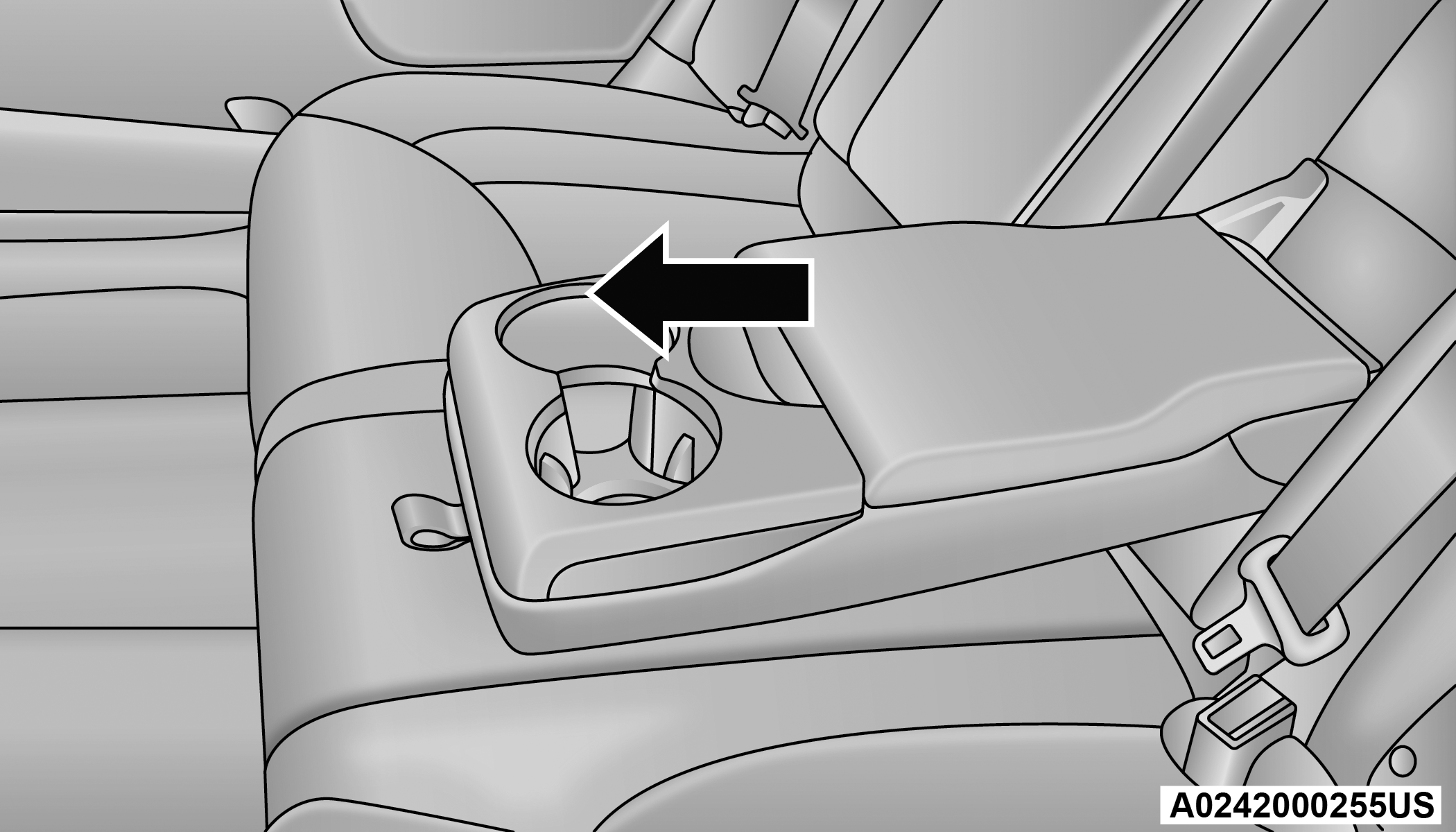
Light Ring In Rear Cupholder
HEATED AND COOLED CUPHOLDERS — IF EQUIPPED
Your vehicle may be equipped with heated and cooled cupholders. The cupholders are designed to help keep warm beverages warm and cool beverages cool.
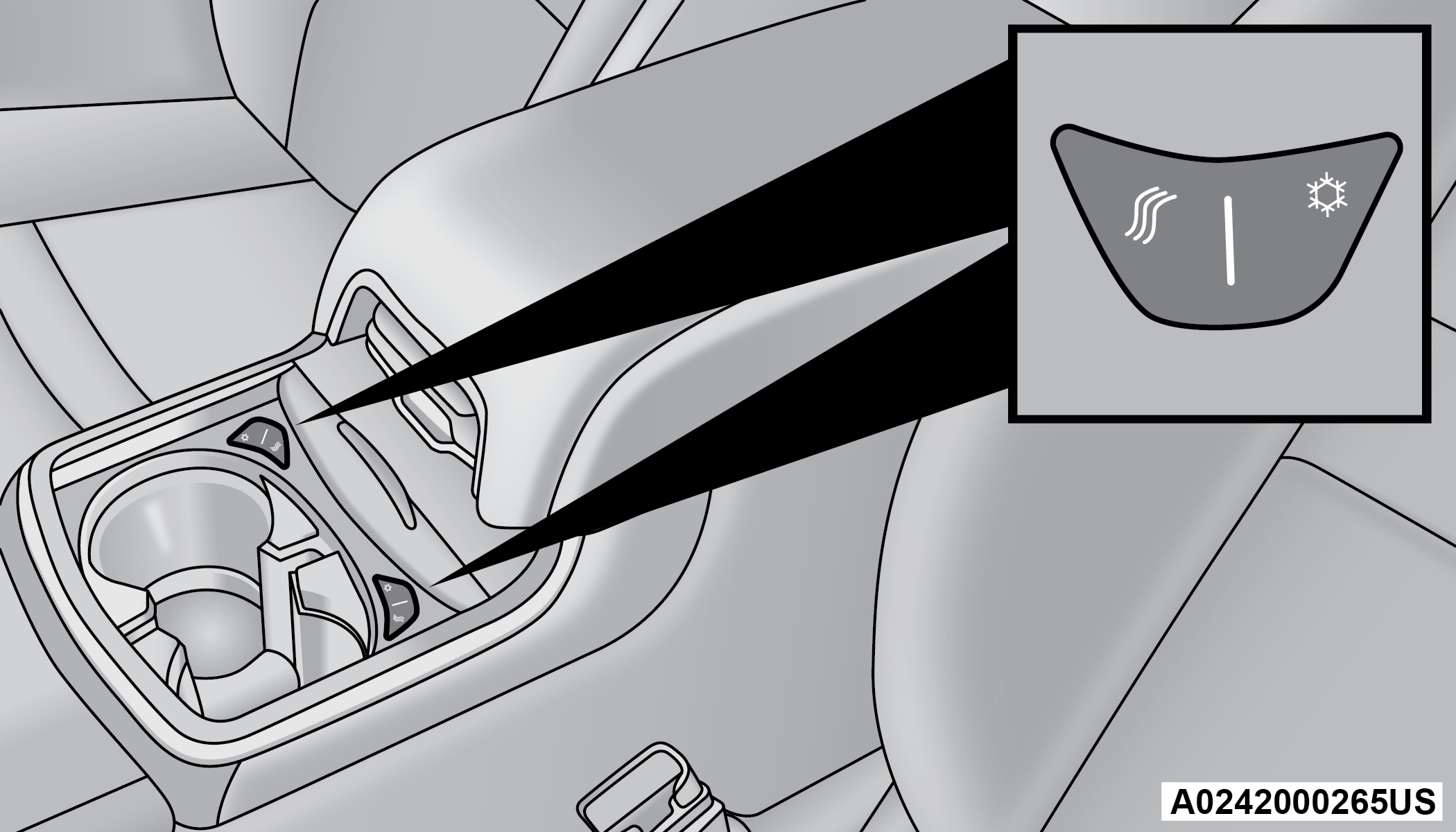
Heated And Cooled Cupholder Switches
Push the “Cold” symbol once to turn on the cupholder. Push the symbol a second time to turn the cupholder off. Push the “Hot” symbol once to activate the cupholder. Push the symbol a second time to turn off the cupholder.
WARNING:
When using the cupholder in the “Hot” position, avoid contact with the heated portion of the cupholder in order to reduce the possibility of burns. Persons who are unable to feel pain to the skin because of advanced age, chronic illness, diabetes, spinal cord injuries, medication, alcohol use, exhaustion or other physical condition must exercise particular care in order to prevent serious burn injury. Keep the cupholder free of debris or stray objects when operated in the “Hot” position.
POWER SUNSHADE — IF EQUIPPED
Your vehicle may be equipped with a power sunshade that will reduce the amount of sunlight that will shine through the rear windshield.
The power sunshade can be operated using the Uconnect system "⇨UCONNECT SETTINGS".
Press the Controls button and then press the “Rear Sunshade” button to raise the power sunshade. Press the Rear Sunshade button a second time to lower the sunshade.
If the sunshade is in the raised position and the vehicle is placed in REVERSE, the sunshade will automatically fully lower. When the transmission is shifted out of REVERSE the sunshade will automatically return to the fully raised position after a brief delay.
The power sunshade can also be operated by passengers in the rear seats. The power sunshade switch is located on the back of the center console between the heated seat switches. Push the switch once to raise the sunshade. Push the switch a second time to lower the sunshade.
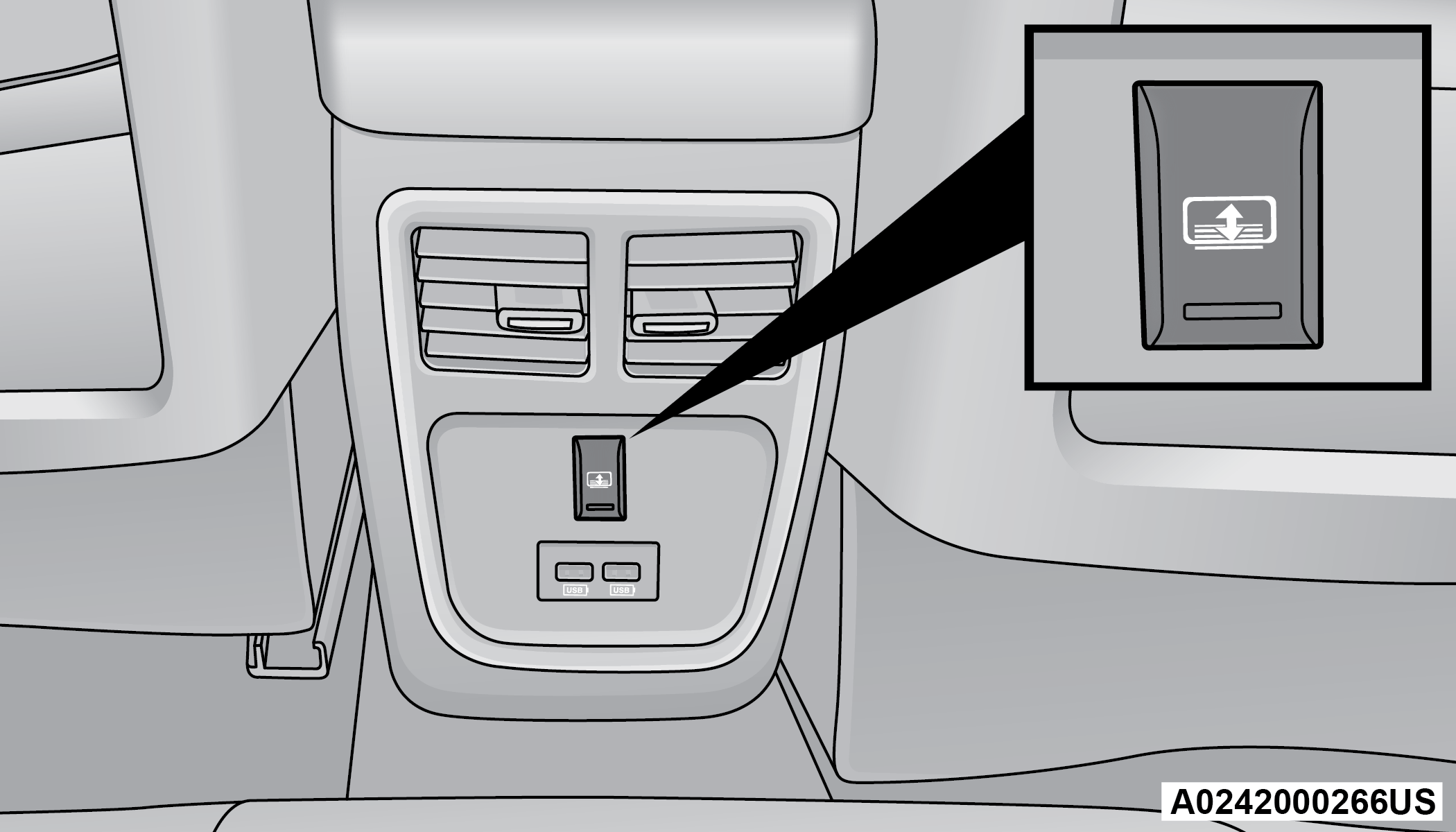
Power Sunshade Switch Behind Center Console
Note:
The rear sunshade control switch can be locked out along with the rear passenger window controls from the driver switch window lockout switch.
POWER OUTLETS
Your vehicle is equipped with one 12 Volt (13 Amp) power outlet on the instrument panel and one 12 Volt (13 Amp) power outlet in the center console that can be used to power cellular phones, small electronics and other low powered electrical accessories. The power outlets are labeled with either a “key” symbol or a “battery” symbol to indicate how the outlet is powered. Power outlets labeled with a key symbol are powered when the ignition switch is in the ACC or ON/RUN position, while the outlets labeled with a battery symbol are connected directly to the battery and powered at all times.
Note:
All accessories connected to the battery powered outlets should be removed or turned off when the vehicle is not in use to protect the battery against discharge.
The front power outlet is located inside the storage area on the center stack of the instrument panel.
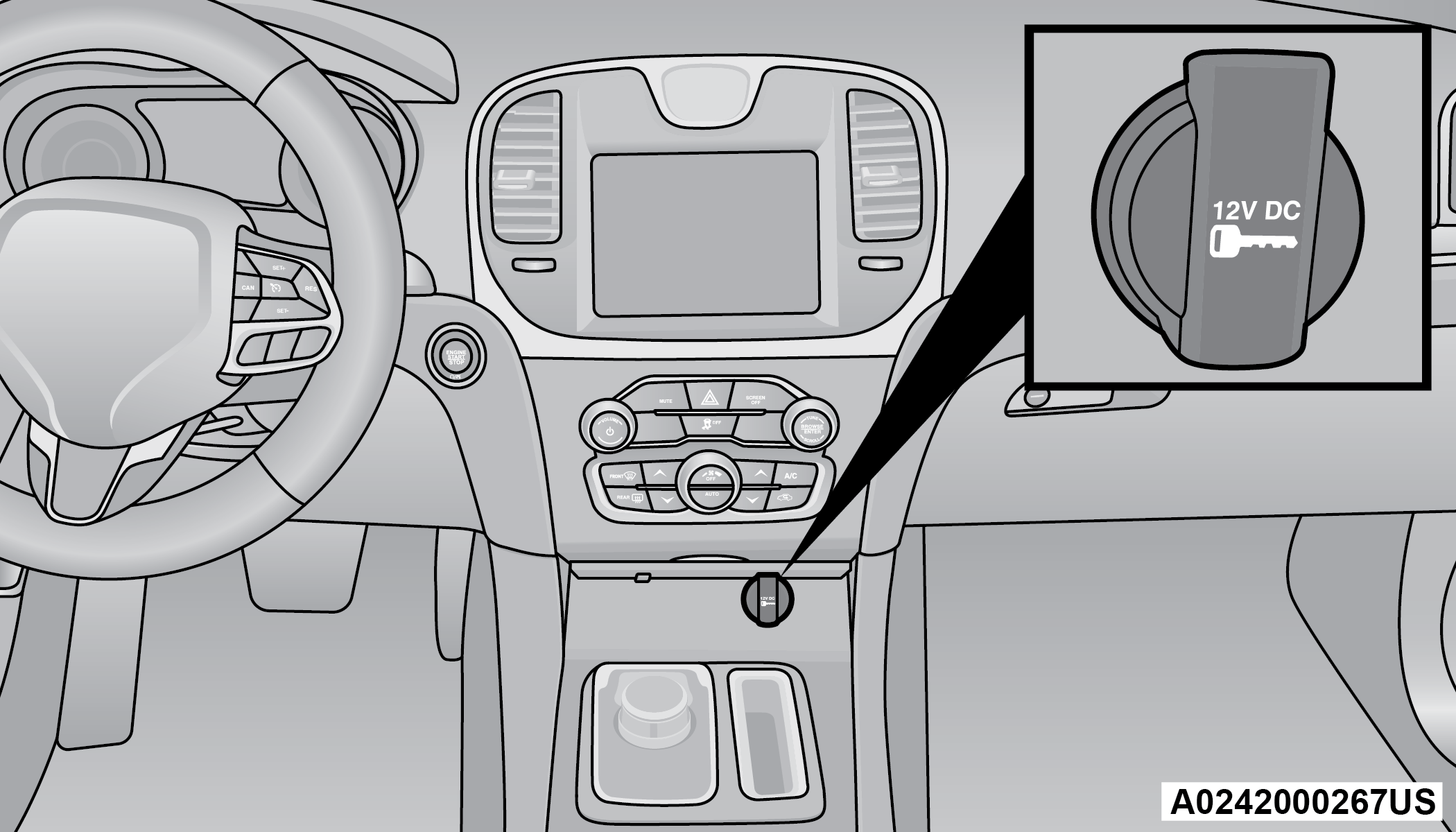
Front Power Outlet
In addition to the front power outlet, there is also a power outlet located in the storage area of the center console.
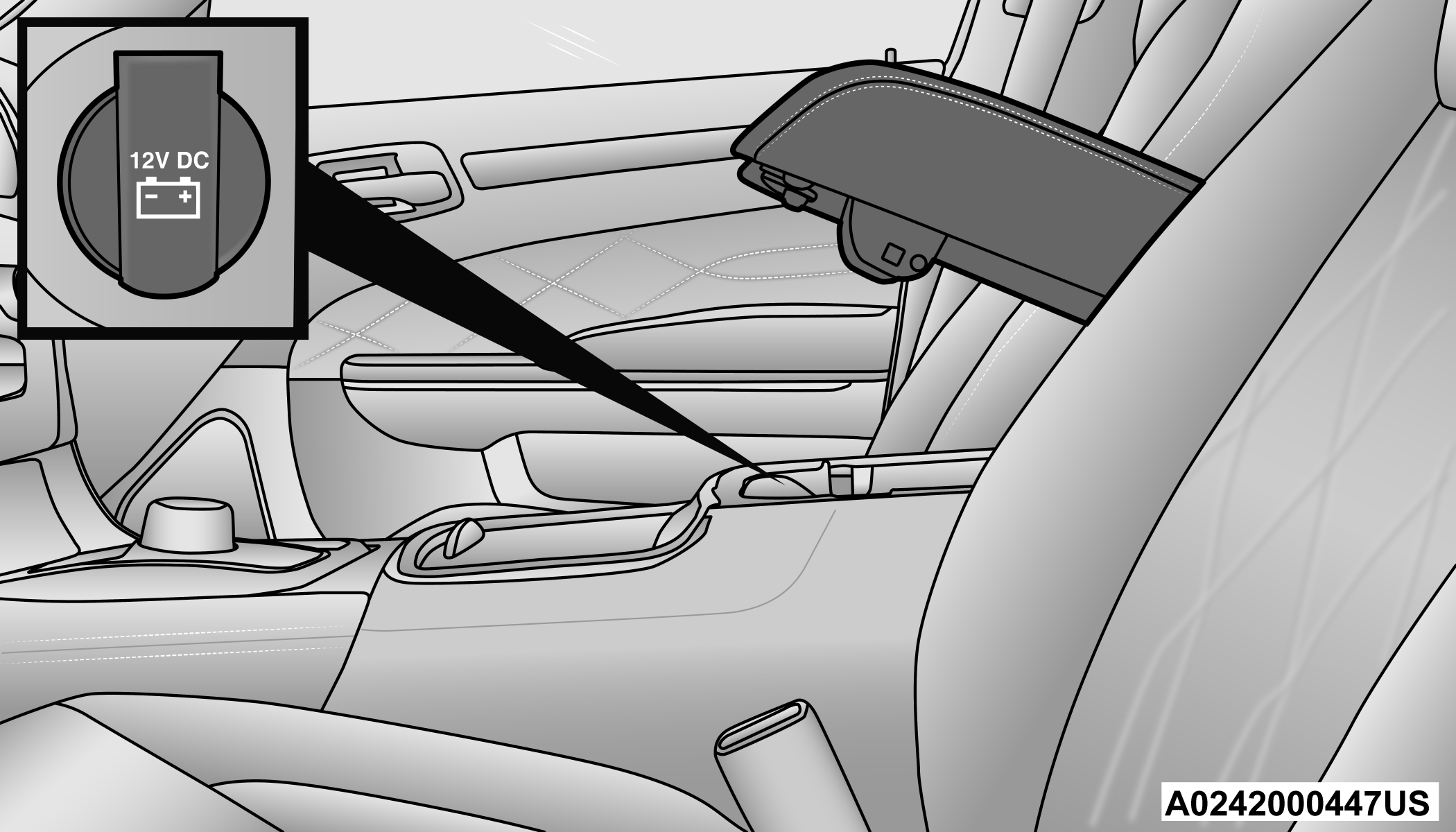
Center Console Power Outlet
Note:
If the Media Hub is in use, do not exceed the maximum power of 100 W (8 Amp) for the center console power outlet. When the Media Hub is not in use, the outlet can deliver up to 120 W (10 Amp). If the power rating is exceeded, the fuse protecting the system will need to be replaced.
The instrument panel power outlet and dual rear console USB ports can be changed to battery powered at all times by moving the #12 20 Amp fuse from “IGN” to “B+”. These fuses are located in the fuse box in the trunk, below the load floor.
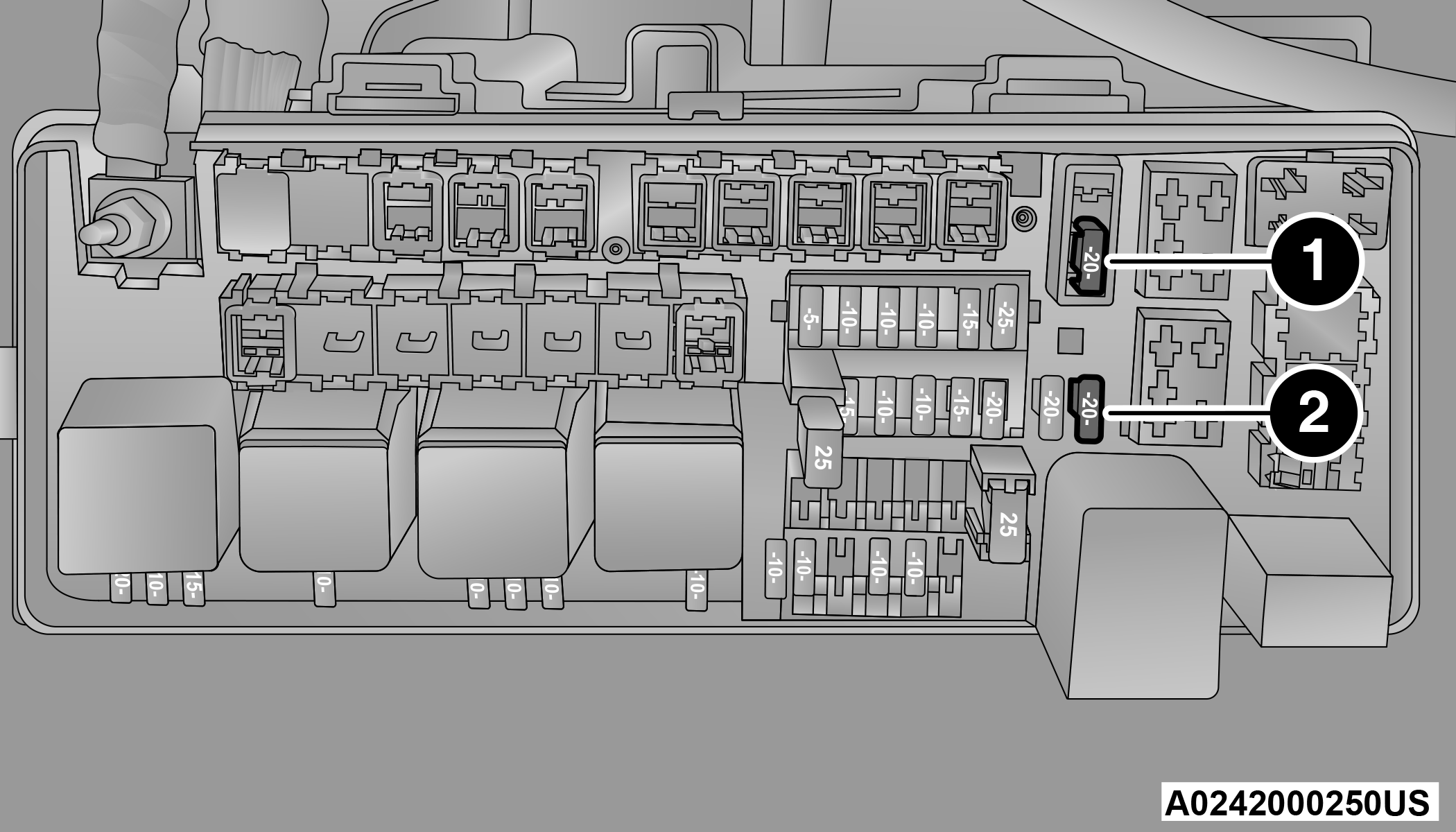
Power Outlet Fuse Locations
|
1 — #12 Fuse 20 Amp Yellow Instrument Panel Power Outlet/Dual USB Charge Only Ports |
|
2 — #38 Fuse 20 Amp Yellow Center Console Power Outlet/Media Hub |
WARNING:
To avoid serious injury or death:
-
Only devices designed for use in this type of outlet should be inserted into any 12 Volt outlet.
-
Do not touch with wet hands.
-
Close the lid when not in use and while driving the vehicle.
-
If this outlet is mishandled, it may cause an electric shock and failure.
CAUTION:
-
Many accessories that can be plugged in draw power from the vehicle's battery even when not in use (i.e., cellular phones, etc.). Eventually, if plugged in long enough, the vehicle's battery will discharge sufficiently to degrade battery life and/or prevent the engine from starting.
-
Accessories that draw higher power (i.e., coolers, vacuum cleaners, lights, etc.) will degrade the battery even more quickly. Only use these intermittently and with greater caution.
-
After the use of high power draw accessories or long periods of the vehicle not being started (with accessories still plugged in), the vehicle must be driven a sufficient length of time to allow the alternator to recharge the vehicle's battery.
-
Power outlets are designed for accessory plugs only. Do not hang any type of accessory or accessory bracket from the plug. Improper use of the power outlet can cause damage.
Download Manual