Interior Lights
The interior lights come on when a door is opened.
To protect the battery, the interior lights will turn off automatically 10 minutes after the ignition is placed in the OFF position. This will occur if the interior lights were switched on manually or are on because a door is open. The Battery Protection also includes the glove compartment light and the trunk light. To restore interior light operation after automatic battery protection is enabled (lights off), either place the ignition in the ON/RUN position, or cycle the light switch.
COURTESY LIGHTS
The courtesy lights can be turned on by pushing the top corner of the lens. To turn the lights off, push the lens a second time.
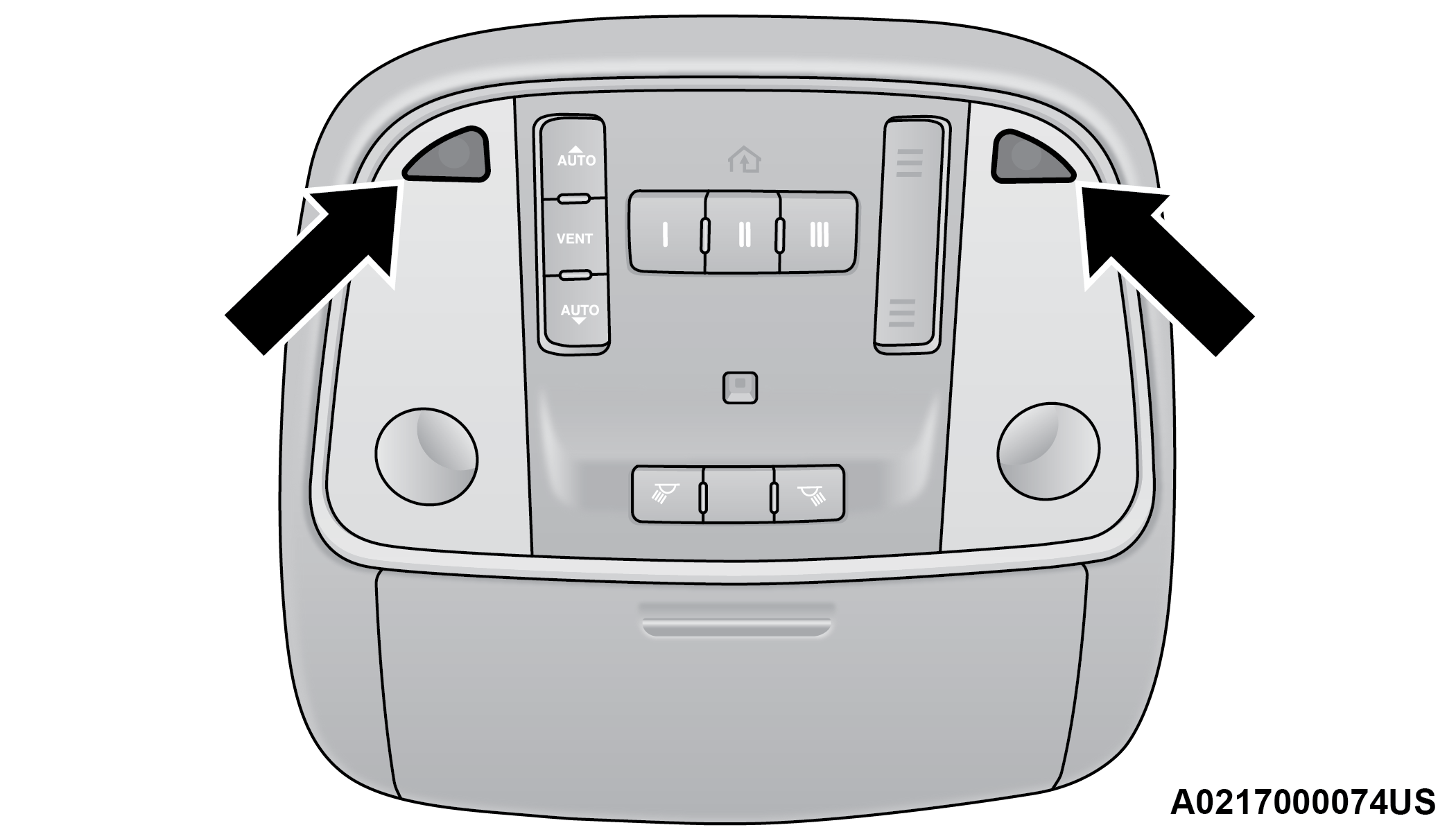
Courtesy Lights
FRONT MAP/READING LIGHTS — IF EQUIPPED
The front map/reading lights are mounted in the overhead console.
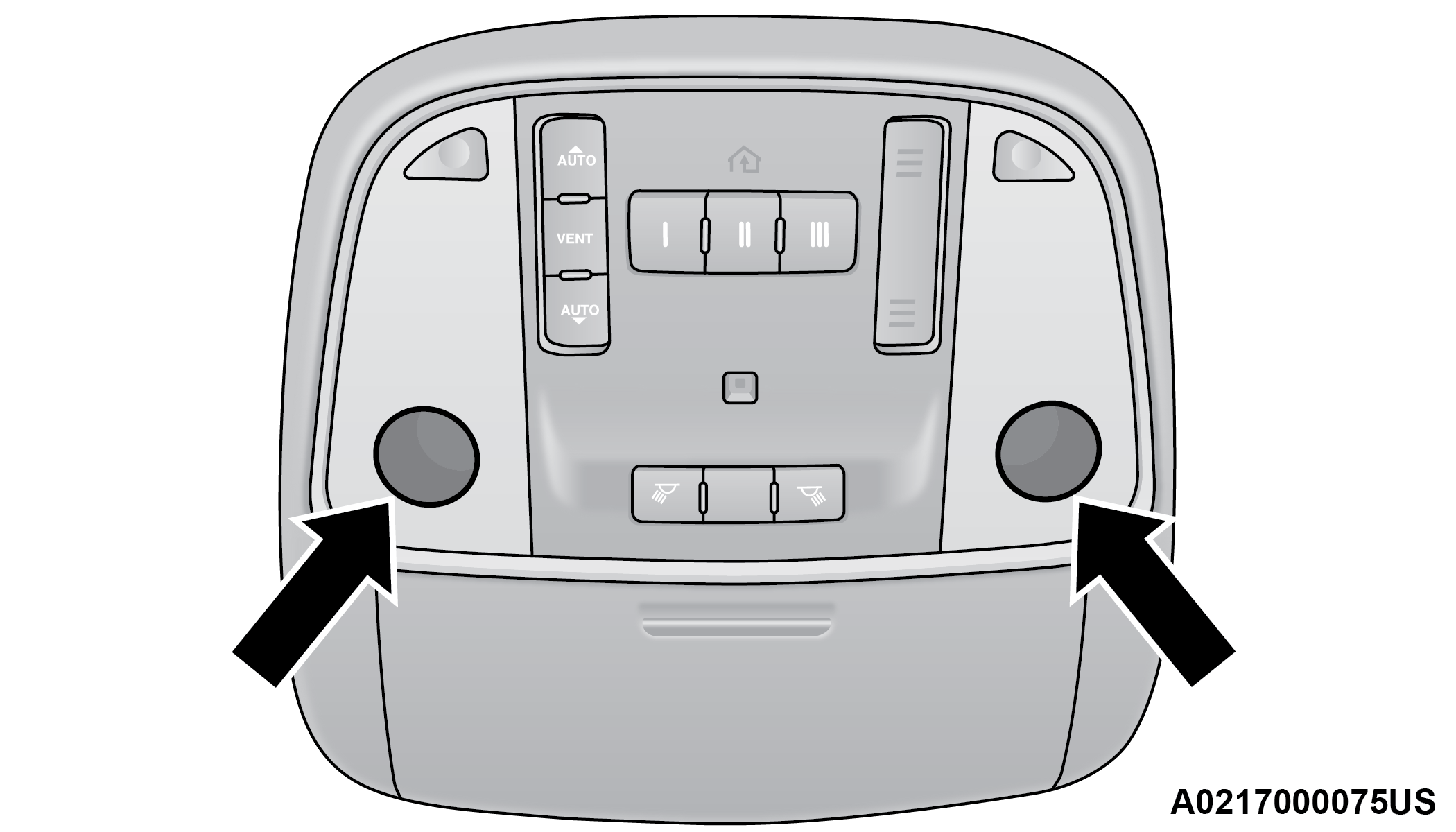
Front Map/Reading Lights
Each light can be turned on by pushing a switch on either side of the console. These buttons are backlit for night time visibility. To turn the lights off, push the switch a second time. The lights will also turn on when the unlock button on the key fob is pushed.
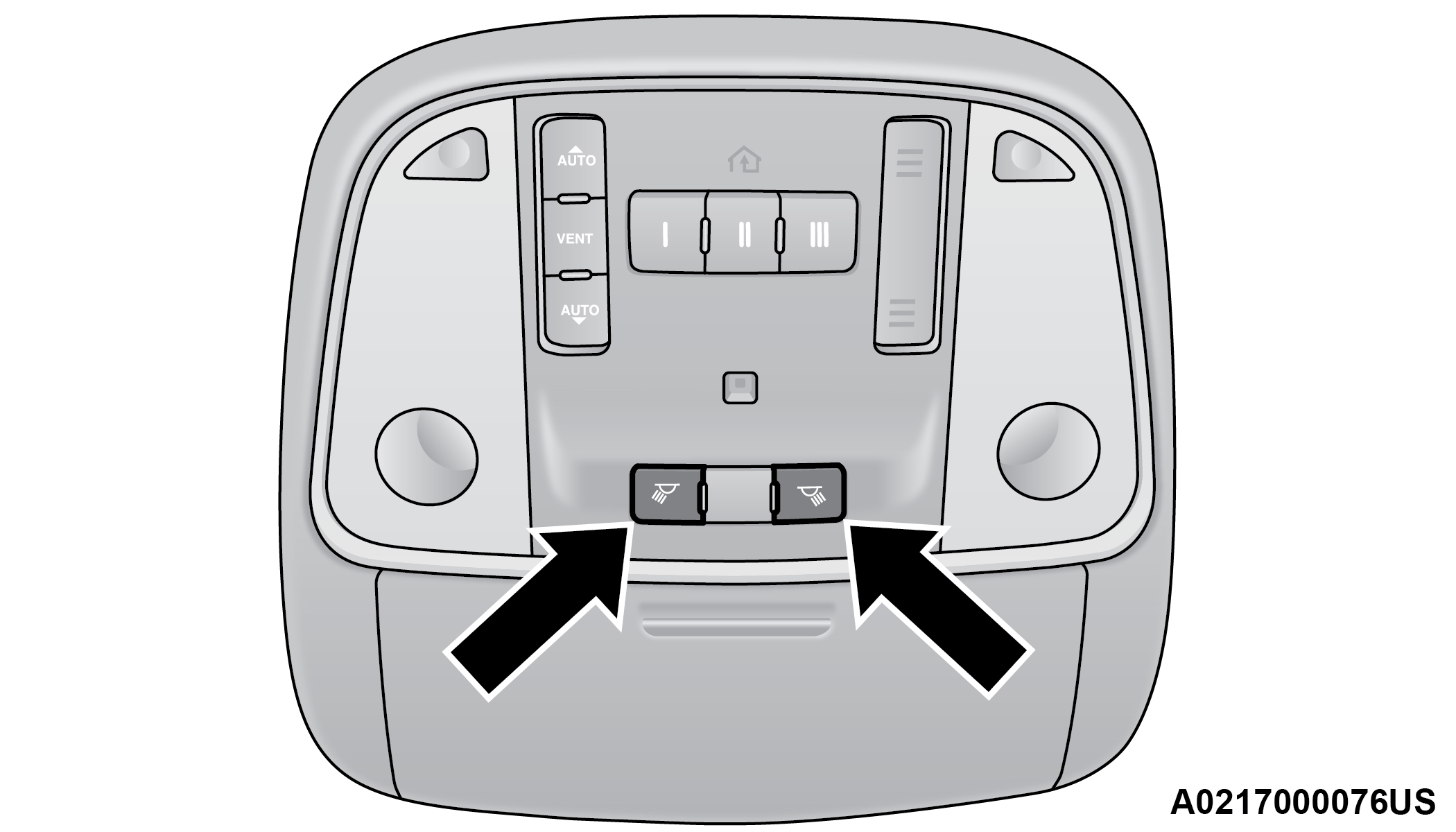
Front Map/Reading Light Switches
AMBIENT LIGHT — IF EQUIPPED
The overhead console is equipped with an ambient light feature. This light casts illumination for improved visibility of the floor and center console area.
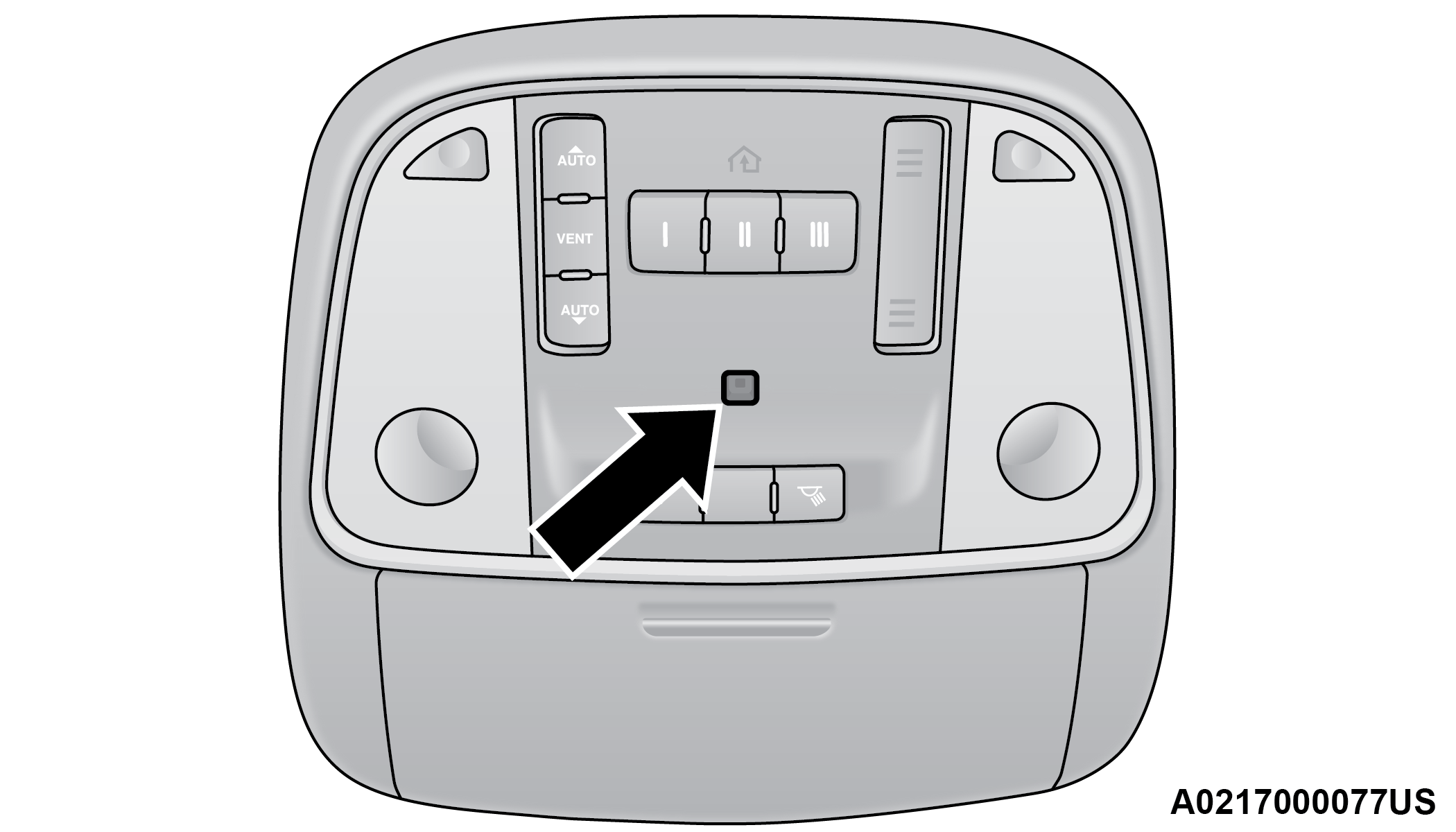
Ambient Light
Rotate the right dimmer control upward or downward to increase or decrease the brightness of the door handle lights, map pocket lights, and ambient light located in the overhead console.
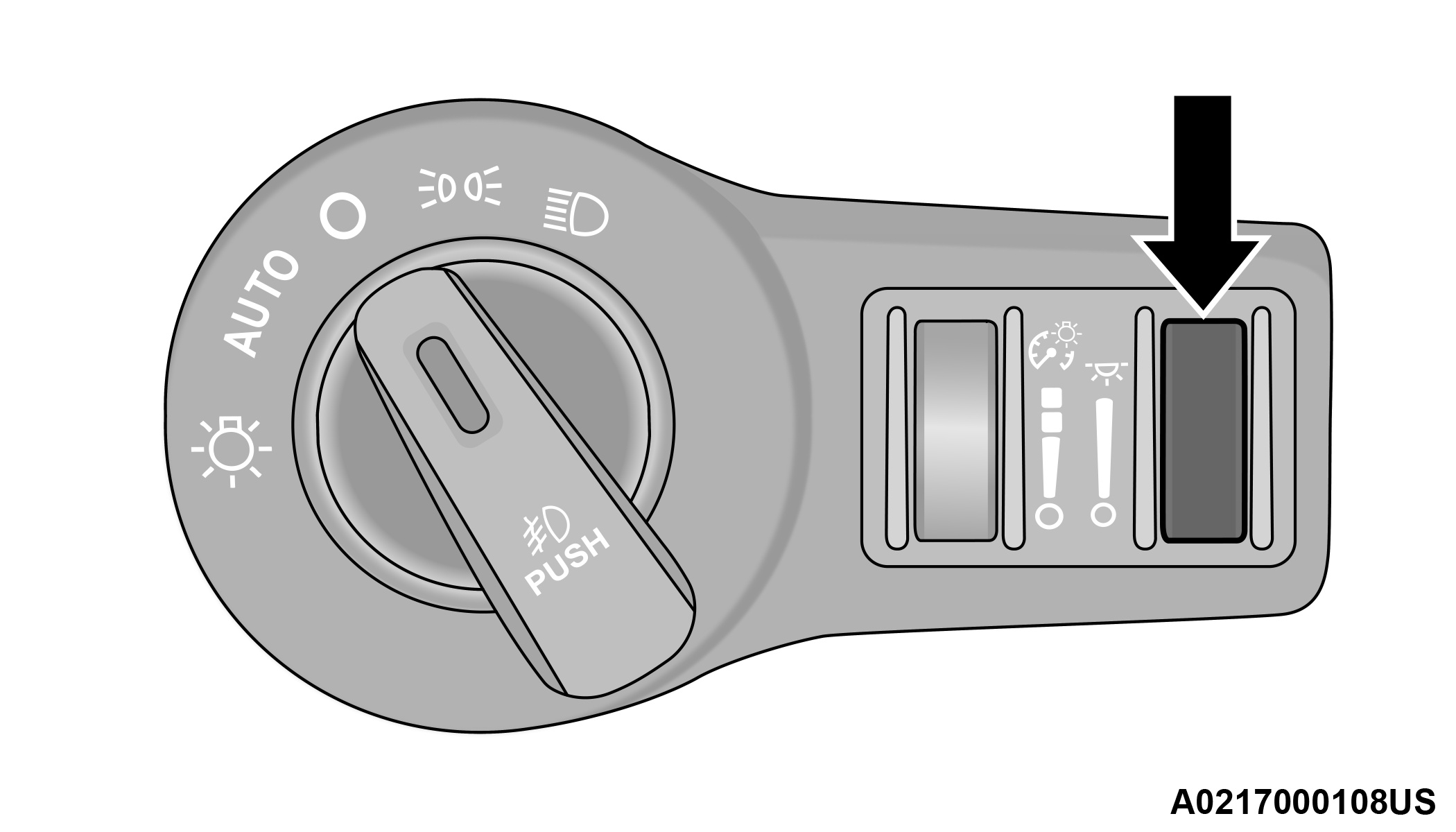
Door Handle/Ambient Light Dimmer
DIMMER CONTROLS
The dimmer control is part of the headlight switch and is located on the left side of the instrument panel.
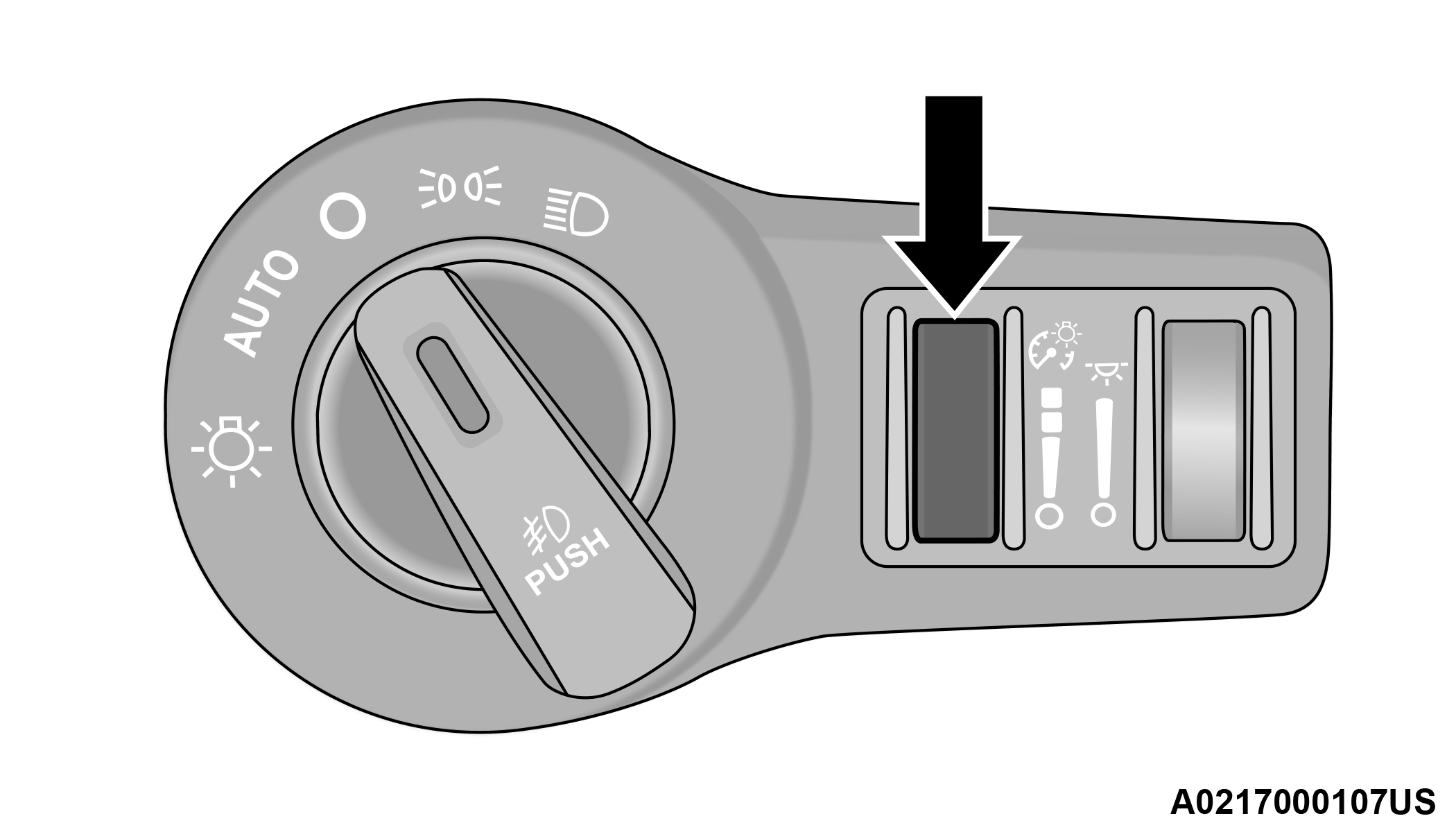
Instrument Panel Dimmer Control
With the parking lights or headlights on, rotating the left dimmer control upward will increase the brightness of the instrument panel lights, radio, and lighted cupholders (if equipped).
Dome Light Position
Rotate the instrument panel dimmer control completely upward to the second detent to turn on the interior lights. The interior lights will remain on when the instrument panel dimmer control is in this position.
Interior Light Defeat (Off)
Rotate the instrument panel dimmer control to the extreme bottom (O) off position. The interior lights will remain off when the doors are open.
Parade Mode (Daytime Brightness Feature)
Rotate the instrument panel dimmer control upward to the first detent. This feature brightens all text displays such as the odometer, instrument cluster display, and radio when the parking lights or headlights are on.
Download Manual